A Window Onto a Longer Document
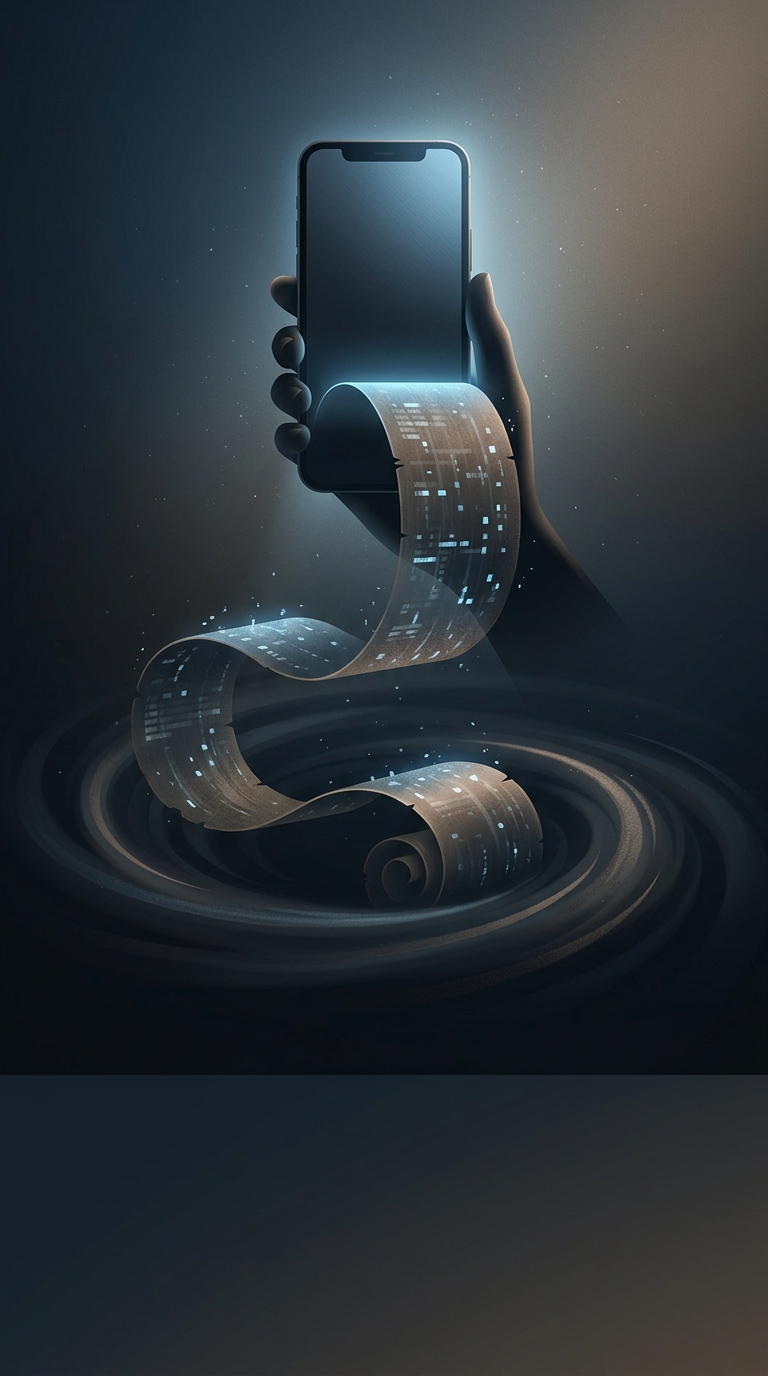
Early word processors could hold more text than a screen could show. Rather than divide every document into separate pages, they treated it as one continuous vertical block and displayed only the portion that fit on the screen. Moving through the text changed which portion was visible—like shifting a window along a much longer surface.
That model made “scrolling” a natural way to describe navigation. The physical-scroll analogy was more than a name: it suggested that the text continued beyond the screen and that the reader moved through it by revealing more, not by opening a different document.
The Screen Became a Viewport
A viewport is the visible area through which a user sees a larger digital object. In a word processor, the document could extend above and below that area. Scrolling moved the viewport while leaving the document itself intact. A scrollbar made the relationship visible: its position indicated roughly where the reader was in the longer text, and moving it brought another stretch into view.
This approach made continuous documents practical even when displays were small. It also shaped a familiar expectation that carries into modern interfaces: when content runs past the edge of a screen, users can move through it without losing their place or treating each screenful as a separate page.