Why an Update Can Make an Old Phone Feel Slower
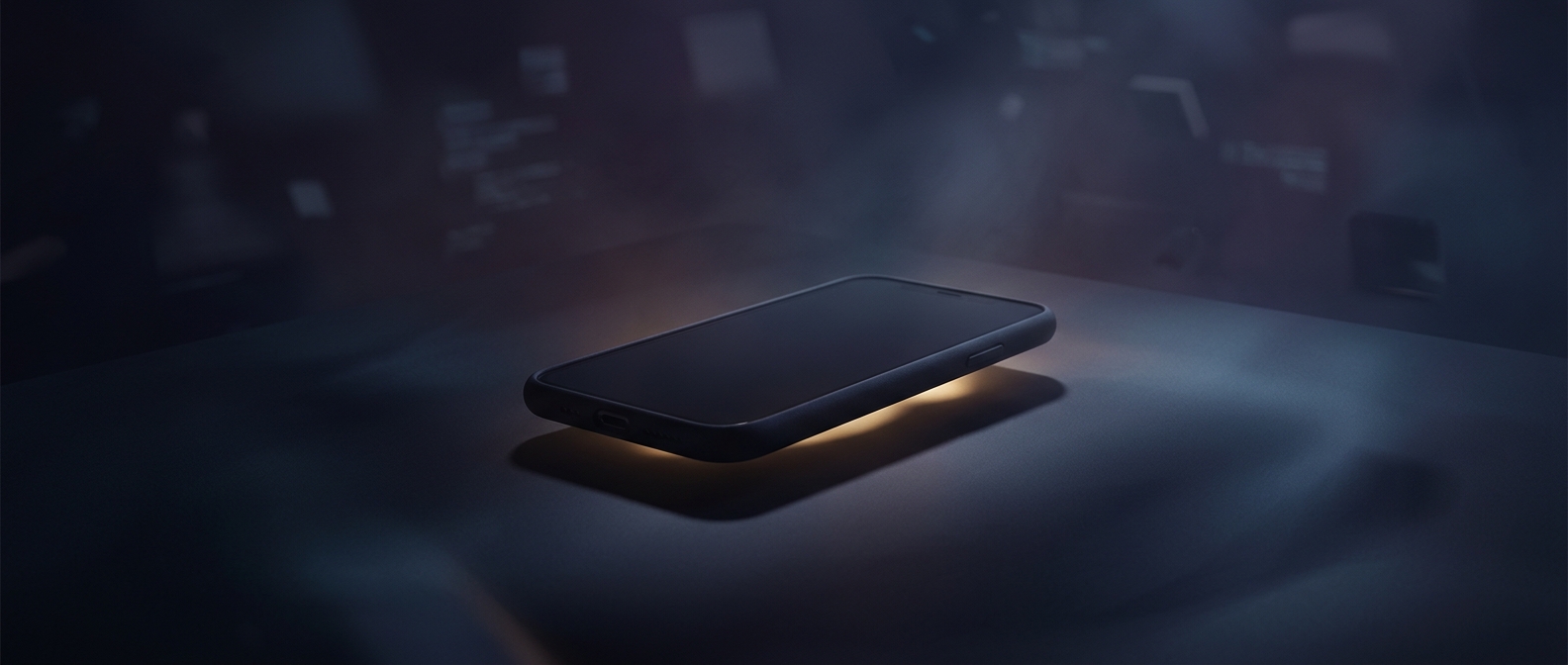
A software update changes what a phone has to do. New features may use more memory or processing power, and the system may temporarily re-index photos, messages, and files after installation. That work can increase battery use for a while. If the drain continues, the update may also have changed background activity or introduced a bug—but faster battery loss alone does not show that the maker intended to wear out the device.
Battery age is often part of the story. Phone batteries gradually lose capacity through repeated charging and ordinary chemical aging. A newer version of an operating system can expose that weakness: the phone may be doing more work, while its older battery has less energy to supply. The result can feel like the update caused the decline, even when the battery was already deteriorating.
When the Upgrade Pressure Becomes Real
Planned obsolescence means designing or managing a product so that it becomes less useful, harder to maintain, or less appealing before it has to. In phones, the concern can involve more than battery drain: ending software support, limiting repair options, or making replacement parts difficult to obtain can all shorten a device’s practical life.
Those choices can create a powerful incentive to buy again. But an update that runs poorly on older hardware is not, by itself, proof of a deliberate replacement strategy. The distinction matters: technical tradeoffs, battery wear, and intentional limits can produce similar symptoms, while pointing to different causes.
What a Battery Check Can Tell You
If an older phone suddenly needs frequent charging, check its battery-health information and recent battery-use report before assuming the update ruined it. A worn battery may be replaceable, and a temporary burst of background activity may settle down. The lasting pressure to upgrade often comes not from one dramatic update, but from several limits accumulating: weaker battery, heavier software, and support that eventually ends.