The browser keeps a local shortcut
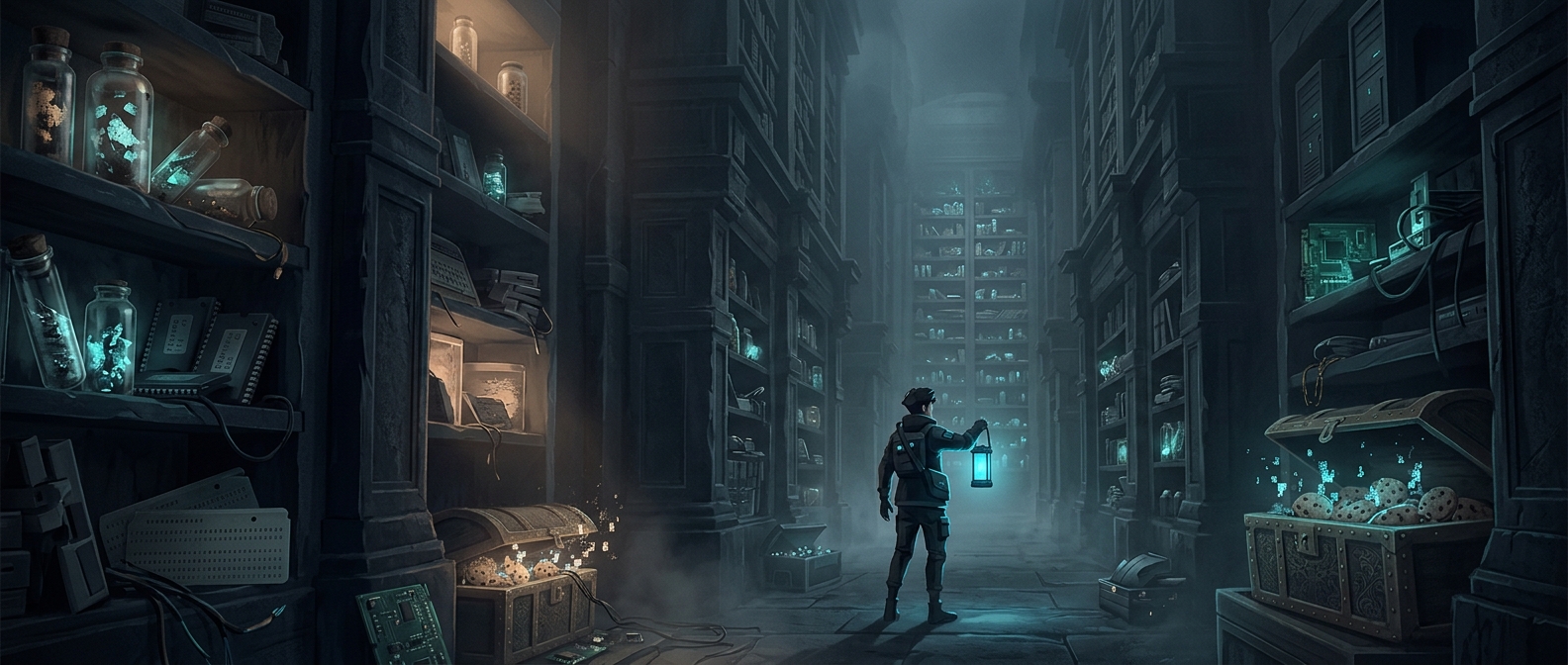
When a page loads, the browser may download images, style sheets, and other files that help build it. It can keep copies in a cache—temporary local storage—so a later visit can reuse them instead of fetching every file from the internet again. That saves time and data, especially when the same images or design elements appear across several pages.
The shortcut works only if the saved copy is still suitable. A website can tell the browser how long certain files may be reused. Once that period passes, the browser may check with the site for an updated version before using the local one. This helps a page reflect changes without forcing the browser to download everything anew on every visit.
A cache is useful precisely because it is disposable
A browser’s storage is shared with other needs, and cached files can accumulate as someone visits more sites. Keeping every downloaded file forever would waste space and could leave old versions in use. So browsers can remove cached material when storage is needed; if a page later requires a deleted file, the browser simply downloads it again.
That makes cache different from a dependable archive. It is a performance tradeoff: retain likely-to-be-useful files while they help, then discard them when they no longer earn their space. The “clutter” is the visible cost of a system designed to make repeat visits quicker—not a collection the browser promises to preserve.