Why a Tiny Sprite Can Fill the Screen
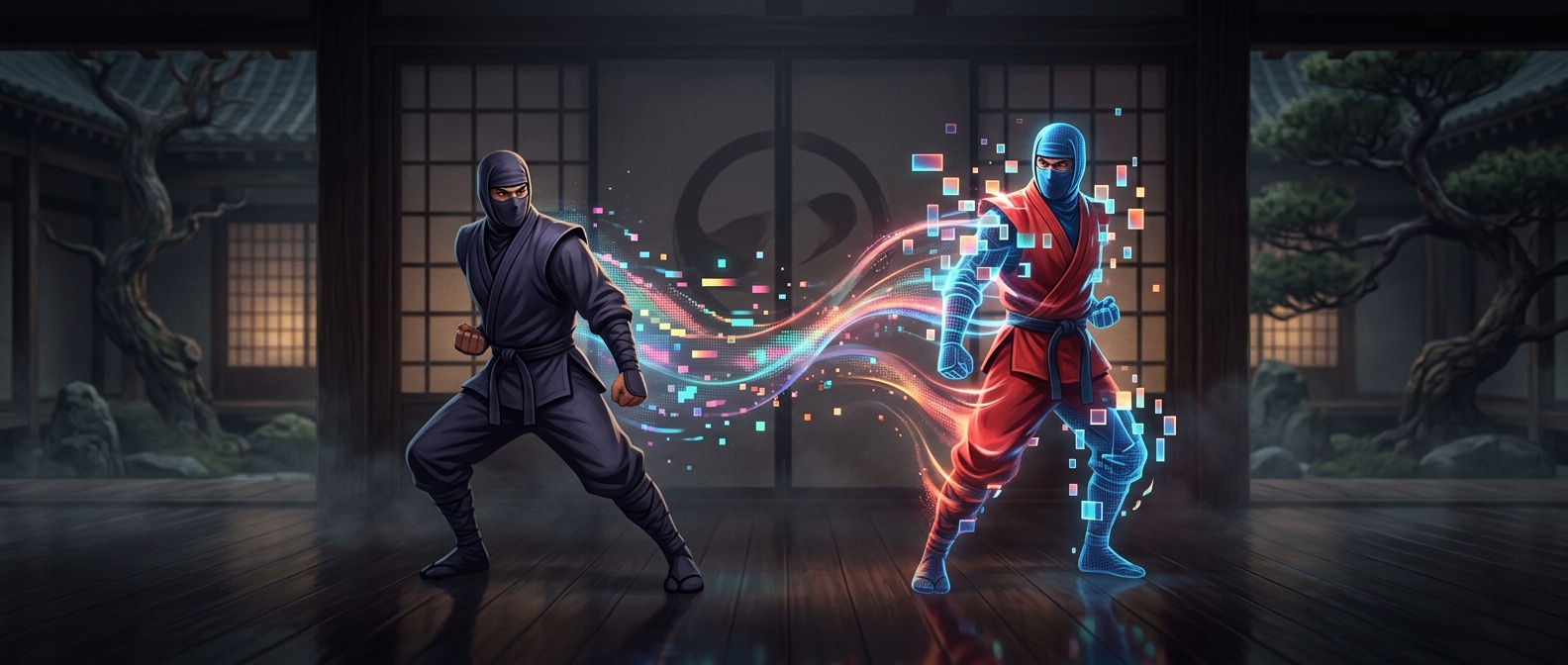
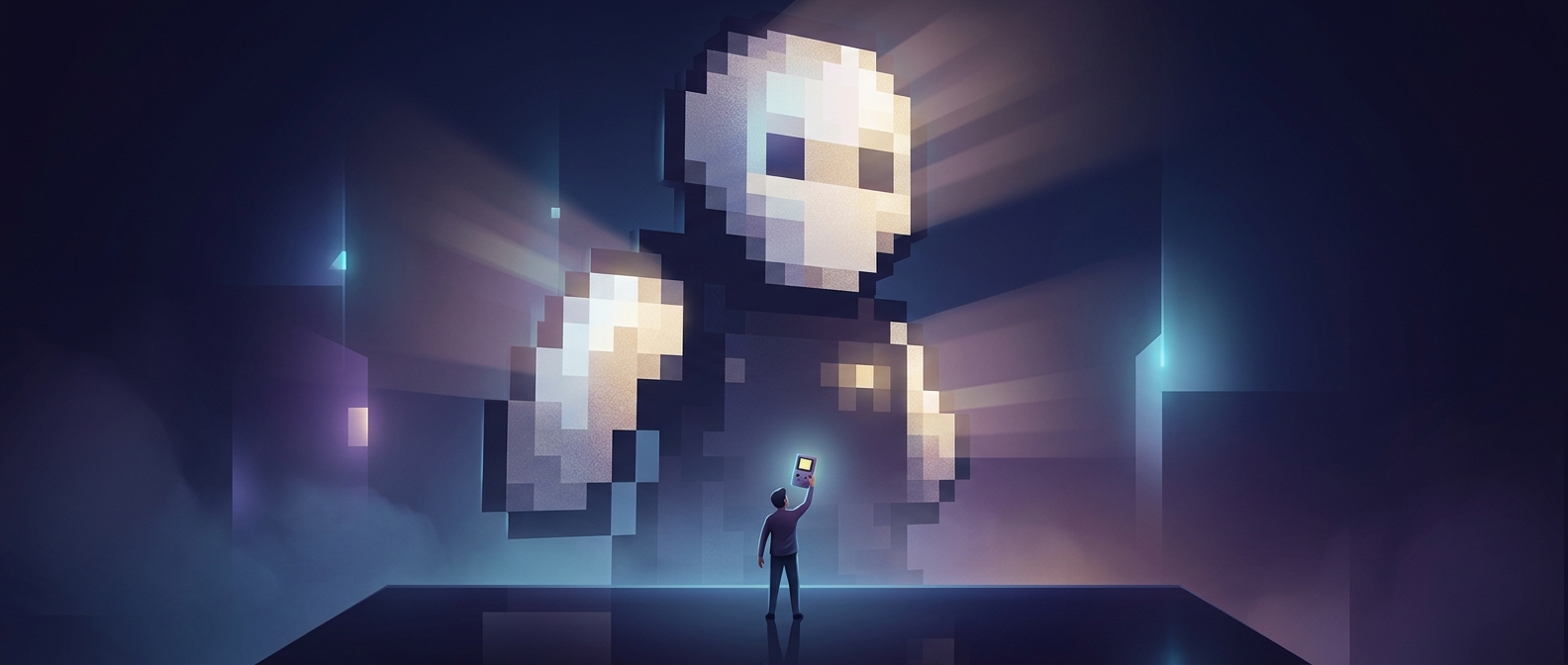
A sprite begins as a small grid of colored squares. When a game enlarges it with nearest-neighbor scaling, each source square is copied into a larger block: a 16-by-16 image scaled four times becomes a 64-by-64 image, with every original pixel occupying a 4-by-4 patch. The game is not inventing extra detail; it is giving the existing grid more screen space.
That makes the artist’s original grid behave like a set of rules. A one-pixel change in the source can become a thick stripe or a prominent notch after enlargement, so silhouettes and facial features must work at the small size before scaling. The chunky result is therefore partly a technical consequence and partly a deliberate design choice.
Why the Blocks Stay Even
Nearest-neighbor scaling is especially predictable when the enlargement uses a whole-number factor. Every source pixel then becomes a block of the same width and height. At a fractional size, such as 2.5 times, the display cannot give every pixel an identical whole-pixel block; some will cover more screen pixels than others. That uneven pattern can make the art look irregular or shimmer as it moves.
Games can also scale the whole scene, not just one character. If the camera enlarges the low-resolution image, backgrounds and interface elements inherit the same block structure. The visible pixels preserve the layout of the original grid, even when the sprite grows far beyond its authored size.