A familiar shape, a different threat
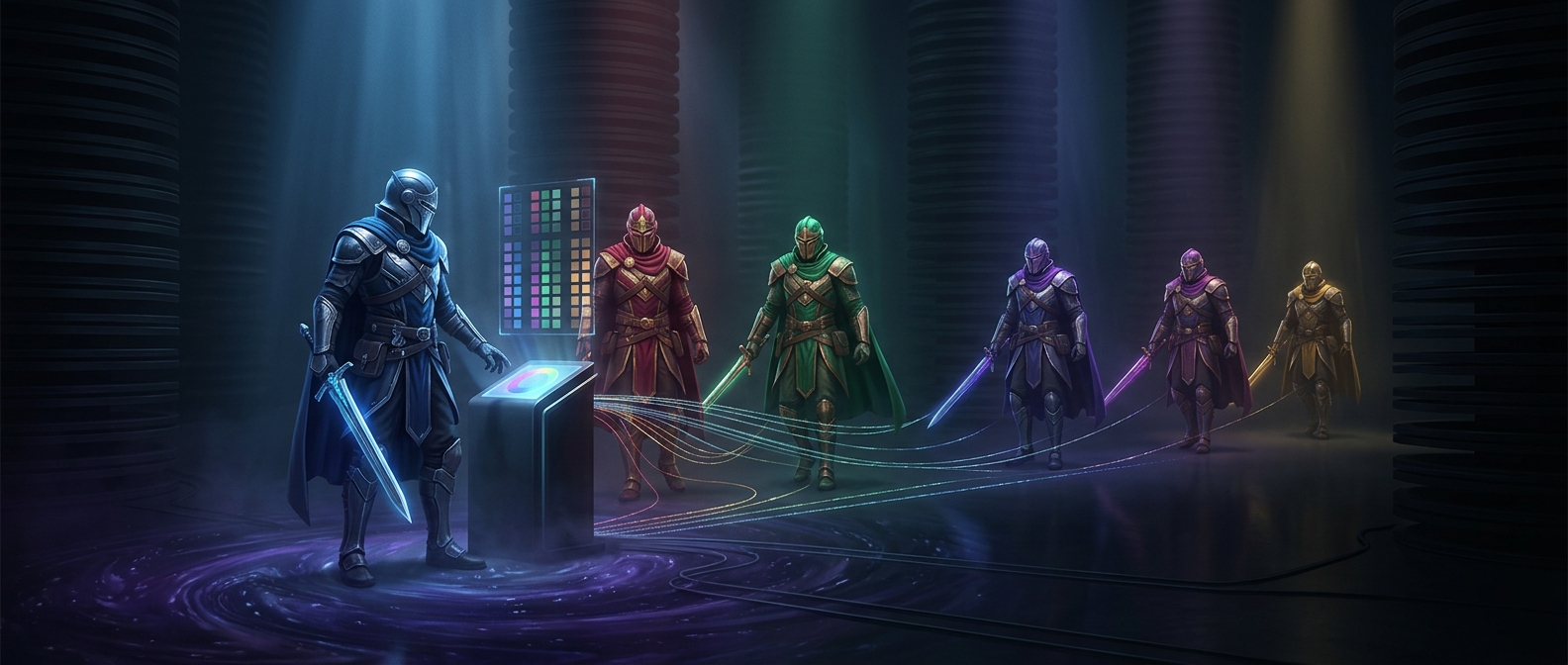
An enemy on screen was often stored as a sprite: a small image the game could move and animate independently of the background. Rather than keep a second, nearly identical set of images for a tougher enemy, developers could reuse the same sprite and change its colors. This technique is called a palette swap.
A palette is a small set of colors an image can draw from. Change which colors the sprite uses, and the same outline can read as a new character—perhaps a brighter, darker, or more ominous version of an enemy the player already knows.
Why recoloring saved space
Older game systems had tight limits on the data they could store and display. A new enemy with a different pose or silhouette might require additional image data; a recolored version could reuse the original art and animation frames. That left more room for other game content, such as levels, music, or additional characters.
The tradeoff was that a palette swap did not, by itself, make an enemy behave differently. Designers could pair the new colors with changes to speed, durability, or attacks, but those differences had to come from the game's rules—not from the recoloring. The visual shortcut made a tougher variant legible without requiring an entirely new set of images.
Color as a gameplay signal
Because players could recognize the reused shape, a color change could communicate “you’ve seen this kind before, but watch out.” It was an economical design choice with a practical benefit: the game could suggest a new threat while asking the player to learn only what had changed. Sometimes the new enemy was literally the old sprite in a different palette; the challenge came from what the game made that familiar figure do.