Why a camera pan can blur everything
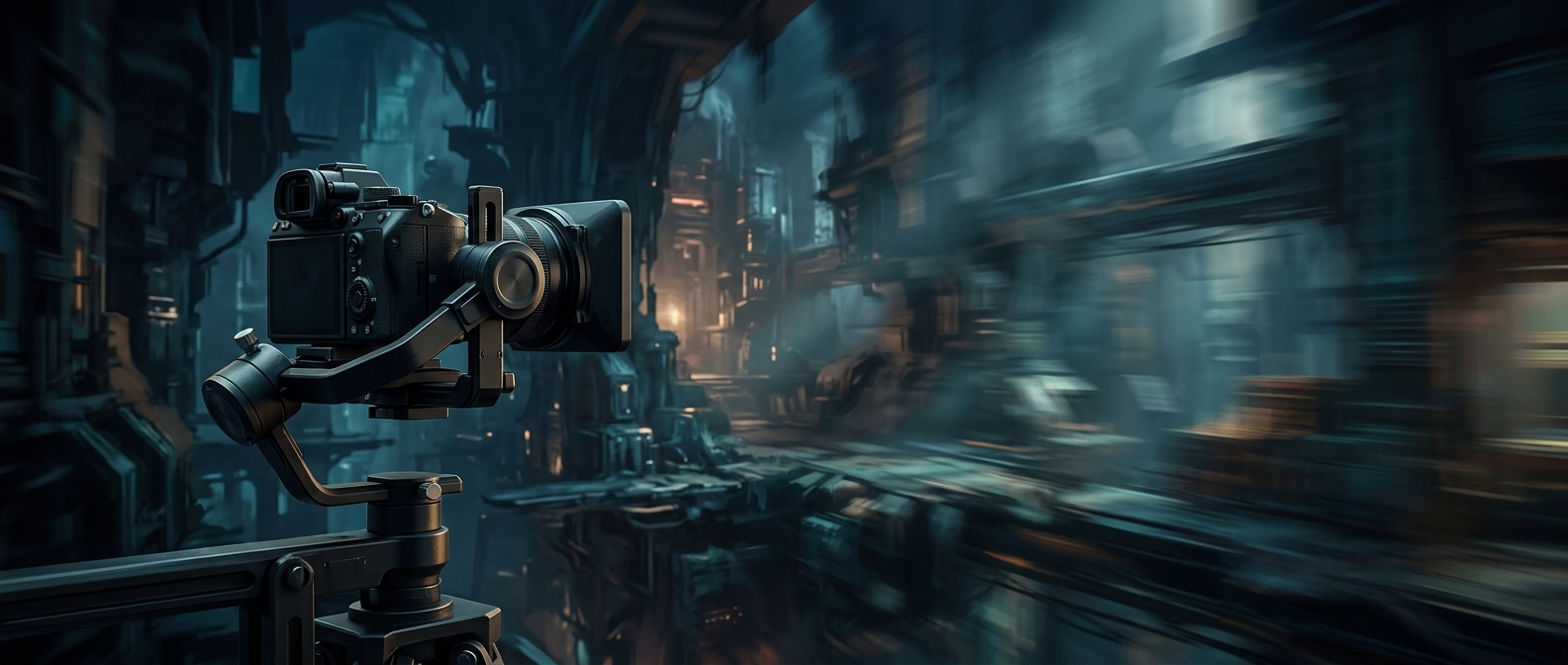
Motion blur imitates the streaks a real camera records when something moves during an exposure. In a game, the image is usually rendered as a sequence of separate frames; blur is added by estimating how pixels moved between frames and blending their color along that path. When the virtual camera turns, much of the scenery shifts across the screen at once. The blur effect can therefore stretch the whole view, not just a fast-moving character or object.
A smoother impression, at a cost
At a low frame rate, each new frame arrives after a more noticeable jump in time and position. Blurring those jumps can soften the sense of stutter and make movement feel less abrupt. It also imitates the look of film, where motion is captured over a span of time rather than in perfectly crisp snapshots.
But the same blending combines details from different screen positions. During a quick pan, a sharp edge may become a streak, and small features can be harder to follow. That tradeoff matters most when a player is trying to read the scene while moving the camera—not merely watch movement unfold.
Why the effect is often a setting
Developers choose how strongly to apply blur and whether it follows camera movement, object movement, or both. A restrained effect may soften rapid motion without making the whole view feel smeared; a stronger one makes the cinematic look more obvious but sacrifices clarity. Because players differ in how much blur they enjoy or tolerate, a game may offer a control to reduce or disable it. In practice, the choice can change whether a fast pan feels polished—or makes the target the player is tracking disappear into a streak.