Why a Building Sharpens After It Appears
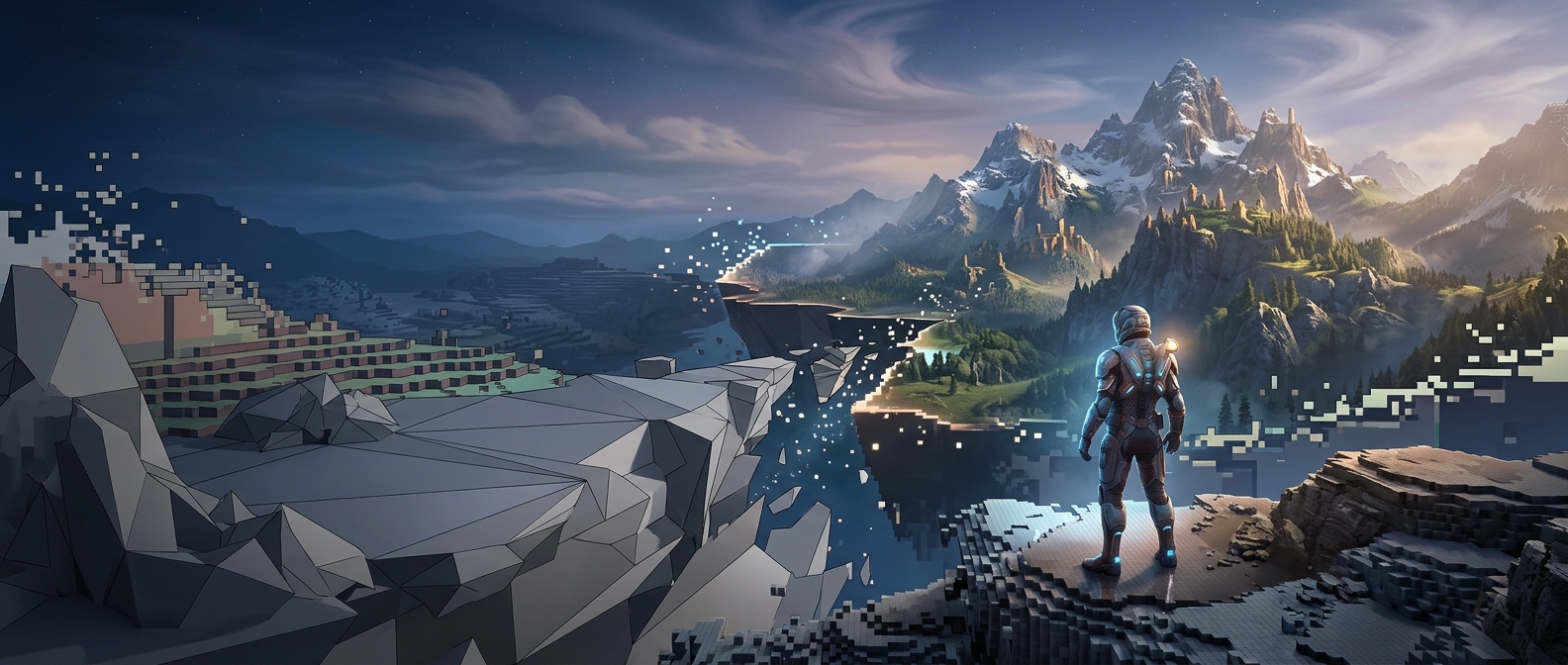
A game does not always load every surface at full detail before play begins. A building’s texture—the image that supplies its color and fine surface detail—may exist in several sizes. The game can show a small version first, then replace it with a larger one when that detail is needed. This lets the scene appear without waiting for every large asset to be ready.
The larger texture has to be found, transferred into working memory, and often decompressed before the graphics hardware can use it. If the player moves quickly, or several demanding areas come into view at once, those steps can take longer than the game has to spare. The building is already drawn, but its sharper surface image has not arrived yet.
Why the Game Loads Detail in Stages
High-resolution textures use much more memory than small ones. Keeping every possible detail ready at once would consume scarce video memory and could leave less room for other assets. Instead, games stream data in as needed, often prioritizing nearby objects and details that occupy more of the screen. Distant surfaces can use smaller images because their fine features are hard to see anyway.
That creates a practical tradeoff: staged loading helps a game keep moving, but the handoff can become visible. A brief delay may come from slow data transfer, a crowded memory budget, or the extra work of preparing the texture—not necessarily from the building itself being loaded late.
A Visible Sign of a Hidden Budget
Developers can reduce the effect by preparing likely assets earlier, choosing which details deserve priority, or using smaller textures. But those choices compete with visual quality, memory use, and loading time. When a plain-looking wall suddenly gains bricks, grain, or weathering, the change reveals the game balancing those demands in real time.