How USB made one connection do many jobs
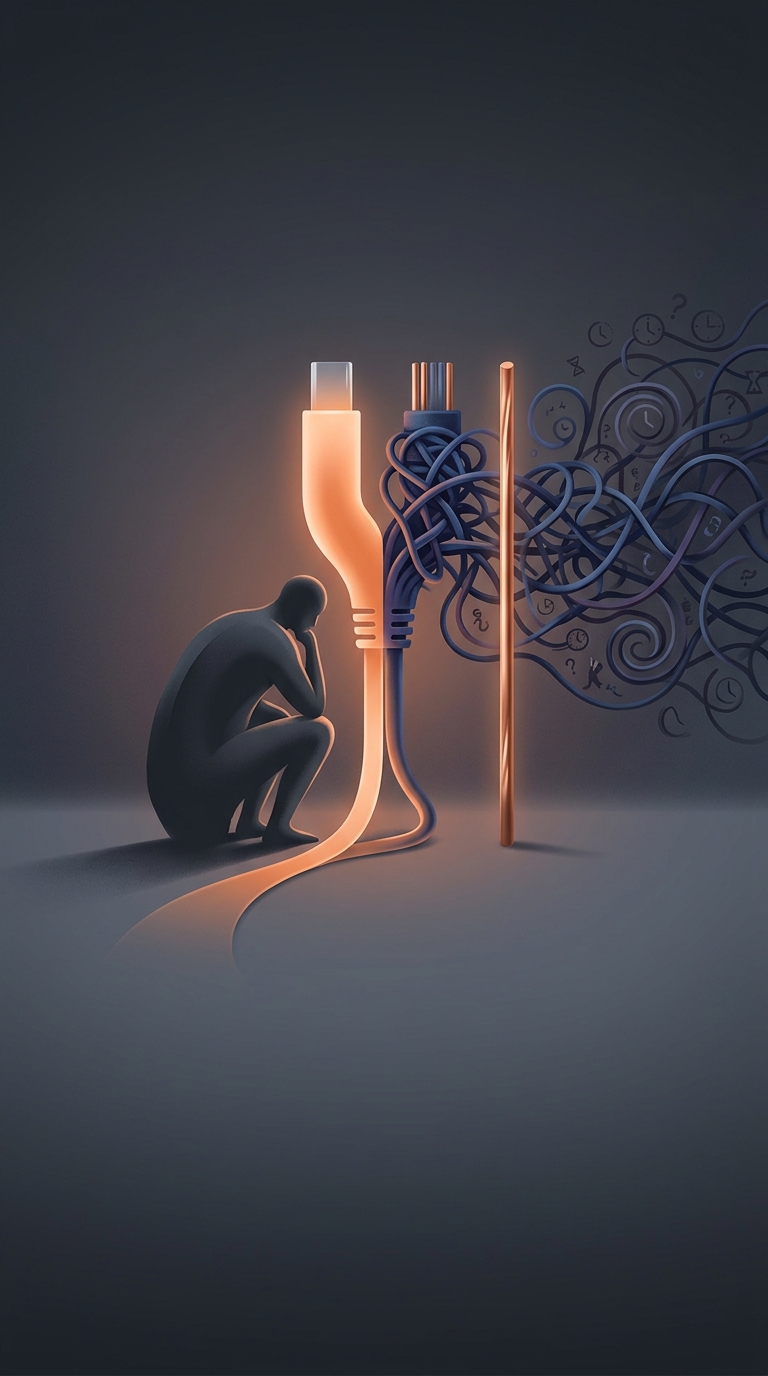
Before USB, a desktop computer’s back panel could be a tangle of specialized ports: one for a keyboard, another for a mouse, and others for printers or storage. Each connection had its own design and setup quirks. Adding a device could mean finding the right connector, configuring it, or even opening the computer to install an expansion card.
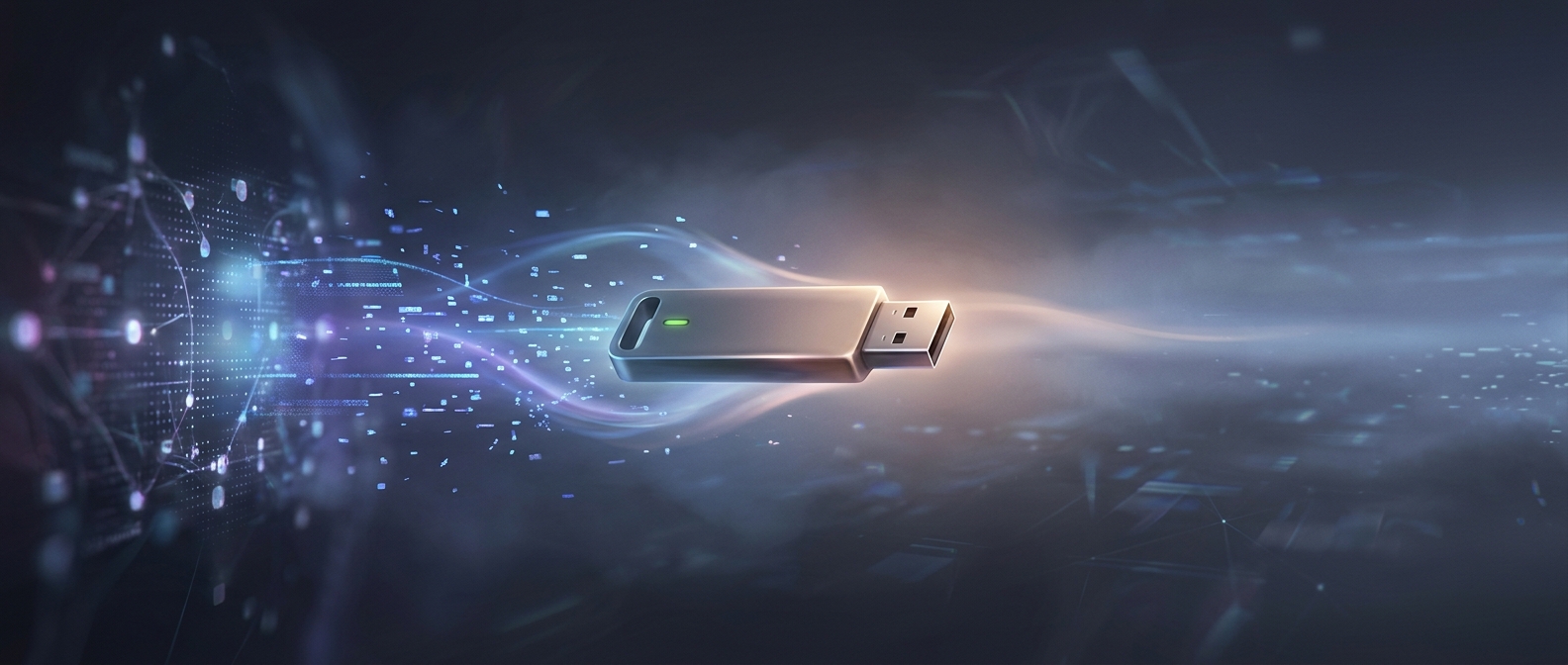
The Intel-led USB team’s key move was to create a common connection for many kinds of peripherals, rather than another port dedicated to one device. USB sends data serially—one bit after another—over a small set of wires. That keeps the cable and connector relatively simple while allowing devices with very different purposes to share the same interface.
The computer handles the introductions
USB also gave the computer a standard way to identify a newly attached device and determine what it could do. This process, called enumeration, lets the computer assign the device a place in the system and load the appropriate software. In practice, it made plugging in a supported device much more likely to work without manually setting switches or restarting the computer.
The connection could also carry power, so a mouse or other small accessory did not need a separate power cable. That combination—shared data connection, automatic identification, and power—helped turn USB from a port into a general-purpose system for peripherals.
Why making the standard free mattered
A connector is useful only when computers and devices can both use it. Intel made the specification available royalty-free, lowering a barrier for manufacturers deciding whether to build USB into their products. More compatible computers made USB devices more attractive; more devices, in turn, made USB a stronger reason to buy a compatible computer.
That network effect was the payoff: Intel could benefit from a more compatible PC ecosystem without collecting a royalty on each cable or peripheral. The practical legacy is visible in an ordinary act that once involved matching specialized hardware: connecting a new device and expecting the computer to recognize it.