The idea was to remove the pause
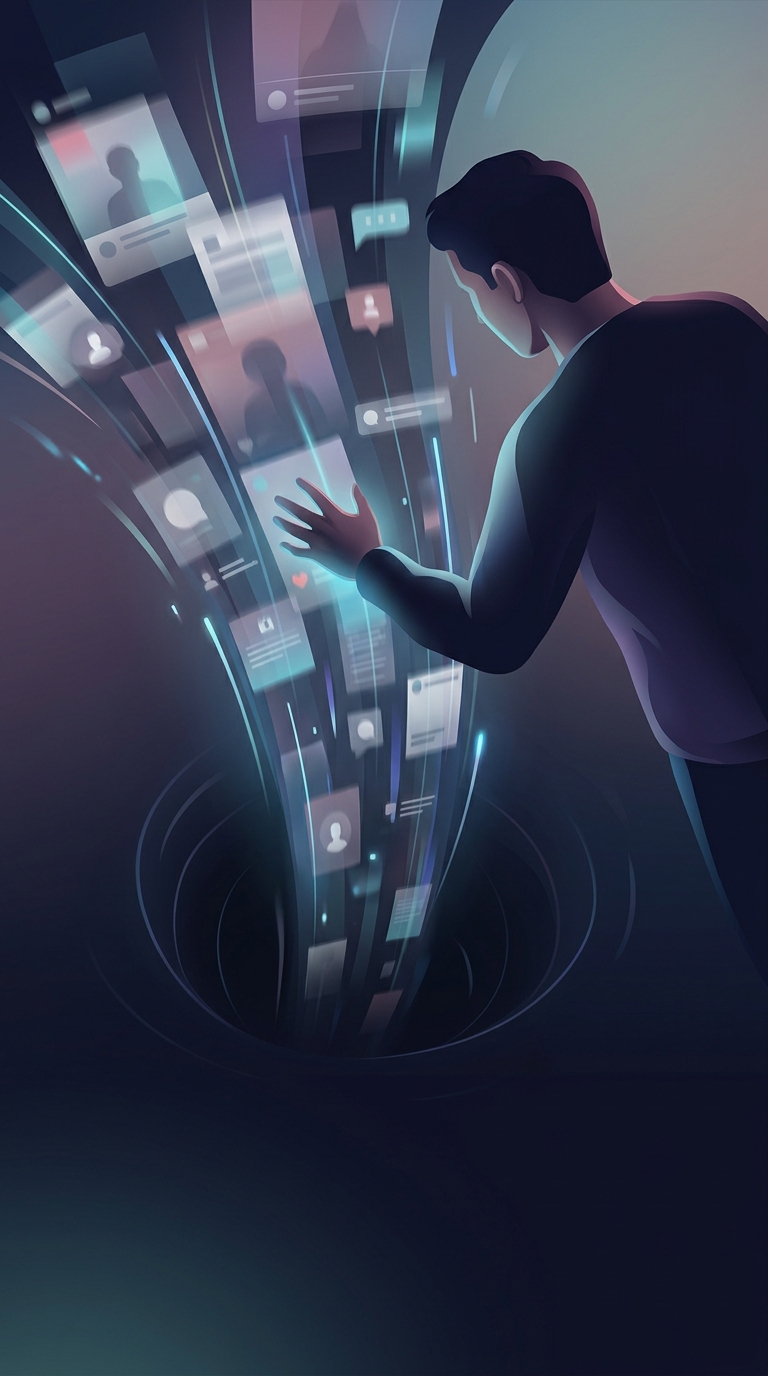
The central design philosophy behind infinite scroll was continuity: let people browse a stream of material without making them stop, choose a page number, and wait for another page to load. Instead of presenting a fixed batch of results with a “Next” button, a site adds more items as the reader approaches the bottom.
That change removes a small but repeated task. On a long list of photos, posts, or search results, the user no longer has to decide when to advance; the interface carries the browsing forward. The design can feel especially natural on a phone, where swiping upward already moves through content.
A smoother path with fewer stopping cues
Pagination gives a list clear boundaries: a page ends, and the reader must take an action to continue. Infinite scroll makes those boundaries less visible. As new items appear, the apparent end keeps moving away, so browsing can continue with little deliberate effort.
That has two consequences. It can make discovery faster when someone wants to scan a large collection, but it also removes a natural moment to reconsider whether to keep going. The same reduction in friction that makes the interface convenient can make time spent browsing harder to notice.
What the interface asks of its designers
Because the stream has no obvious final page, users may lose their place or find it difficult to return to an earlier item. Designers can address that with features such as clear loading indicators, ways to save or revisit content, and controls that let people jump to a new section rather than scroll indefinitely.
So the lasting appeal of infinite scroll is not simply that it shows more content. It turns browsing into one continuous motion, trading explicit stopping points for a smoother flow.