Why JPEG compression removes detail
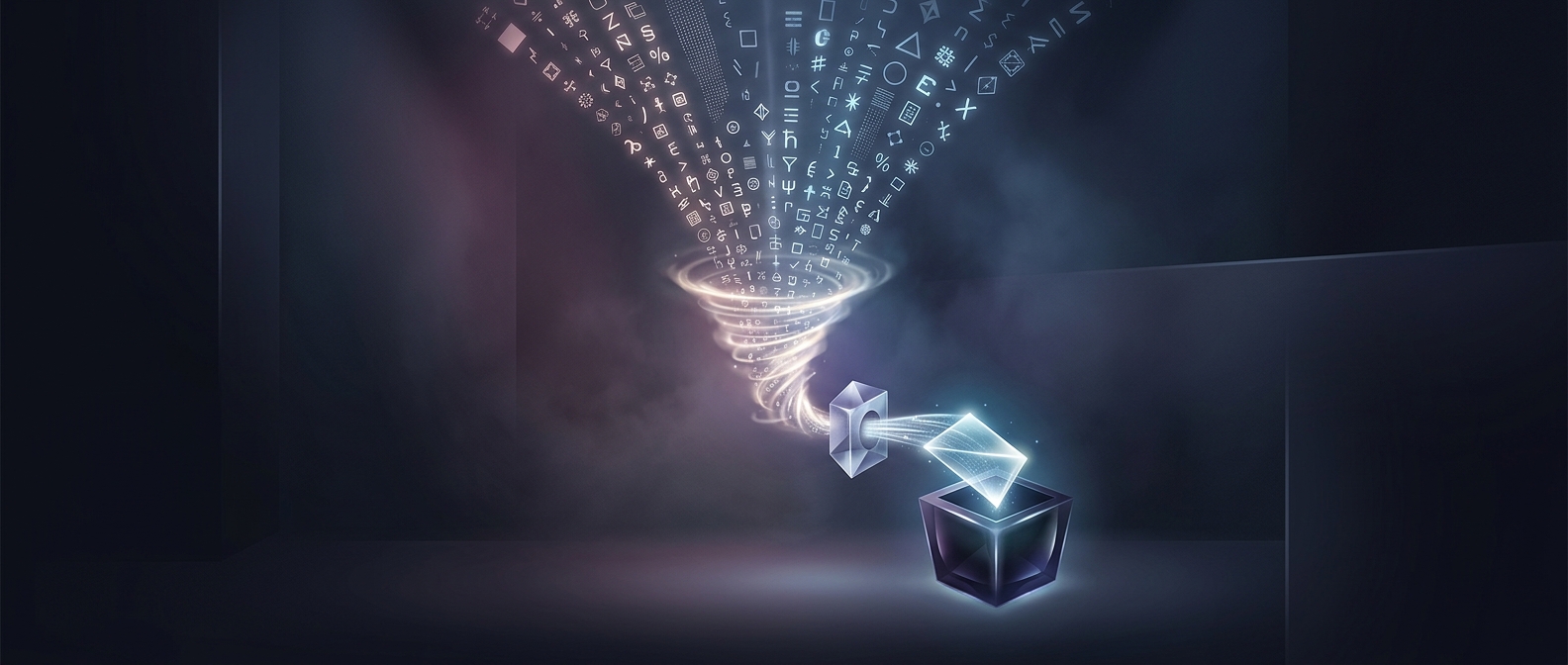
A JPEG file does not store every pixel exactly as it appeared in the original. To make the file smaller, the encoder analyzes small blocks of the image and represents their patterns as combinations of broad shapes and fine details. It then rounds many of those values, keeping more of the information that shapes overall brightness and color while trimming subtle variations that are less noticeable to the eye.
That rounding is called quantization. It is the key tradeoff: stronger compression means smaller files, but more fine detail is discarded.
What happens when you save again
When an editing program opens a JPEG, it reconstructs an image from the compressed data. Saving it as a JPEG usually analyzes and compresses that reconstructed image anew. The encoder cannot recover detail that the first save removed; it can only discard more information from what remains.
The effects may be hard to notice after one save. With repeated saves—especially at strong compression—small errors can accumulate around sharp edges and in detailed areas such as hair, leaves, or fabric. Edges may develop faint blocks or halos, while textures can look smeared or rough. The comparison to a photocopy of a photocopy captures the process: each generation starts from a less faithful version of the previous one.
Keep a clean source
For ongoing edits, keep the original JPEG untouched, or work in a format that preserves image data exactly, such as PNG or a lossless editing file. Export a JPEG when you need a compact final copy. That way, you can make changes and create new versions from the clean source rather than repeatedly compressing an already-compressed image.