A webcam cover can become a pressure point
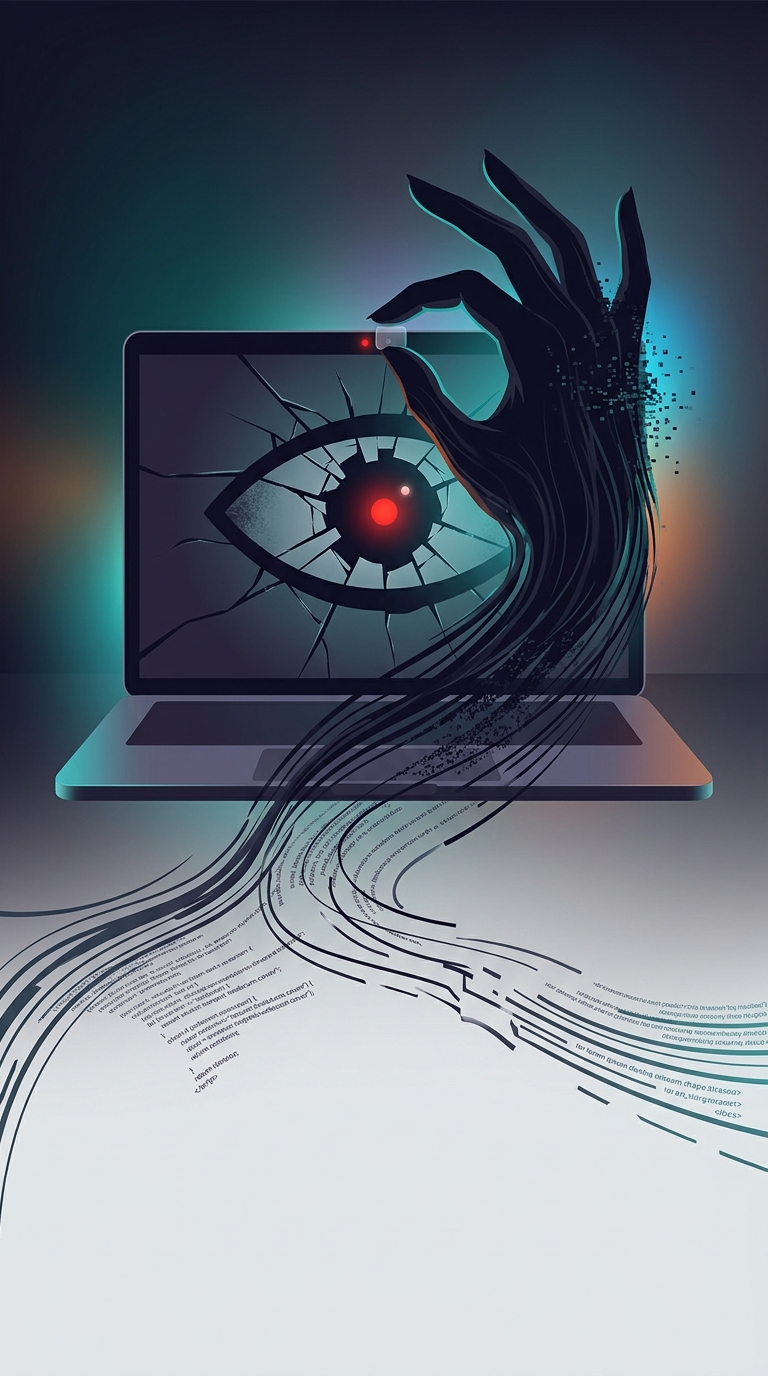
A sliding cover seems harmless when the laptop is open. The risk comes when you shut it: on a thin laptop, the gap between the display and the keyboard is very small. A cover that adds even a little thickness can press against the screen as the lid closes. That pressure may leave marks or, in the worst case, crack the display—especially if the laptop is squeezed in a bag.
The danger is not that every cover will break every screen. It is that an accessory can take a carefully limited clearance and turn it into contact in a vulnerable spot.
The camera light is part of the safeguard
On Mac laptops with a built-in camera, Apple says the camera is designed so its indicator light turns on whenever the camera is active. The light is physically linked to the camera, rather than being only a software signal. That makes it a visible cue that the camera is operating.
This does not prevent every privacy concern: a person may still prefer to block the lens, and an indicator cannot tell you why an app is using the camera. But it provides a way to notice camera activity without adding something between the screen and keyboard.
A safer choice is a removable check
If you use a physical cover, Apple advises removing it before closing the laptop. A piece of paper or another very thin cover may reduce the pressure risk, but it still needs to be taken out before the lid shuts. The practical tradeoff is simple: a cover can block the lens, but leaving it in place turns a privacy accessory into something that can damage the display.