Turning a Flat Surface Into a Game Control
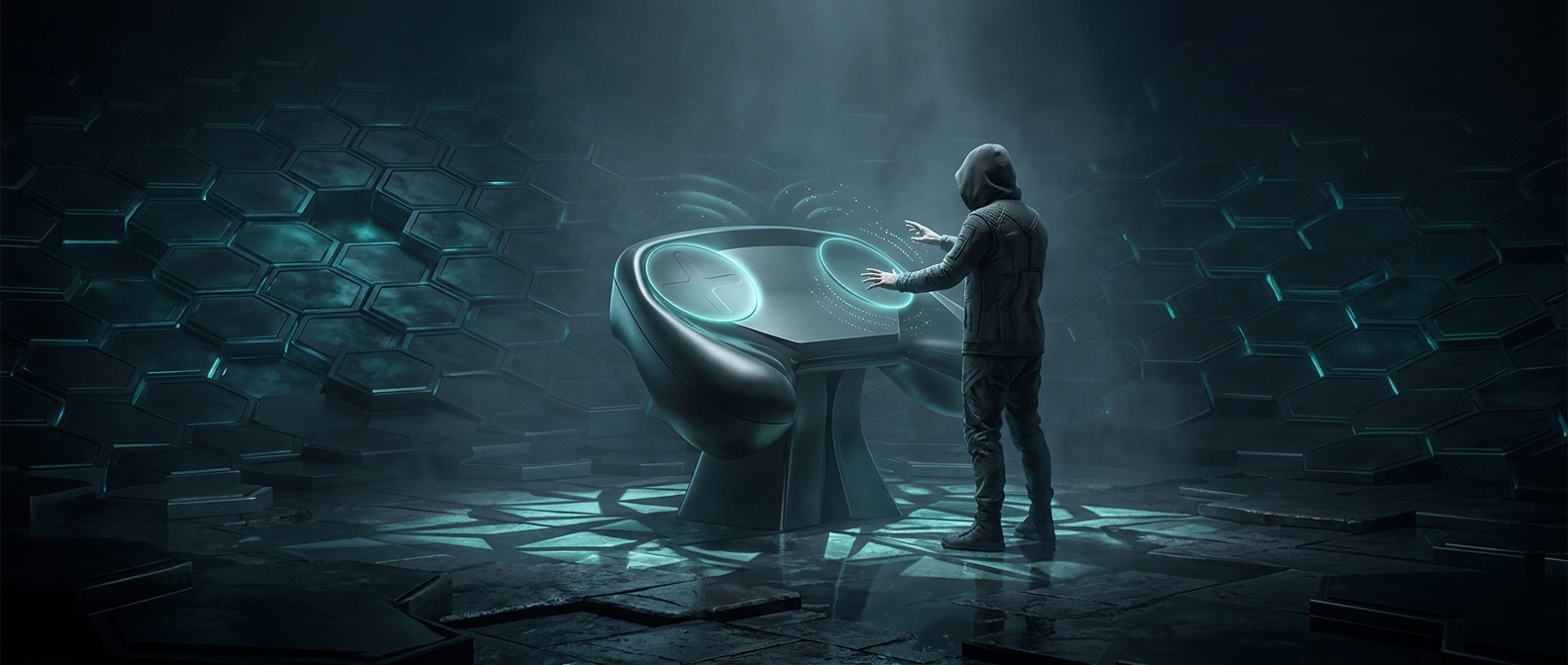
A thumbstick gives a familiar physical signal: push it farther, and your character moves faster or your view turns more quickly. A touchpad works differently. It senses where a thumb is and how it moves across a surface, so the controller has to translate those gestures into game inputs. The Steam Controller’s concave pads gave thumbs a shallow place to settle while leaving room to swipe or make smaller movements.
Haptic feedback—brief vibrations that imitate a physical sensation—helped make that otherwise smooth surface feel more informative. A player could receive a tactile cue while moving a thumb, rather than relying entirely on what appeared on screen. The pads could also be configured to behave in different ways, making them adaptable to games built around a mouse and keyboard as well as conventional controller inputs.
Flexibility Came With a Learning Curve
That adaptability was the point, but it also changed what players had to learn. With a stick, the direction of movement is tied to a visible, movable lever. On a pad, the same thumb gesture might need to act like a stick, a mouse, or another mapped input, depending on the game and settings. Players accustomed to sticks could find the new control less immediately legible; others valued the extra precision and customization.
The design exposed a basic tradeoff in controller design: familiar hardware is easy to pick up, while a more configurable interface can accommodate more kinds of games but asks players to build new habits. The two pads were not simply replacements for thumbsticks; they made the controller’s behavior something players could reshape.