Why a fingertip can beat a menu
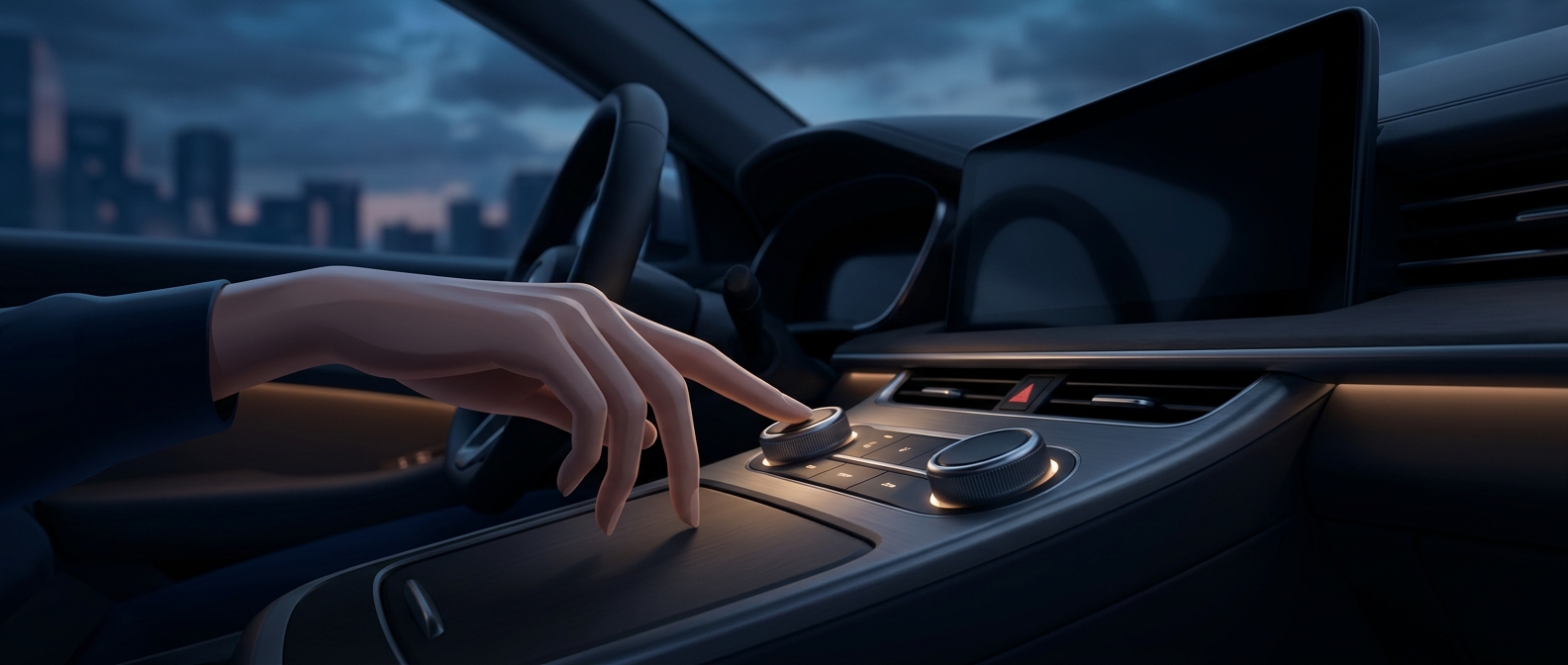
A touchscreen makes a control visible, but it does not make it physically distinct. To adjust a setting, a driver may have to find the right part of a flat display, check that the intended icon is there, and confirm that the tap registered. A button or knob offers another kind of information: its shape and position can be felt without being seen.
That matters because driving already demands frequent shifts of attention between the road, mirrors, and instruments. With a physical control in a consistent place, a driver can learn its location and operate it by touch. The control does not become risk-free, but it can reduce the need to look away to search for it.
Screens simplify the cabin—and complicate the task
Automakers have reason to put functions on screens. A display can show different controls at different times, and software can rearrange or update them without changing the dashboard hardware. That can reduce the number of separate switches and make the cabin look cleaner.
The tradeoff is that a control’s location or appearance may depend on which screen is open. A dedicated knob stays where the driver expects it; an on-screen control may be buried among menus or replaced by another view. Even a simple task can take more attention when it requires navigating a changing interface.
The useful split is by frequency and urgency
The strongest case for bringing back buttons is not that every function needs its own switch. It is that controls used often—or when the driver should keep attention on the road—benefit from a stable, tactile home. Less frequently used settings can still make sense on a screen, where menus can organize many options without filling the dashboard with hardware.
That division treats the dashboard as a safety interface, not just a display. A driver who can recognize a control by touch has one less reason to hunt across a glowing screen while the car is moving.