Why a Downward Drag Can Refresh a Feed
A feed is a scrollable list, so dragging usually moves its posts. But once the list reaches its top, there is nowhere further to scroll. Many apps use that boundary as a second signal: if the user keeps dragging downward, the app interprets the motion as a request to check for updates rather than as more scrolling.
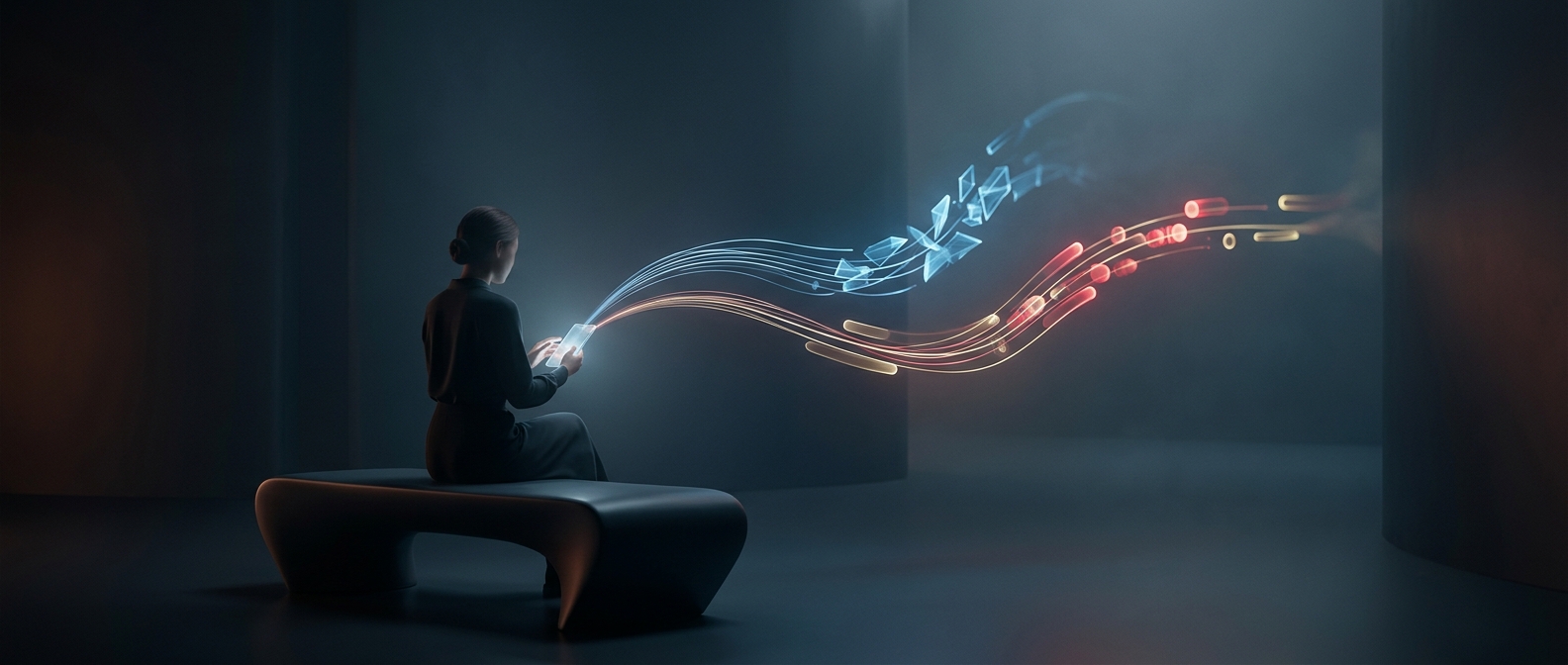
The movement gives the command a physical logic. Pulling the list toward you resembles bringing newer material into view, and the stretch or resistance some apps show makes it clear that the gesture has reached the edge. When the pull passes a threshold, the app starts a refresh; letting go before that point may simply return the list to its normal position.
What the Spinner Is Showing
After the gesture, the app typically asks its service for current feed data. A spinning indicator communicates that this work is still in progress—useful because the request may take longer than the gesture itself. When the response arrives, the app can add newly available posts or update what is already shown, then stop the indicator.
The spinner does not mean that new posts are guaranteed. There may be nothing newer to display, or the connection may be slow or unavailable. The gesture is a request to check, not a way to make content appear. Its practical value is giving users a direct way to ask for a fresh view without leaving the feed or searching for a separate reload button.