Red Turns a Continuous Broadcast Into an Apparent Alert
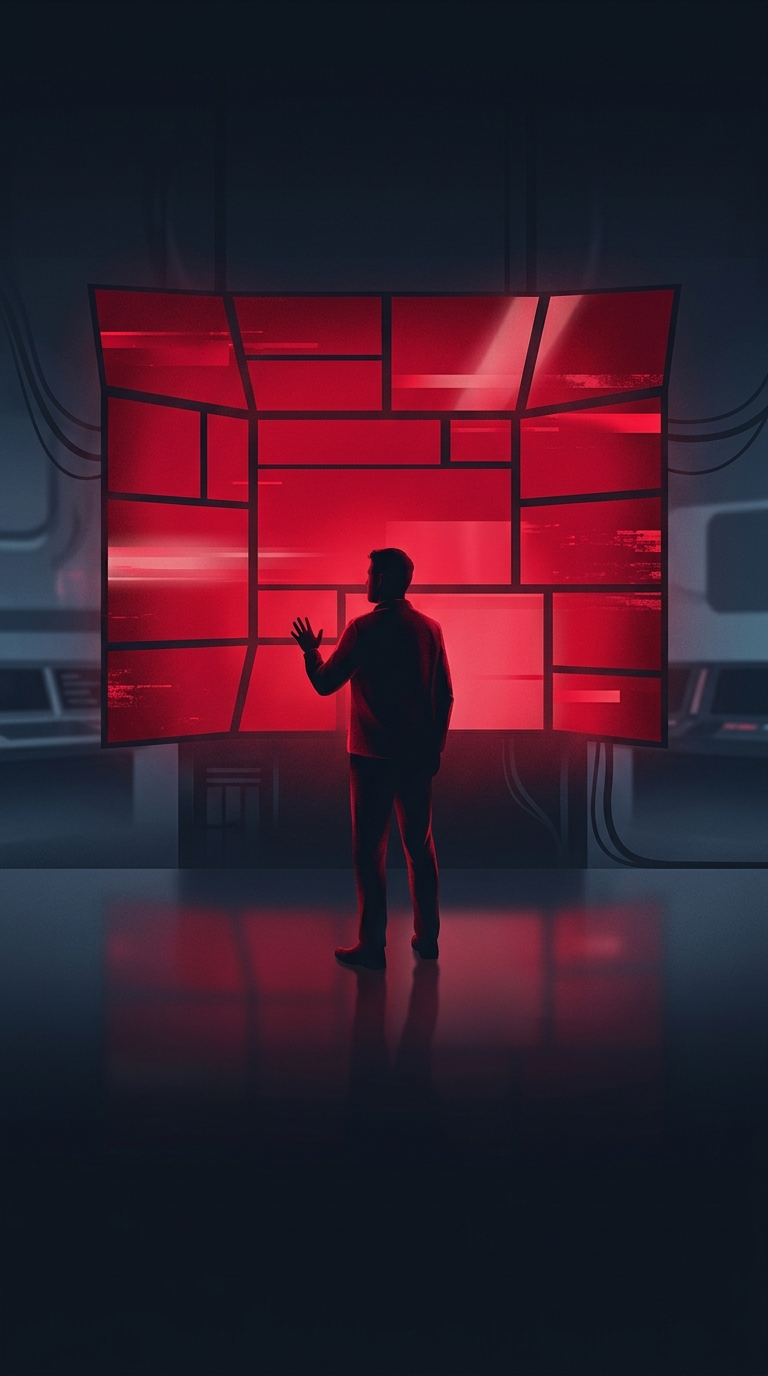
A rolling news channel has a design problem that a scheduled newscast does not: it must make a stream of changing information look immediately legible, even when viewers join halfway through. Red helps create a persistent visual cue. A banner, ticker, or box in that color can signal “look here” before a viewer has read a word, separating updates from the presenter, footage, and other on-screen text.
The color also carries a familiar association with warning and urgency. That association makes it useful for breaking-news labels, but it can also shape the tone of routine coverage. When red is used across many parts of the screen, ordinary updates can inherit the visual intensity of an emergency—even if the story itself is not urgent.
A Practical Tool for Visual Hierarchy
Graphics compete with moving video, small text, and other elements on a television screen. A saturated color stands apart from the more neutral tones commonly used for studio surfaces and information panels. Paired with white lettering, red can make a label easy to locate quickly. It also gives designers a consistent way to distinguish a headline strip or live-update area from the rest of the picture.
That does not mean every red element has the same meaning. Its role depends on placement, wording, and the channel’s broader graphic system. A red bar can be branding in one context and an urgent alert in another; viewers learn to read it alongside labels such as “live” or “breaking.”
The Tradeoff of Staying on Alert
For a channel broadcasting around the clock, a recurring palette creates continuity: viewers can recognize its graphics even while stories and footage change. But if the strongest alert color becomes the default, it loses some of its ability to distinguish exceptional news. Red is effective partly because it attracts attention—and that effectiveness can make a whole broadcast feel more urgent than any one story warrants.