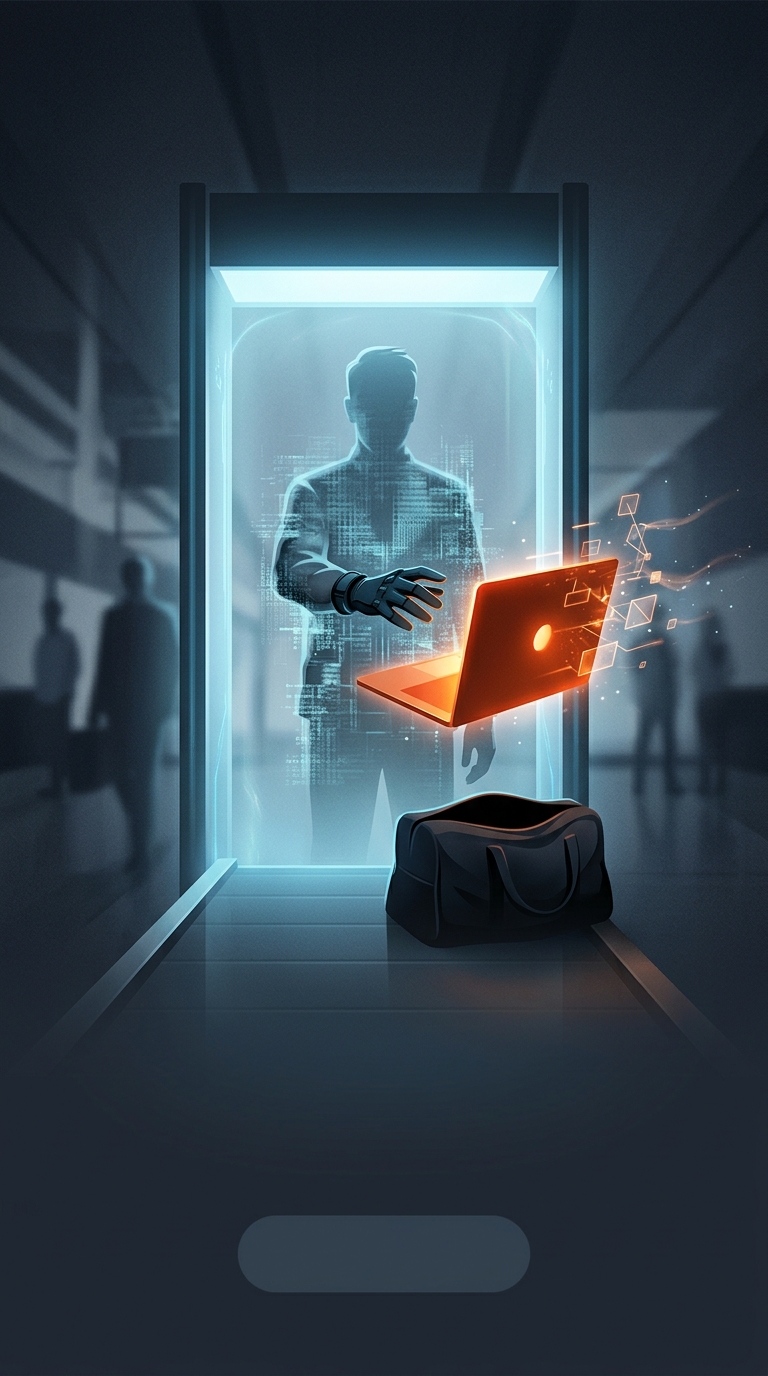
Why a Laptop Can Hide What’s in a Bag
A laptop’s dense electronics and battery can make it harder for security screeners to interpret an X-ray image of the rest of your belongings. The scanner does not show a simple photograph: it maps how X-rays pass through objects, and overlapping shapes can obscure details. A laptop laid on top of other items may create a dense patch that masks what lies beneath it.
A Clearer View for the Screener
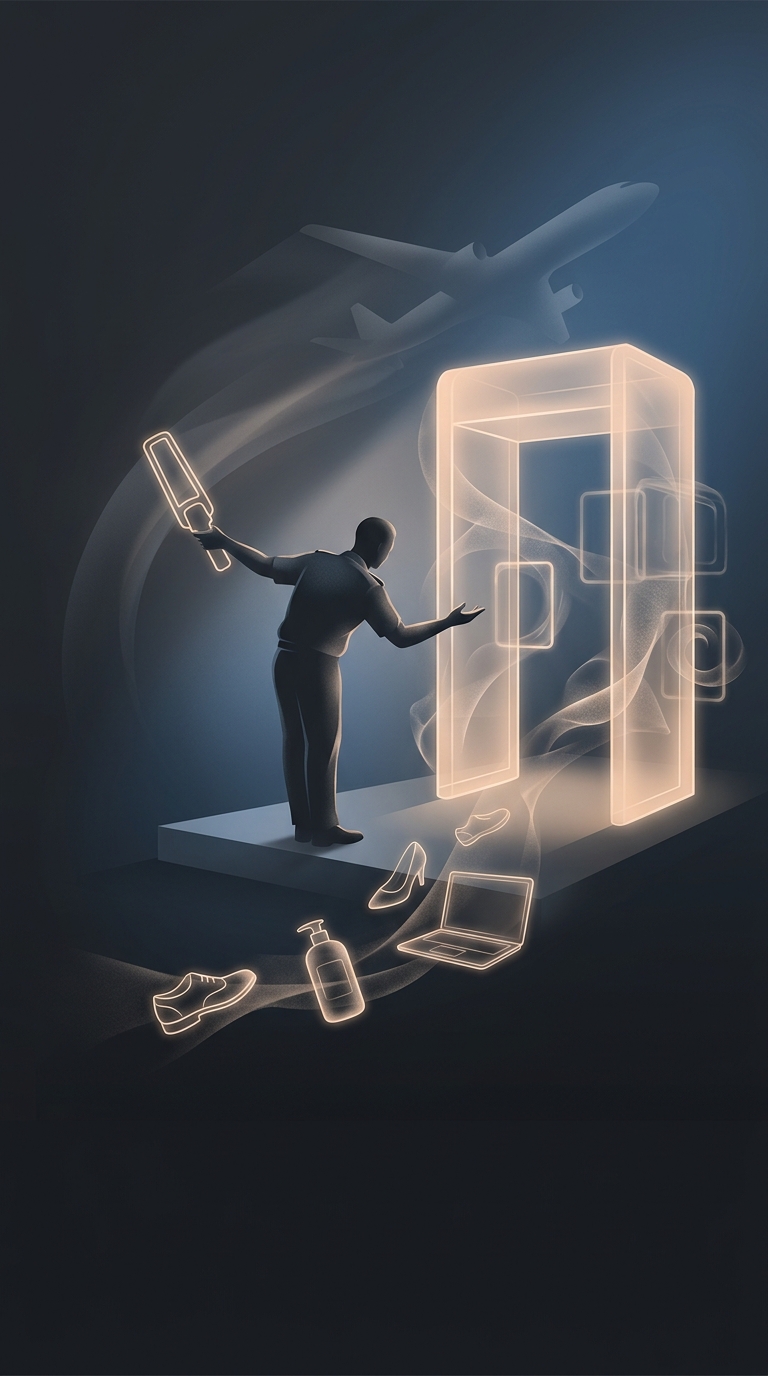
Removing the computer lets the system produce a less cluttered view of both the laptop and the bag’s contents. That matters because screeners are looking for recognizable shapes and patterns, not merely checking whether an object is present. Separating a large, dense item can make it easier to distinguish its components from nearby objects and to spot anything that needs closer inspection.
The laptop itself is not necessarily suspicious. It is simply a bulky object with many tightly packed parts, and its position can interfere with the image. Taking it out is a practical way to reduce overlap and ambiguity—though some newer screening systems can create detailed 3D images that allow bags to stay closed. That is why the instruction can vary between airports or even screening lanes: the equipment determines whether the computer needs to come out.