How residue can fool a capacitive touchscreen
A phone screen does not feel pressure the way a button does. Beneath its glass, a grid of electrodes senses changes in capacitance—the way electrical charge is stored between nearby objects. A finger changes that electrical field, and the touch controller interprets the pattern as a tap or swipe.
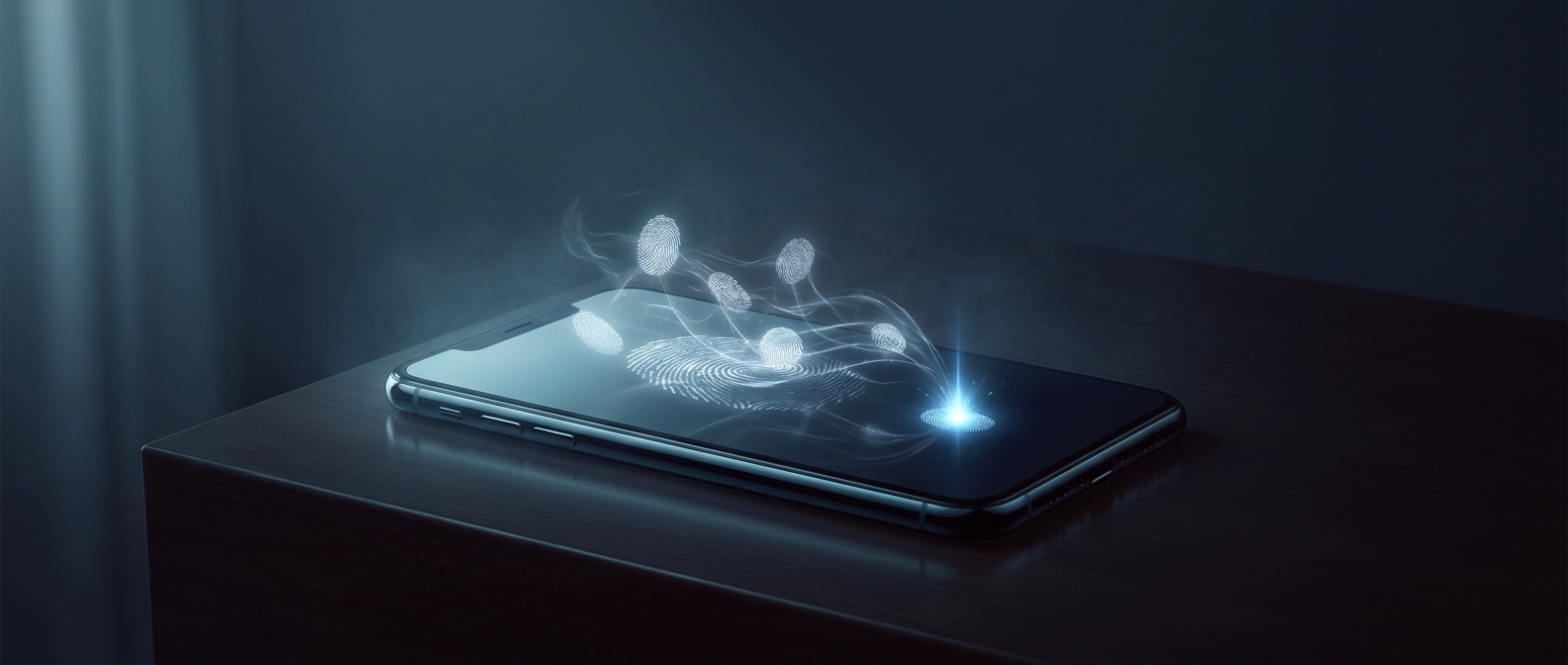
Residue can interfere with that measurement. Sweat contains dissolved salts and can conduct electricity; moisture or a smear of lotion may spread across the glass and alter the field over several sensor points. Static charge can also briefly disturb the screen’s readings. If the resulting signal resembles a finger’s, the controller may register a touch where none occurred.
Why the phone may scroll on its own
The controller has to turn noisy electrical readings into a location and a gesture. A changing signal across neighboring points can look like a finger moving, so the phone may interpret interference as a swipe rather than a single tap. This is more likely when residue is spread over the screen or when moisture is present; plain grease by itself does not necessarily create a charge or cause a false touch.
Cleaning the glass removes one source of interference, while drying the screen helps eliminate conductive moisture. The odd result is that a phone can react to what is on its surface—not because the residue is pressing the glass, but because it changes the electrical pattern the screen is built to detect.