Why an e-reader briefly turns the page black
Most Kindle screens use electronic ink, not a grid of glowing pixels like a phone. Tiny capsules in the display contain charged black and white particles. Electrical signals move those particles toward the surface, forming the letters and images you see. Once in place, the particles can stay put without the screen constantly drawing power to keep them visible.
The flash is a cleanup pass
To turn a page quickly, the display can update only the areas that changed. That saves time and avoids a full-screen blink on every page. But partial updates are not perfect: faint traces of an old letter or image can remain underneath the new page. This is called ghosting.
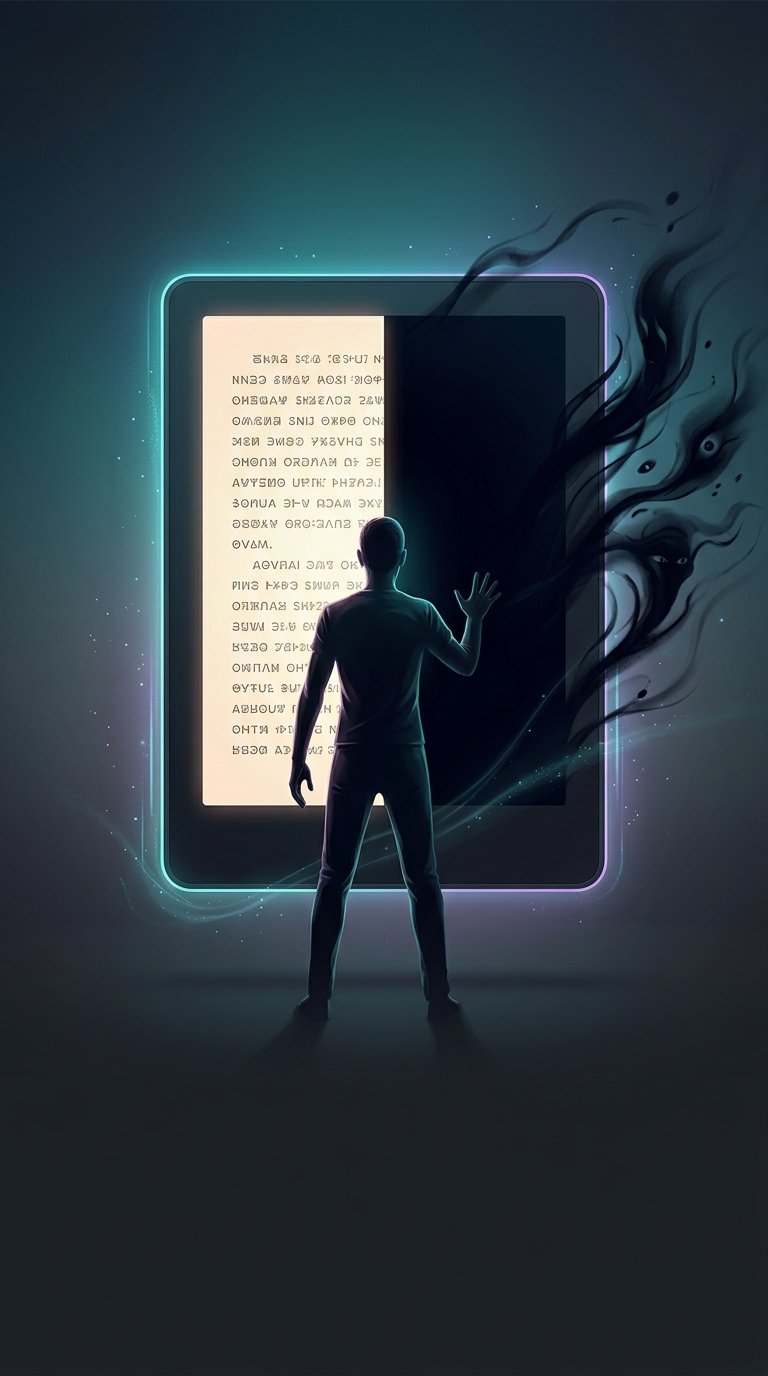
Every so often, the reader refreshes the whole display. It briefly drives the pixels through a stronger black-and-white change, clearing those leftover traces before showing the page cleanly. The full-screen flash is therefore a tradeoff: a momentary interruption in exchange for sharper text and images.
Why it happens every few pages
The reader’s software decides when to do that cleanup. The interval can vary with the device, display settings, and what is on the page; graphics and other high-contrast content may leave more noticeable residue than plain text. Some readers also let you choose more frequent full refreshes, which reduce ghosting but make the flash happen more often.
So the black screen is usually not the e-reader switching off or using a backlight. It is the display actively resetting its tiny ink particles—one reason an e-ink page can look stable for a long time while using very little power.