The dock is a guide and a signal path
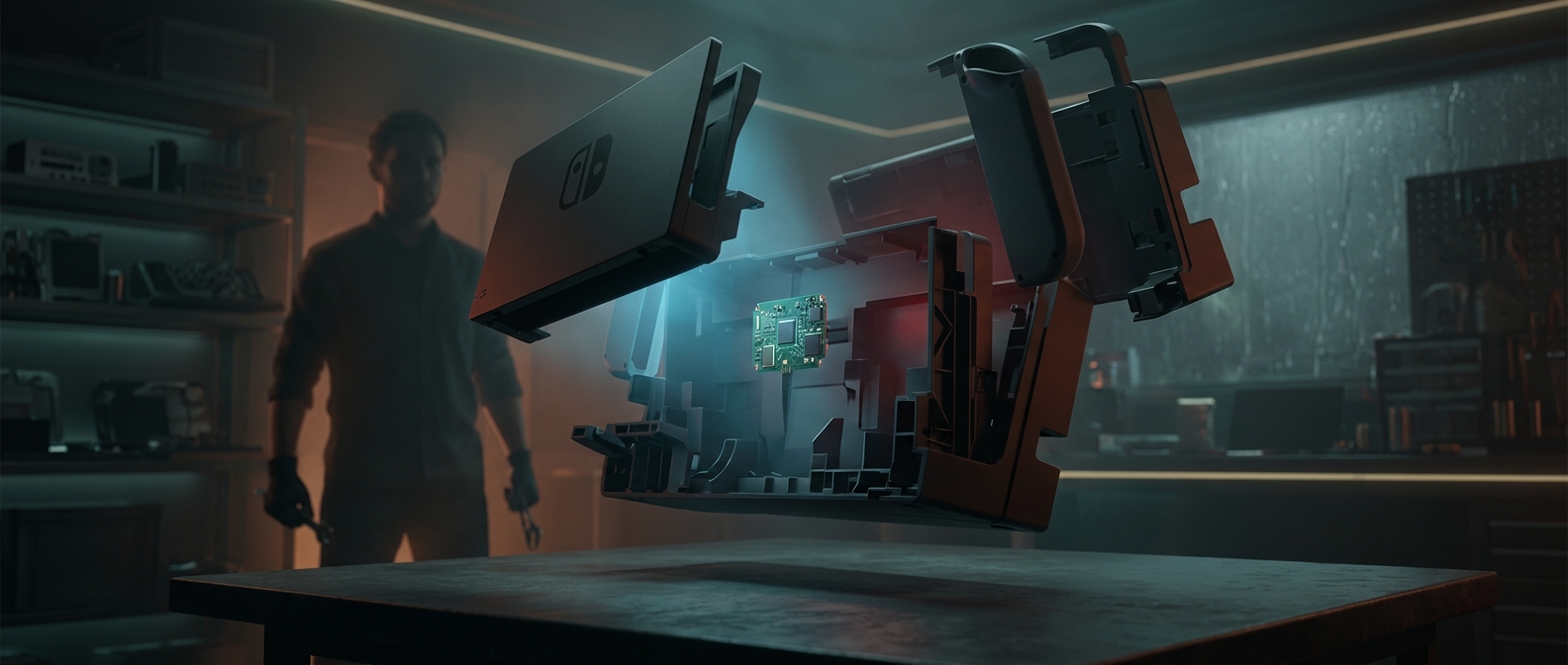
The Switch does not send an HDMI plug directly from the console to the television. When seated in the dock, its USB-C port connects to a small circuit board that routes the console’s video and audio to the dock’s HDMI socket. The dock also passes power to the Switch and provides connections for accessories. Its job is mainly to connect and support the console—not to render the game.
That distinction explains why the enclosure can look much larger than its electronics. The board needs to sit behind the ports and connectors, but the dock also has to hold the tablet-shaped console upright and position its USB-C connection reliably. The plastic shell supplies that structure and leaves an opening for the screen and controls.
A simple shape solves a delicate alignment problem
Docking means lowering the Switch into place so a connector at its bottom meets the dock’s USB-C plug. The console must be easy to insert and remove without putting excessive sideways force on that connection. A broad outer shell can guide and stabilize it, while the actual signal-routing hardware occupies only a small part of the base.
The dock’s size is therefore not a measure of how much computing happens inside it. The Switch runs the game; the dock provides the physical support, power connection, and route from the console’s video output to the TV. Most of what looks like empty space is doing a practical job: keeping the console steady while a compact board handles the connections.