Why PlayStation’s Buttons Use Shapes
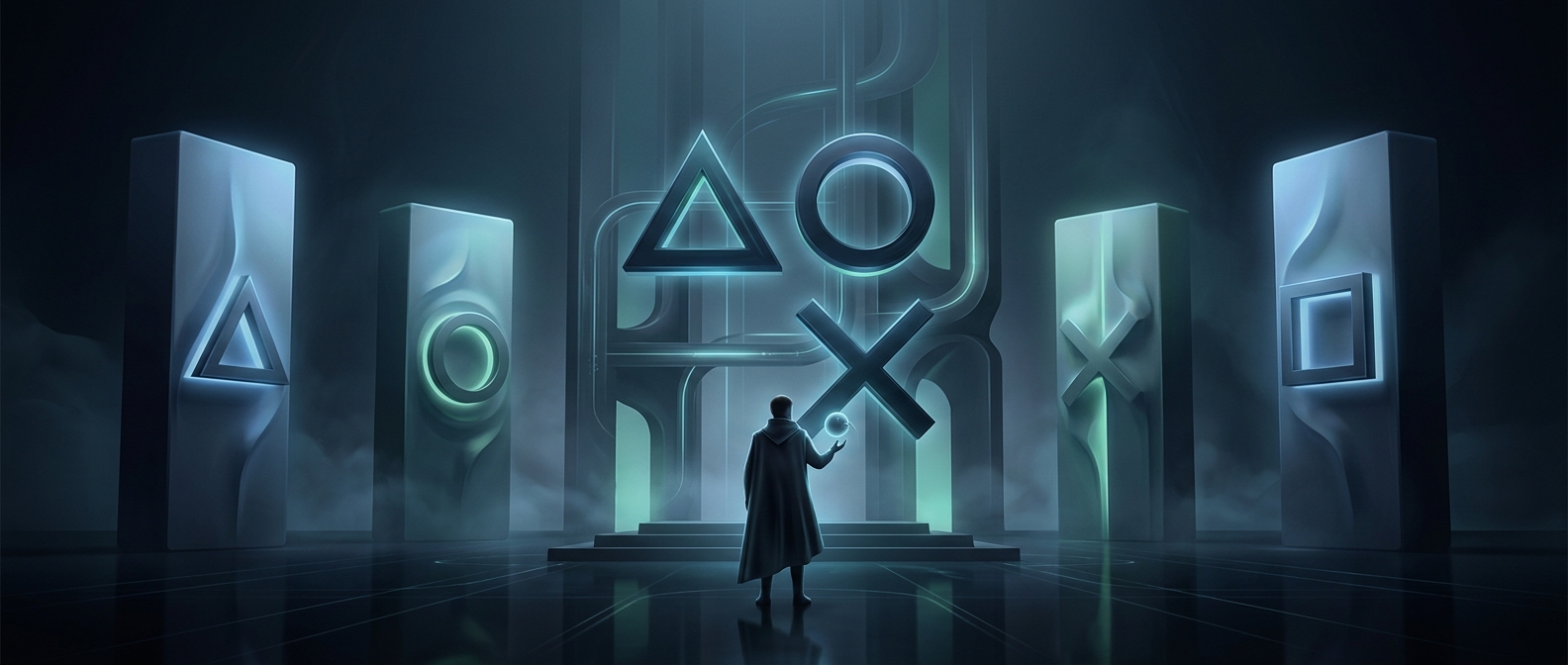
When Sony designed the original PlayStation controller, its four face buttons had to be easy to distinguish at a glance. Designer Teiyu Goto chose symbols that could carry meaning, rather than relying on four letters or numbers. The shapes were meant to make the controls feel like a small visual language.
From Menus to Decisions
The triangle suggested a viewpoint or a menu heading: a marker for looking at or selecting something. The square represented a document, a useful association for information or a screen of text. Together, those symbols gave players visual cues for navigating menus as well as playing games.
The circle and cross had a more direct job. They stood for “yes” and “no,” turning the buttons into a pair for confirming or rejecting a choice. That made sense in menus, where players regularly had to accept an option or back out of it.
A Design That Games Could Reinterpret
These meanings were intended as broad cues, not a rule every game had to follow. Developers could assign the buttons differently to suit a game’s controls, and their uses varied across regions. Still, Goto’s original choices gave the controller a memorable set of symbols with a logic behind them: some pointed toward information, while others expressed a decision.