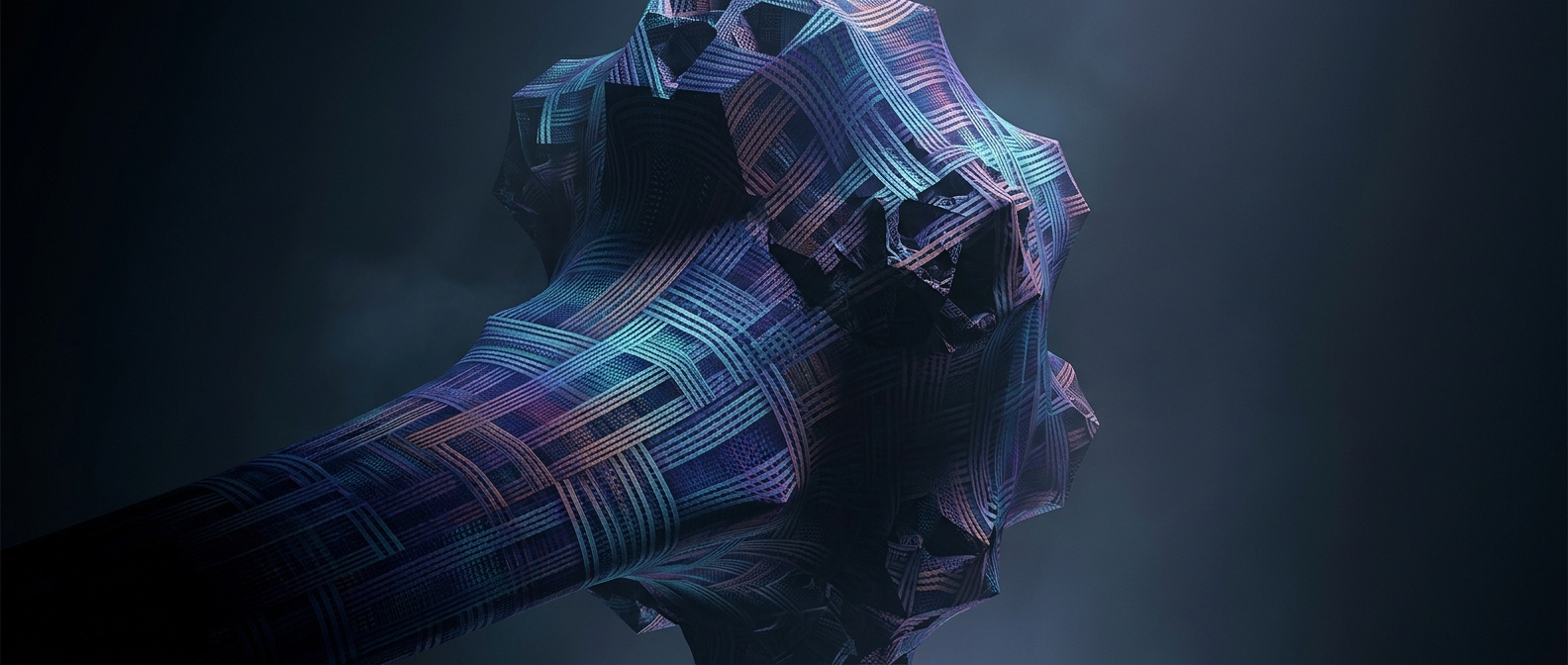
The skeleton beneath a digital surface
A 3D model is stored as a mesh: a network of points, called vertices, joined into edges and polygonal faces. A wireframe view makes the network visible by drawing its edges while leaving the faces unfilled. It is not a different, hollow object; it is another way to display the same model.
That distinction matters because a computer needs more than a smooth-looking outline to build a surface. The mesh divides that surface into manageable pieces, usually triangles, which graphics software can transform, light, and draw. The triangles may be hard to notice in the finished image, especially when shading blends their boundaries together.
Why expose the lines?
Looking at the mesh reveals how the model is put together. A creator can spot crowded clusters of polygons, stretched faces, or uneven spacing—issues that may make a surface harder to deform or produce unwanted shading. The wireframe also helps show where detail has actually been added: a rounded-looking object may have a dense network in one area and only a few broad faces elsewhere.
The lines are not the surface itself, and they do not necessarily show how smooth the finished object will appear. Software can shade neighboring faces to create the impression of a continuous curve, even though the underlying geometry remains divided into polygons. A wireframe therefore offers a practical change of perspective: it turns a polished object into a map of the choices that made its shape possible.