Why a newer USB drive can work on an older computer
USB was designed so that new and old generations could share a connection. When a drive is plugged in, the computer and drive identify the fastest USB mode they both support. If the computer supports only an older mode, they can usually fall back to it rather than refusing to communicate. The drive’s newer capabilities go unused, but its basic job—sending and receiving data—still works.
The older side sets the pace
A transfer needs both ends to support the same mode. A fast drive connected to an older computer therefore runs at the older computer’s supported speed; a fast computer cannot make an older drive transmit faster than the drive allows. The cable or hub can also limit the connection if it supports only an older standard.
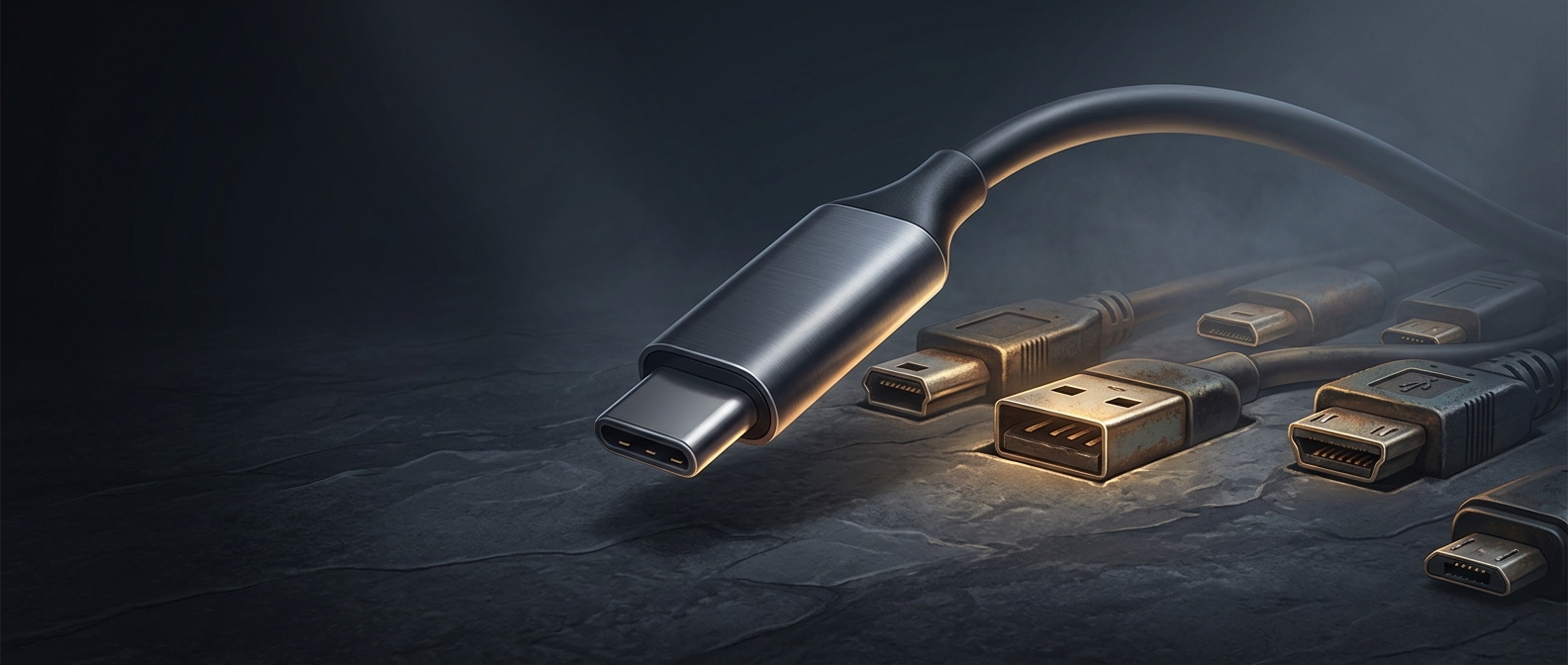
USB versions describe how devices communicate, while plugs describe the physical connection. A newer drive may have a different-shaped plug from an older computer’s port, so an appropriate cable or adapter may be needed. Compatibility is broad, not unlimited: the devices still need a workable physical connection and a USB mode they share.
That backward compatibility lets people keep using a drive after replacing it or moving it between machines. The tradeoff is that a file that once copied quickly may take noticeably longer on older hardware.