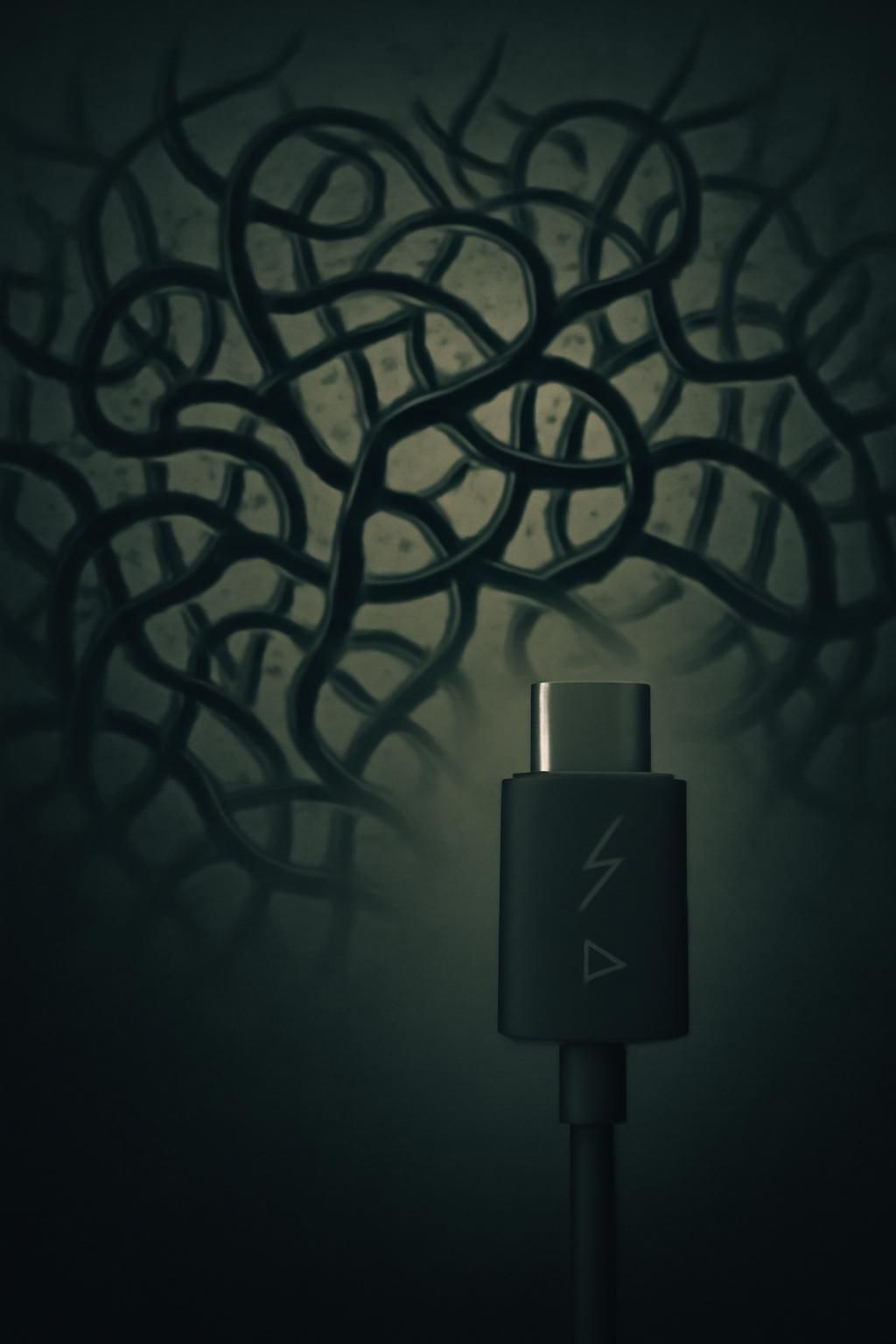
Why USB-C Cables Can Look the Same and Work Differently
USB-C describes the shape of a plug, not a guarantee of what a cable can do. Inside two identical-looking cables, the number and type of wires can differ. Some are built mainly for charging and basic data; others have the wiring needed for faster data or video. A cable can therefore fit a port perfectly while still limiting what the connected devices can accomplish.
The Cable Is Part of the Negotiation
When compatible devices connect, they use small electrical signals to identify what power and data options are available. Some higher-power USB-C cables also contain an E-marker—a chip that tells the devices the cable’s supported capabilities. The devices can then choose a mode they all support. If the cable lacks the necessary wiring or rating, they must use a more limited option instead.
That is why a charger’s advertised wattage does not, by itself, tell you how quickly a device will charge: the charger, the device, and the cable all have to support the same power level. The same principle applies to data transfer and video. A cable may charge a laptop yet move files slowly, or work for file transfers without supporting the video mode a particular setup needs.
Why the Differences Are Easy to Miss
The USB-C connector was designed to be reusable across many kinds of devices and tasks. That convenience puts several distinct capabilities behind one familiar shape, while the cable’s appearance often reveals little about its internal construction. Labels and product specifications matter more than the plug itself; terms such as “USB 2.0,” “USB 3,” or a stated power rating describe different parts of a cable’s capability.
In practice, a cable is not just a passive length of wire between a device and a charger. It can set the ceiling for the whole connection—so replacing a slow or unsuitable cable may solve a problem that neither the charger nor the device caused.