Why a Small Mouse Movement Can Become a Huge One
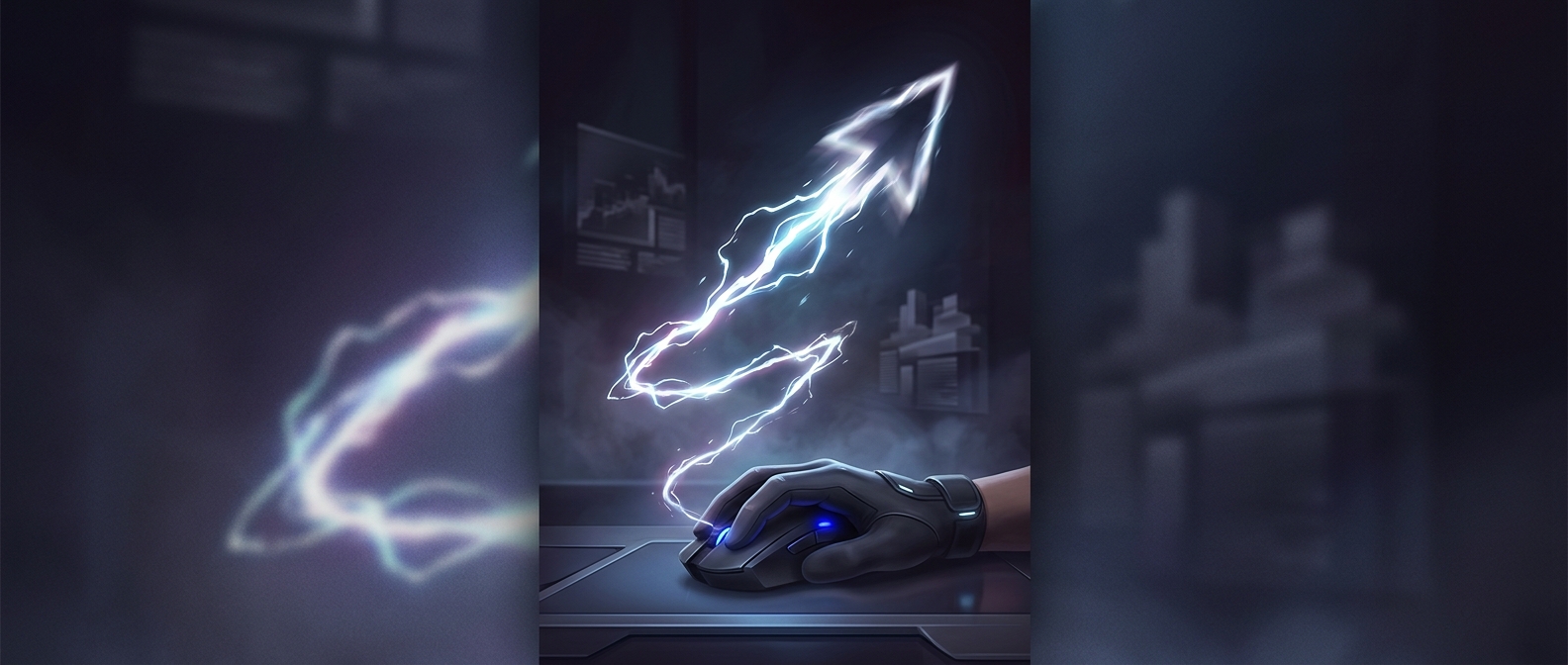
A mouse sensor tracks motion as tiny steps, or counts. At a high DPI setting—short for “dots per inch”—it reports many more counts for the same physical movement. The computer turns those counts into cursor movement, so a small hand shift can cover a large part of the screen when the sensitivity is also high.
That amplification makes precision harder: the same slight tremor or wrist adjustment produces a bigger on-screen jump. In a game, that can send a crosshair past a target before the player can correct it.
The Setting Is Only One Part of the Control
DPI is not the whole calculation. Operating-system or game sensitivity can scale the reported movement up or down. Players often pair a high mouse DPI with lower in-game sensitivity, so the mouse still responds quickly to small motions without making every adjustment enormous.
This is why a very high number is not automatically better. The useful setting is the one that lets a player make both quick turns and controlled, small corrections. If the cursor feels erratic, lowering DPI or the game’s sensitivity reduces how far each hand movement carries it.
Why Gamers Tune It
Different games demand different kinds of movement: a fast turn may matter in one moment, while lining up a precise shot matters in the next. DPI gives players a way to change how much movement the sensor reports; sensitivity determines how strongly the game responds to those reports. Together, they shape whether the mouse feels deliberate or twitchy.
At extreme DPI, a tiny wrist shift can become a screen-crossing gesture—but dialing down the sensitivity can bring that movement back under control.