Why Early LCD Pixels Couldn’t Keep Up
An LCD pixel does not make light by flashing on and off. Its liquid-crystal molecules twist under an applied voltage, changing how much light can pass through filters. To show a new shade, the screen must shift those molecules into a different arrangement—and early panels often made that shift slowly.
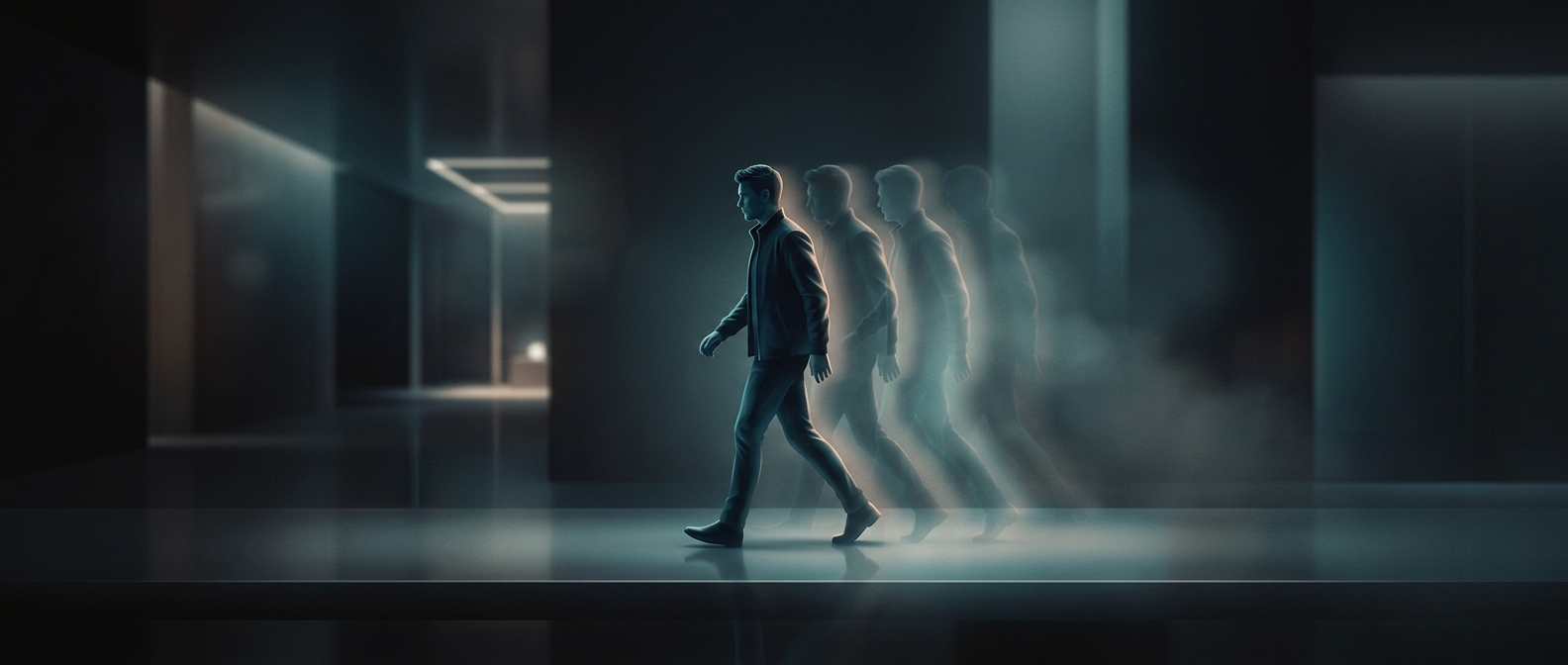
When an object moved across the screen, its pixels had to change repeatedly from one brightness or color to another. If a pixel was still partway through its previous transition when the next image arrived, it displayed a blend of old and new states. That lag made moving edges look smeared or left a faint trail behind them. Some transitions were slower than others, so the amount of ghosting could depend on which shades the image was switching between.
Refresh Rate Wasn’t the Whole Story
Refresh rate describes how often a screen updates its image. Response time describes how quickly its pixels can change to match that image. A display could refresh frequently but still show ghosting if its pixels could not complete the needed transitions in time. Raising the refresh rate alone could not make sluggish liquid crystals move faster.
This distinction also helps explain why a still picture could look sharp while scrolling text or fast-moving game scenes looked blurry: stationary pixels had time to settle, but moving images kept asking them to change. As LCD designs improved, faster pixel transitions reduced this lingering trace, making motion clearer without changing the basic way the display formed an image.