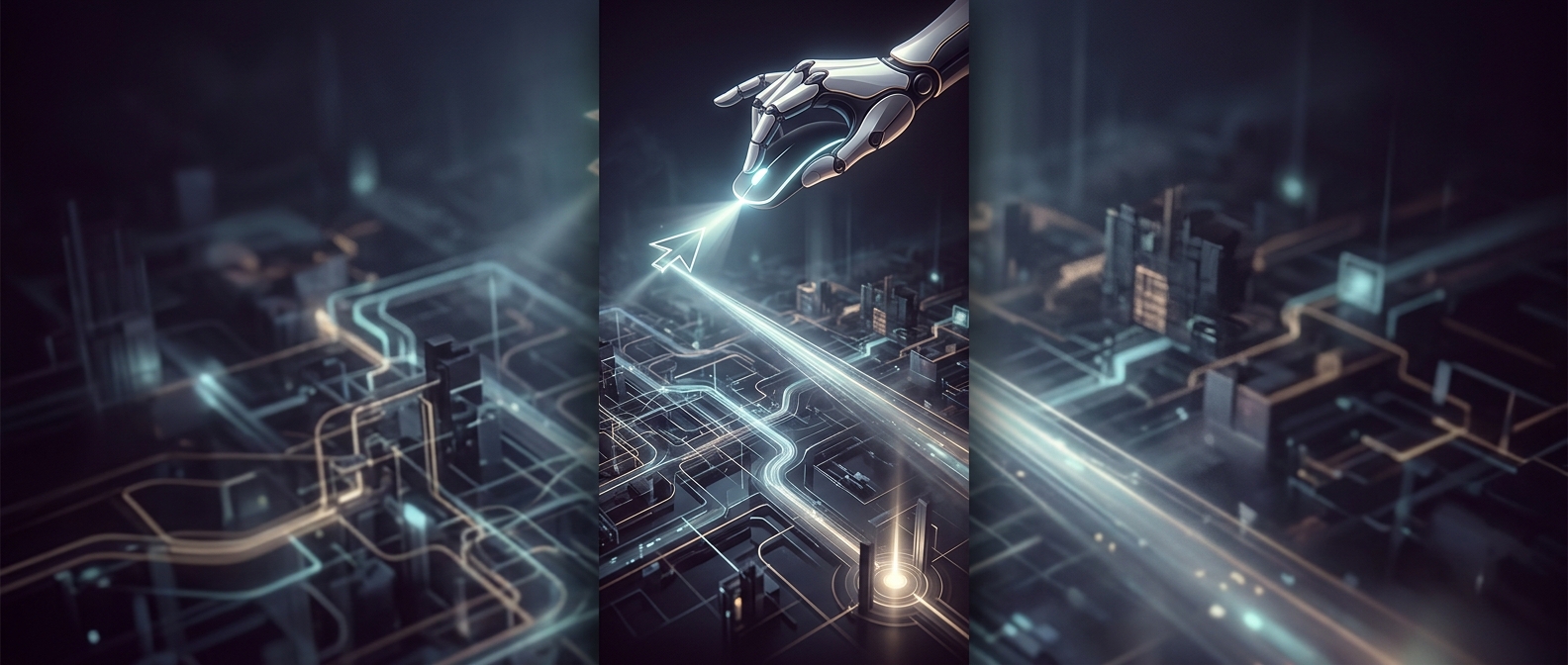
A pointer can take a separate route to the screen
A game normally draws its picture by sending a finished frame through its rendering pipeline: the game updates the scene, the graphics processor renders it, and the display presents the result. A software cursor is part of that picture, so it moves only when the game produces another frame. If frame production slows, the cursor can appear to drag behind the mouse.
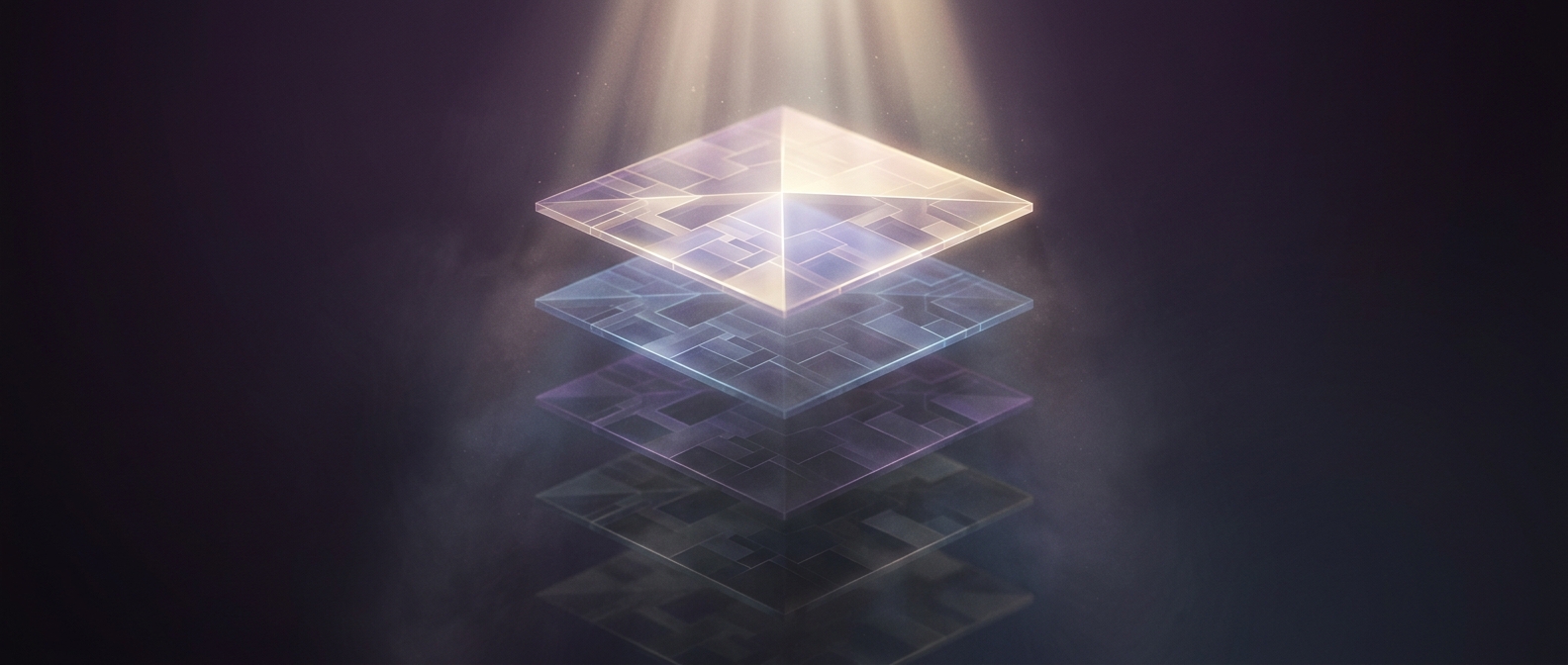
With a hardware cursor, the operating system can place the pointer on a separate display layer, often called a cursor plane. The graphics hardware combines that small layer with the game image as the screen is refreshed. Because the pointer does not have to be drawn into each new game frame, its position can be updated without waiting for the game’s next frame.
What gets faster—and what does not
This separation can make pointer movement feel immediate even while the game stutters. It does not make the game itself respond sooner: turning the camera, moving a character, or changing the scene still depends on the game’s update and rendering work. The cursor is simply no longer forced to wait in the same queue.
The tradeoff is flexibility. A separate cursor layer works best for a straightforward pointer that can be positioned over the image. A game may instead draw its own cursor when it needs a distinctive shape, animation, or behavior tied closely to the game’s view. In that case, cursor movement once again depends on the game’s frames. The practical distinction is small but noticeable: during a hitch, the world may pause while the pointer keeps gliding.