How Crumbs Get Beneath Keyboard Keys
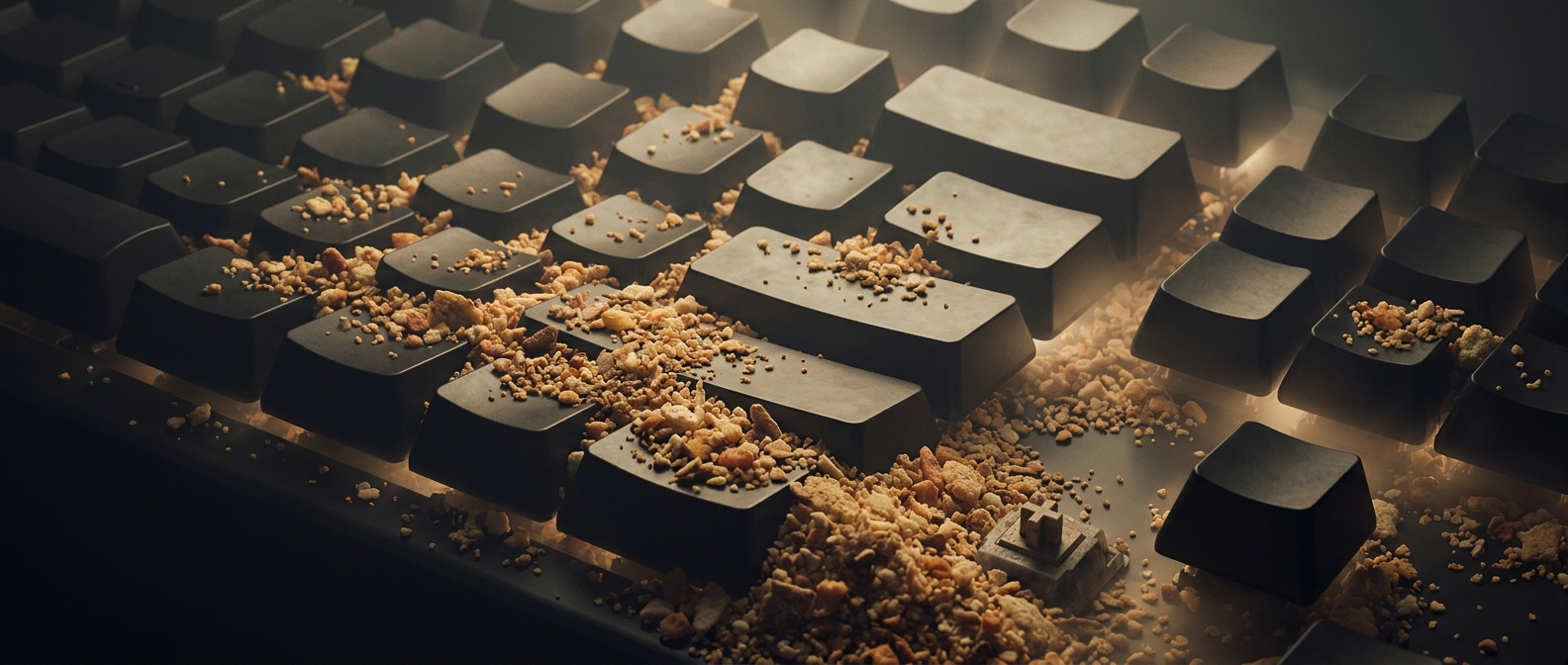
A keycap—the plastic top your finger presses—is not a sealed lid. On many keyboards, narrow gaps around the keys let small debris fall into the space below. A chip breaks into pieces as it is handled; hair can drift in or get carried there on a hand. Repeated typing then nudges loose bits along the keyboard’s surface and into those gaps.
What lies underneath depends on the keyboard. In a mechanical model, each keycap sits on a separate switch, a small mechanism that registers a press. Other keyboards use a shared membrane beneath the keys. Either way, debris can collect around the moving parts without necessarily stopping a key from working.
Why a Tiny Mess Can Change the Feel
A crumb caught beside a key may make it feel gritty or keep it from moving smoothly. Hair can wind around a stem or settle between keys, where it is harder to reach than dust on the surface. The debris is not part of the switch; it is an accidental passenger, accumulated a little at a time during ordinary use.
Removing keycaps can expose that hidden layer, but not every keyboard is designed for easy removal, and some keys are harder to replace than others. If cleaning, check the keyboard’s instructions and avoid pouring liquid into it. The surprising part is how little it takes: a snack eaten at the desk can leave evidence in a place your fingers touch thousands of times without ever seeing.