Why a soft surface can make a laptop run hot
A laptop’s processor and graphics chip turn electrical energy into heat whenever they work. To keep those parts within a safe operating range, the cooling system moves heat away from them: a fan pushes air across metal fins attached to the chips, then sends the warmed air out through vents. The fins work best when fresh air can keep flowing through the case.
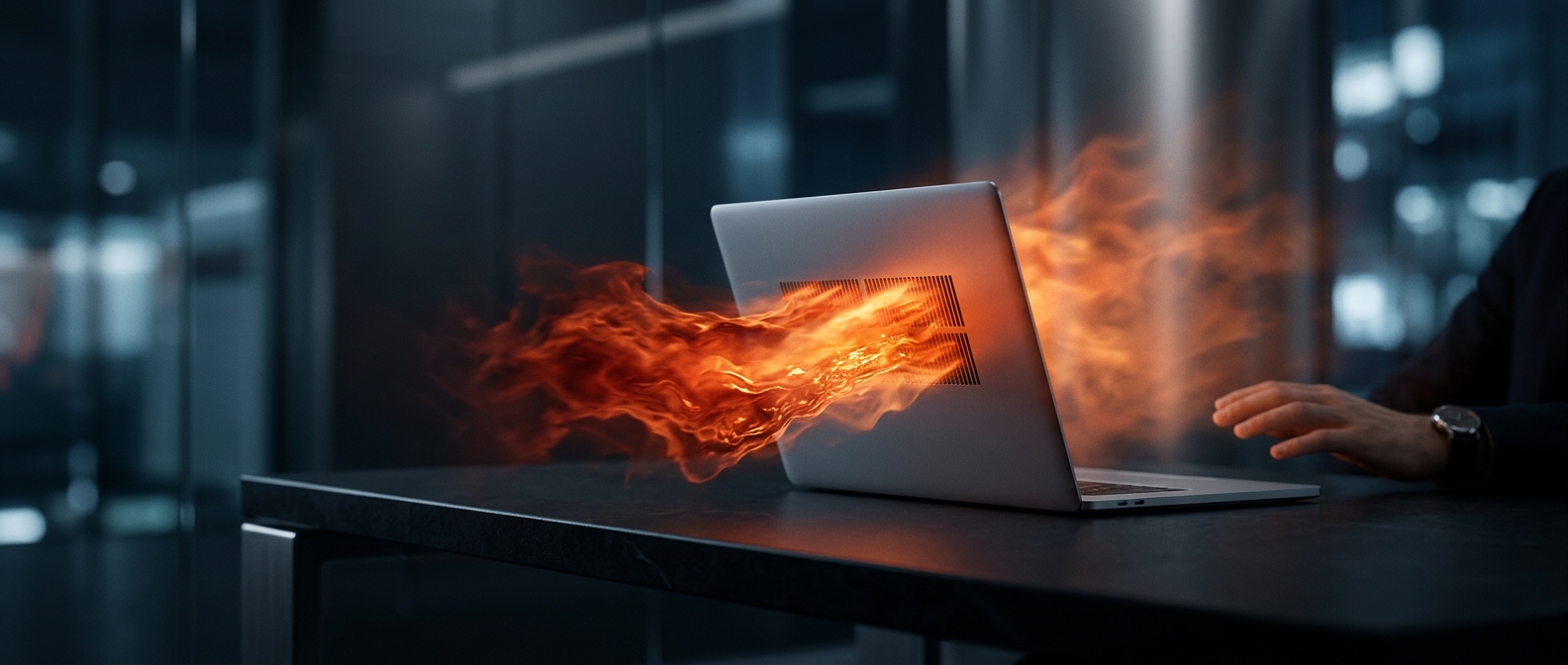
When a laptop rests on a blanket or cushion, the material can press against bottom vents or sag around the machine’s edges. That restricts the supply of cooler air. The fan may spin faster, but moving air through a blocked opening is like trying to breathe through a pinched straw: less heat escapes, so temperatures rise.
What the laptop does in response
Most laptops have built-in temperature controls. As components approach their limits, the system can reduce their speed—often called thermal throttling—to produce less heat. That can make a game stutter, a video export take longer, or the computer feel sluggish. If the case gets hot, the fan may also become noticeably louder as it tries to compensate.
A hard, flat surface gives the vents room to breathe and helps keep the cooling path open. If you need to use the laptop on a bed or couch, a rigid lap desk or tray can create that space. The practical difference is simple: the machine can only shed heat effectively if air has a clear route in and out.