How a laptop turns component heat into exhaust
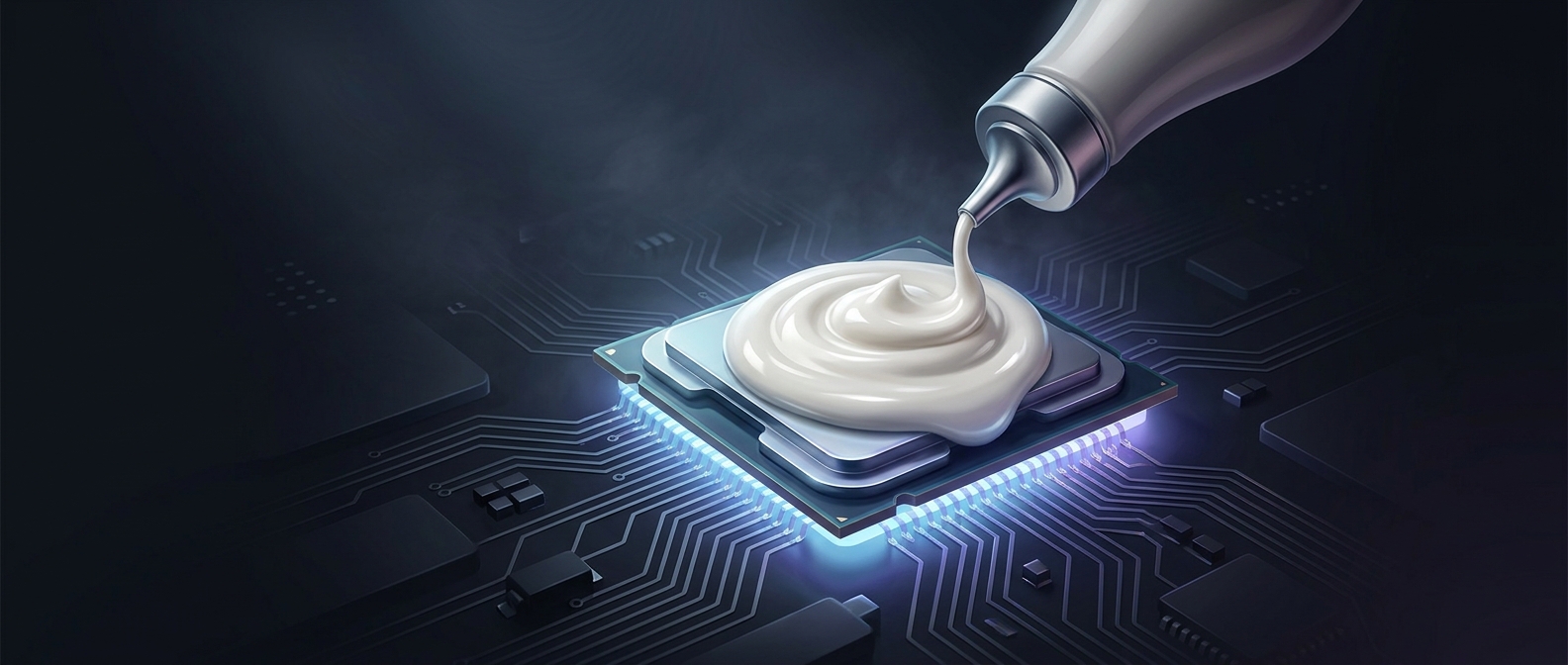
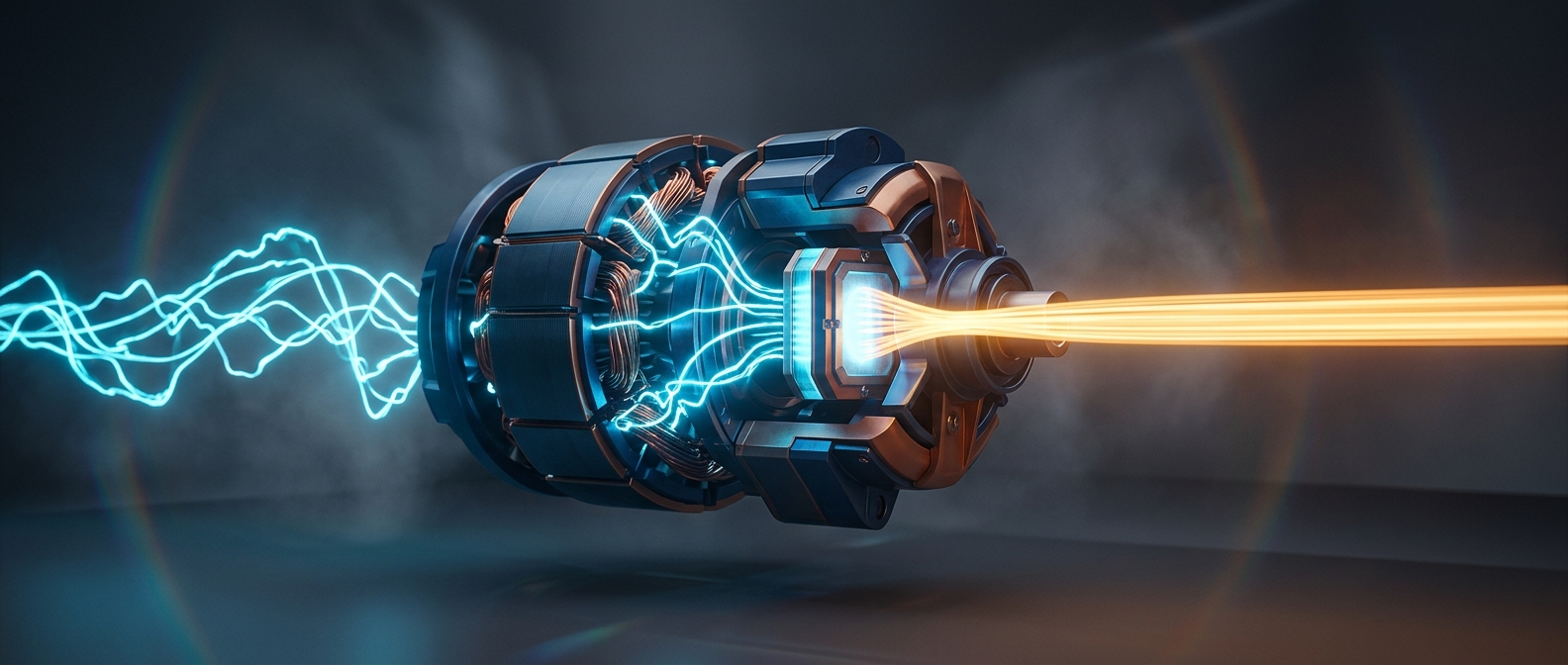
A processor uses electrical power to perform calculations, and some of that energy becomes heat. A laptop’s cooling system carries the heat away before it can build up enough to slow the processor or threaten nearby parts. Heat moves from the processor into a metal heat sink; a fan then pushes air across the heat sink’s thin fins, where the air picks up warmth and leaves through an exhaust vent.
Because a laptop has little room for a large cooling system, the fan often sends that warmed air through a narrow opening along the side or rear. The concentrated stream can feel much hotter than the broad, gentle airflow from a room fan. It may be uncomfortable against a hand resting beside the vent, even though the air is simply carrying heat out of the computer.
Why the vent’s direction matters
The exhaust has to go somewhere, so laptop designers place vents where air can escape without being trapped against a desk or blocked by the user. On a compact machine, that can put the airflow close to a mouse hand. Blocking the opening can also impede cooling, leaving the fan to work harder and the internal components to run hotter.
That warm gust is therefore a visible sign of the cooling system doing its job: moving heat from densely packed electronics into the surrounding air. The laptop may feel hottest not where its processor sits, but exactly where the fan releases that heat.