What actually determines a computer’s speed
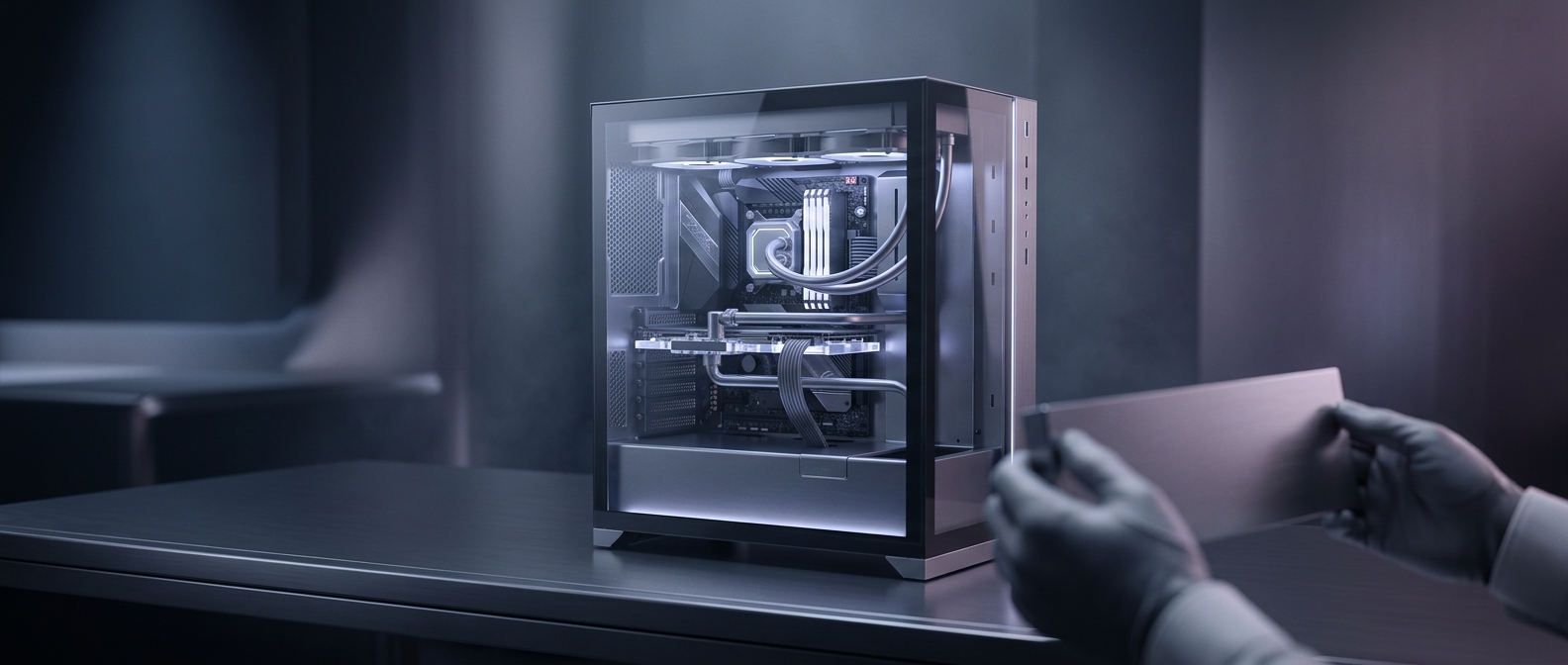
A computer finishes a task by moving data through its processor, memory, storage, and graphics chip. How quickly those parts can do that work depends on their design, operating conditions, and the demands of the program—not on the color of the light shining from the case.
RGB lighting is produced by small red, green, and blue LEDs. A controller adjusts their brightness to create colors and effects, but changing those settings does not give the processor more computing units or make data travel faster. A glowing fan may cool the system, yet its cooling performance comes from moving air; the LEDs are decoration, not the source of the cooling.
The small exception is the software behind the glow
Lighting often relies on a control program that runs in the background. Like any program, it can use some memory and processor time, especially if several utilities are competing to manage different devices. That overhead is usually minor, but a poorly behaved utility could contribute to sluggishness. In that case, the cause is the software workload—not the LEDs making the computer faster or slower.
The distinction matters when choosing parts: lighting can be a worthwhile aesthetic feature, but it is separate from performance specifications such as processor capability, graphics power, memory, and cooling. A computer can look like a neon arcade cabinet and still be limited by an ordinary bottleneck—often the component or setting that cannot keep up with the task.