Fast speech still needs a careful edit
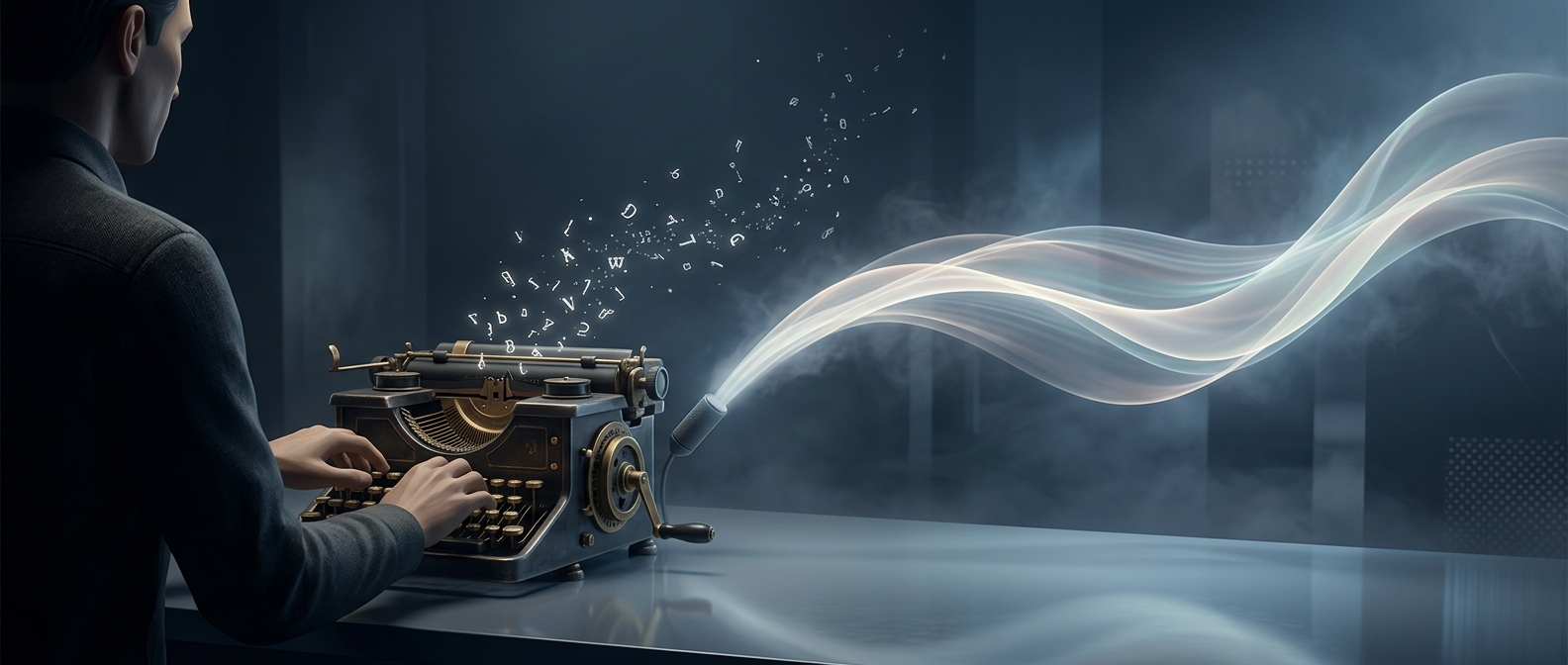
Speaking can turn a thought into words without the hand-by-hand motion of typing. Dictation software adds another shortcut: it listens to speech, identifies likely words, and converts them into text. But a quick transcript is not necessarily a ready-to-send email.
Speech is full of pauses, repetitions, and mid-sentence changes. People often revise as they talk, while written messages usually need cleaner sentence boundaries, punctuation, and formatting. Speech recognition can also mishear names or unfamiliar terms. The writer then has to inspect the text and fix mistakes—sometimes by switching back to the keyboard.
The workplace changes the calculation
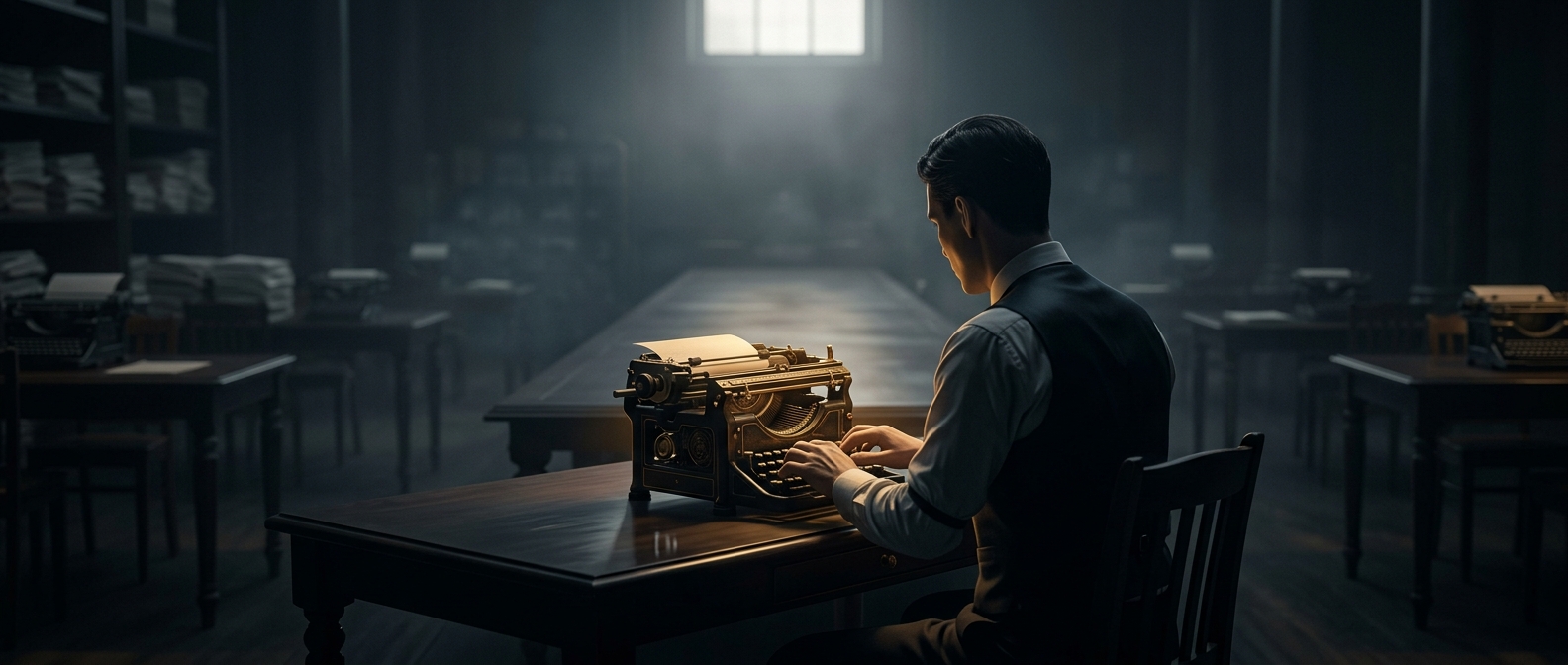
Typing is slower at producing words for many people, but it fits naturally into a shared office. A keyboard lets someone draft without making colleagues listen to a message, and it avoids dictating confidential details within earshot of others. It also makes it easy to reread a sentence while composing, select a passage, or revise a small phrase without saying the whole thought again.
Dictation works best when the setting is quiet and speaking freely is practical. Typing often wins when a message needs discretion, careful wording, or frequent edits. The real comparison is not just words per minute: it is the time and friction required to produce a message that is clear, correct, and appropriate to send.