Why a projected keyboard lacks the feel of a real one
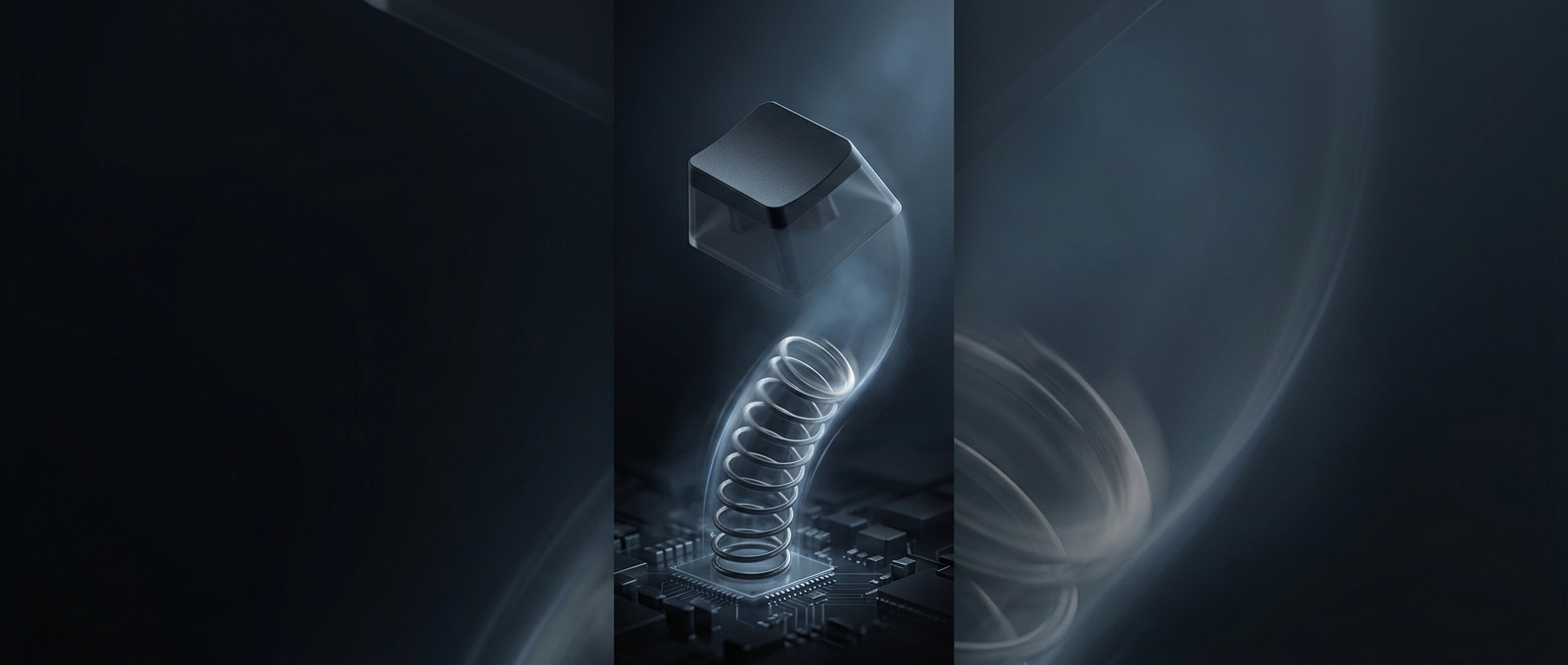
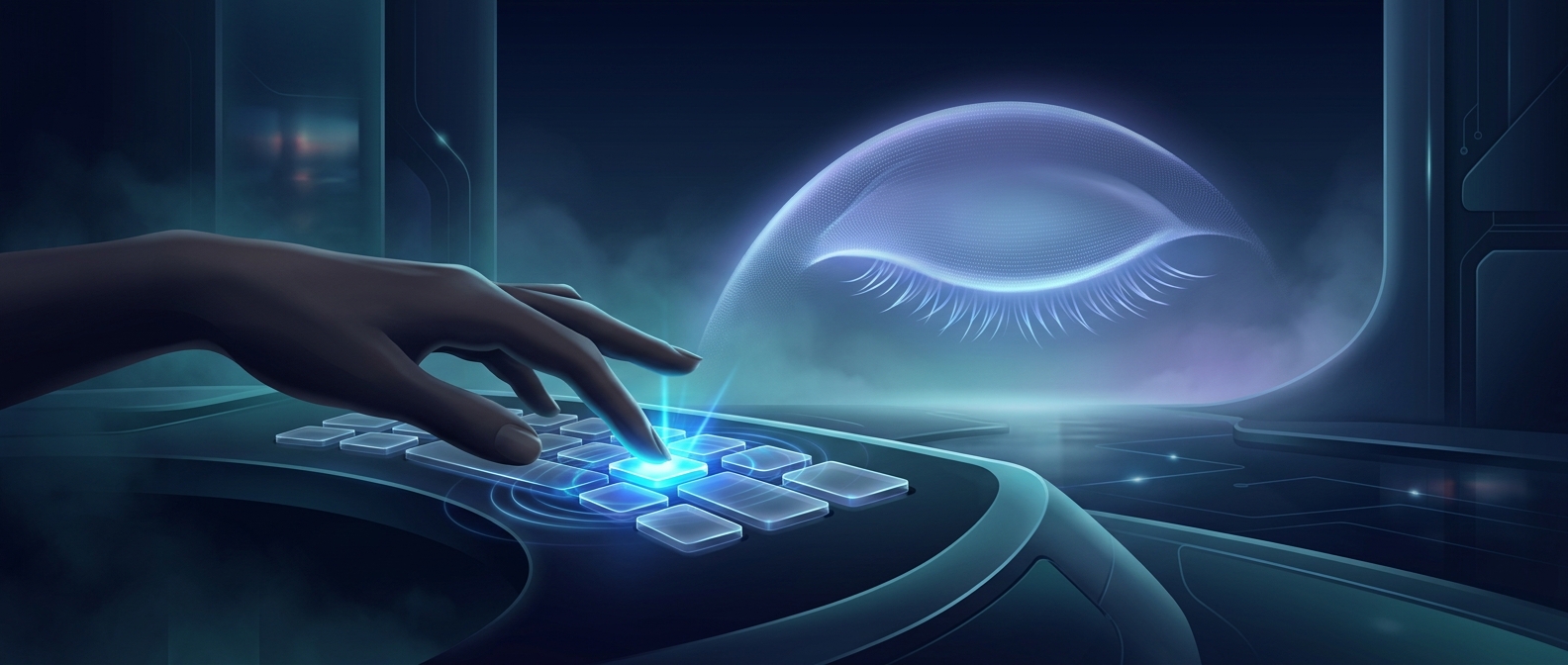
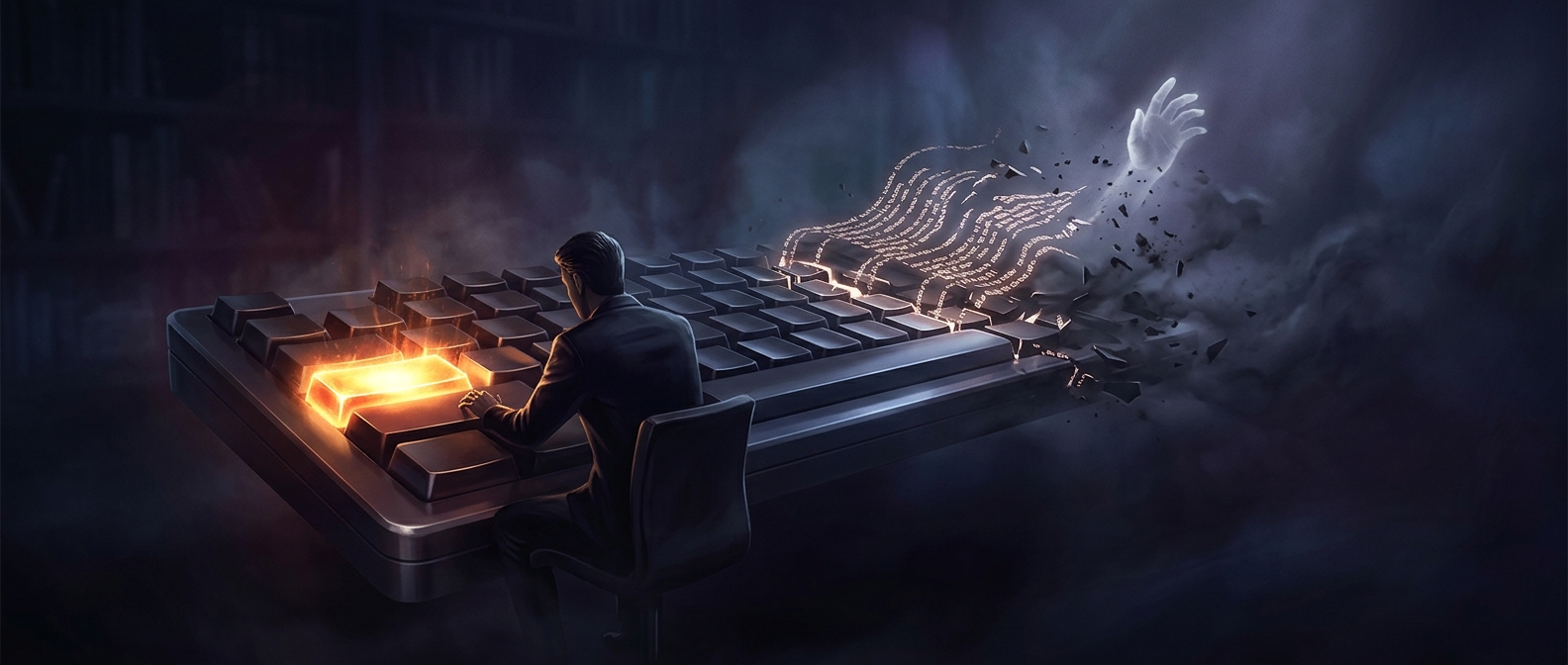
A physical key gives your finger two useful signals: resistance as it moves downward and a small change when the key bottoms out. That resistance helps you judge where your fingers are and whether a press has registered. A projected keyboard can show a convincing layout, but its letters are light, not raised switches. The sensing system detects a finger crossing a virtual key; it does not make that key push back.
Your hands have to work without a familiar cue
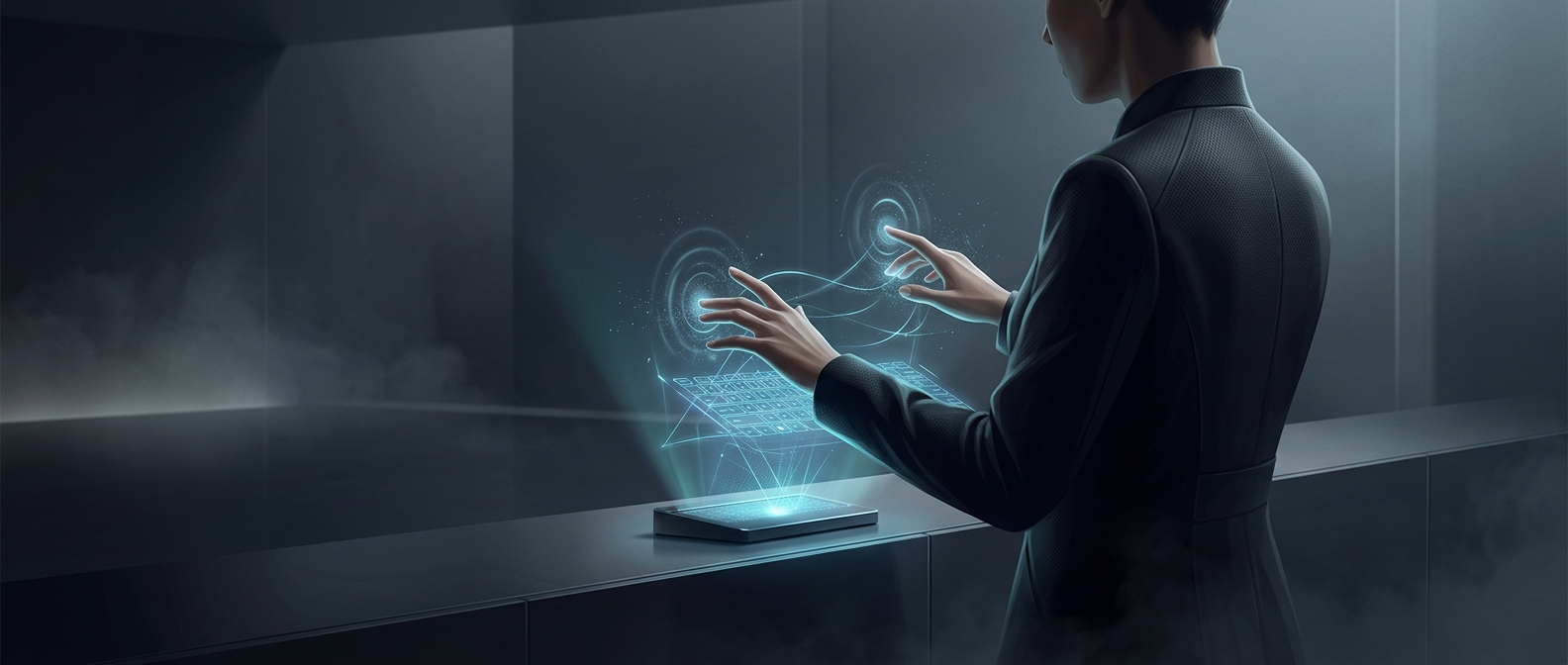
With a physical keyboard, touch and pressure help you correct your aim without looking. On a projected layout, your fingers must rely more on sight and on the remembered position of each key. The surface underneath may be a desk or another hard plane, but it offers no key travel to distinguish one press from the next.
That changes the rhythm of typing. A typist may pause to check the display, press more deliberately, or make extra corrections because a finger’s movement no longer confirms that a keystroke was recognized. The keyboard can still enter text; it simply removes a feedback loop that experienced typists normally use automatically.
Making the image feel solid is a separate problem
Projection solves the problem of showing keys on a surface, while sensing solves the different problem of deciding when a finger has pressed one. Neither, by itself, recreates the mechanical response of a switch. Adding vibration or another artificial cue could signal a registered press, but it would imitate only part of the sensation—not the moving, resisting key beneath a fingertip.
That is why a projected keyboard can look ready for fast typing yet feel unfamiliar in use: the visual map is there, but the physical confirmation your hands expect is not.