From a Wake Word to a Stored Clip
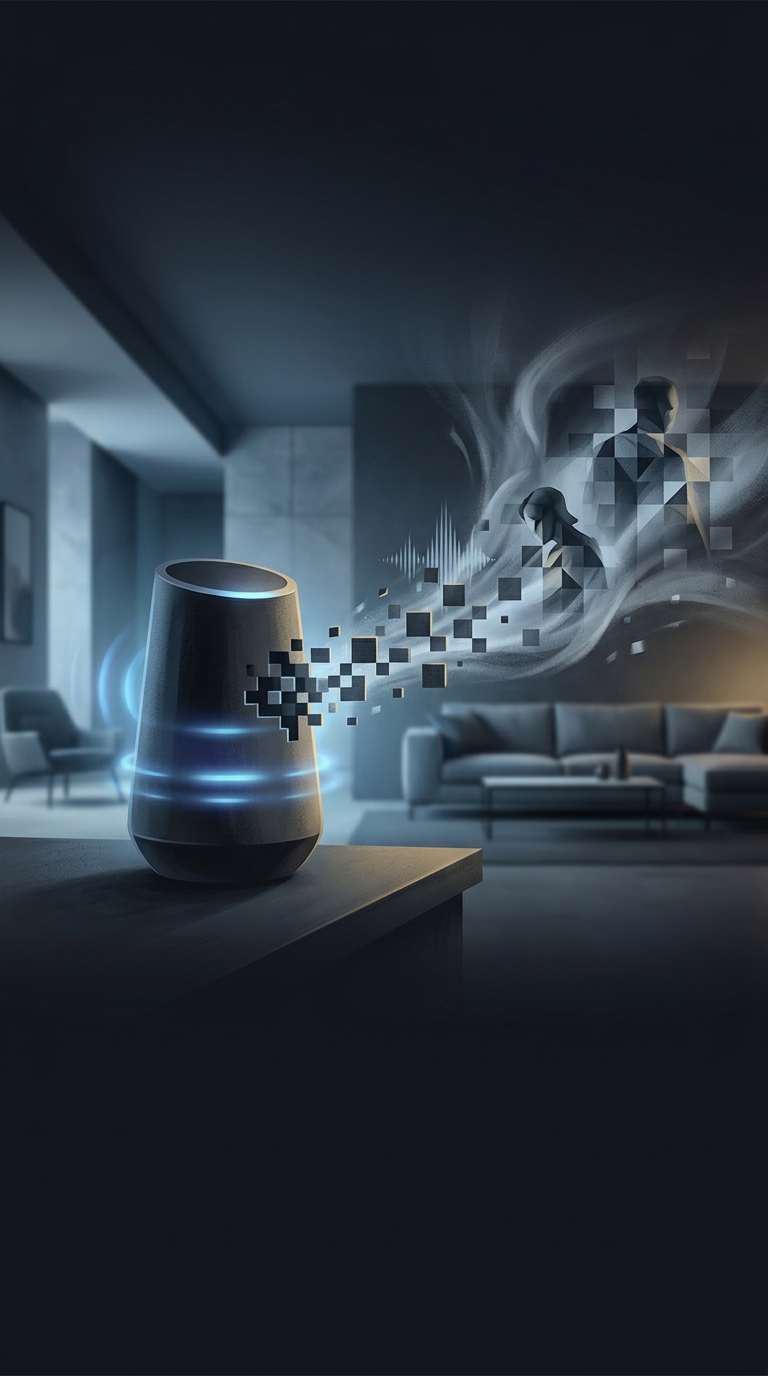
A smart speaker usually listens locally for its wake word, such as “Alexa” or “Hey Google.” It is not necessarily sending every sound in the room to the company. Once the device detects a wake word—or mistakenly thinks it has—it may send a short audio clip to the provider’s servers. There, software turns speech into text and works out what response or action is needed.
That is why an absurd question can leave the room even if nobody meant to ask it. A television line, a similar-sounding phrase, or a bump in conversation can trigger a false start. The device may record audio from just before the trigger, too, so the service has enough context to interpret the request.
Processing Is Not the Same as Keeping
What happens next depends on the assistant and the account’s settings. A provider may keep a voice recording, a text transcript, both, or neither for long. Stored history can help people review past commands or troubleshoot a device; some services also use eligible recordings to improve speech recognition. Some recordings may be reviewed by people, depending on the service and its policies and controls.
Deleting a clip from an activity-history screen may not instantly erase every copy from every system. Providers can have separate controls for voice history, transcript history, or automatic deletion, and their retention practices differ. The useful question is not simply whether an assistant “records you,” but which clips it sends, what history is saved, and what deletion controls apply.
How to Check What Was Captured
Open the assistant’s privacy or activity settings and look for voice recordings, transcripts, review options, and auto-delete settings. You can often inspect or remove individual interactions there. If the device has a physical microphone-mute switch, using it prevents the assistant from responding until the microphone is turned back on—useful when you want the room, including its ridiculous questions, to stay private.