How Guided View Turns a Page Into a Sequence
A printed comic asks the reader to scan a whole page and decide where to look next. On a phone, that same page may shrink until speech bubbles are hard to read. Guided view solves the legibility problem by presenting selected parts of the artwork one at a time: the screen moves to a panel or detail, enlarges it, then shifts to the next reading point.
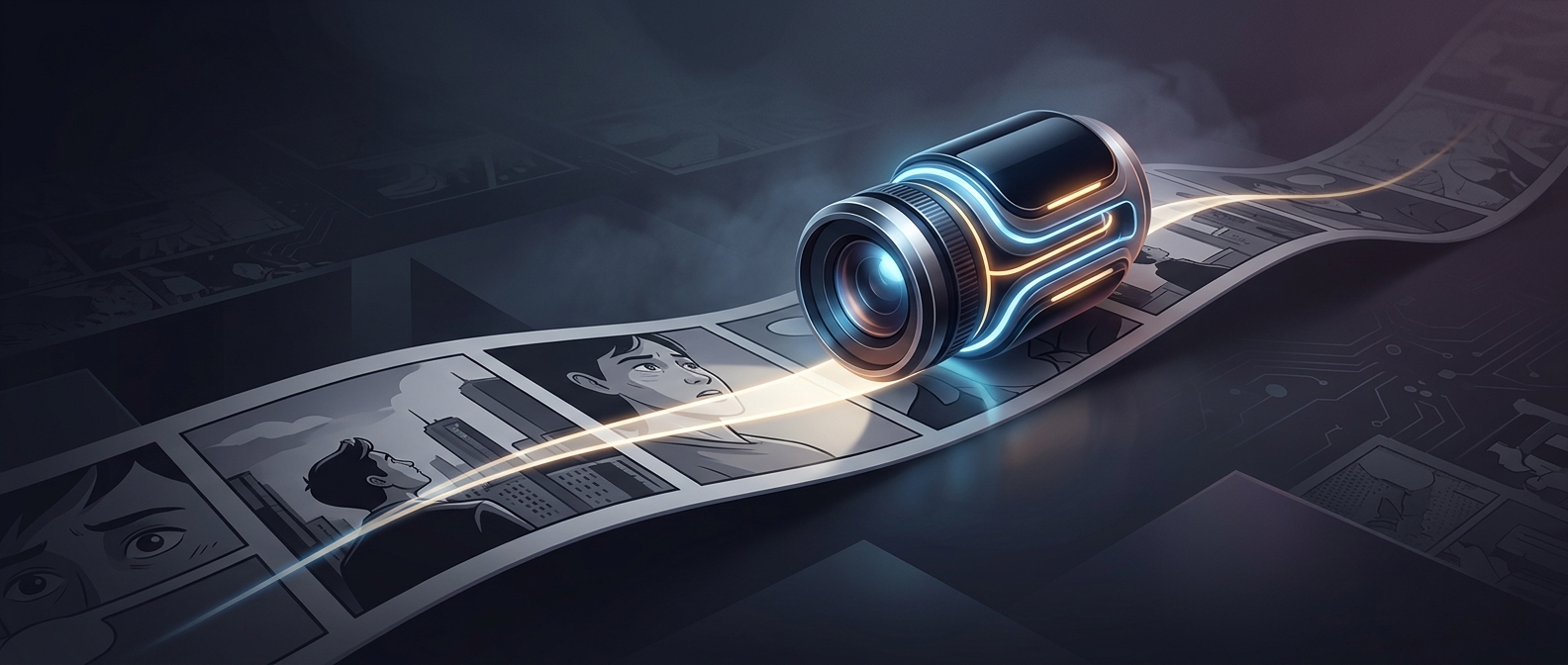
The movement is a change in framing, not animation. Characters do not move; the digital viewport—the portion of the page currently visible—slides across a fixed drawing. A close crop can make a face or a line of dialogue feel prominent, while a wider view restores the surrounding scene.
The Page Becomes a Kind of Editing
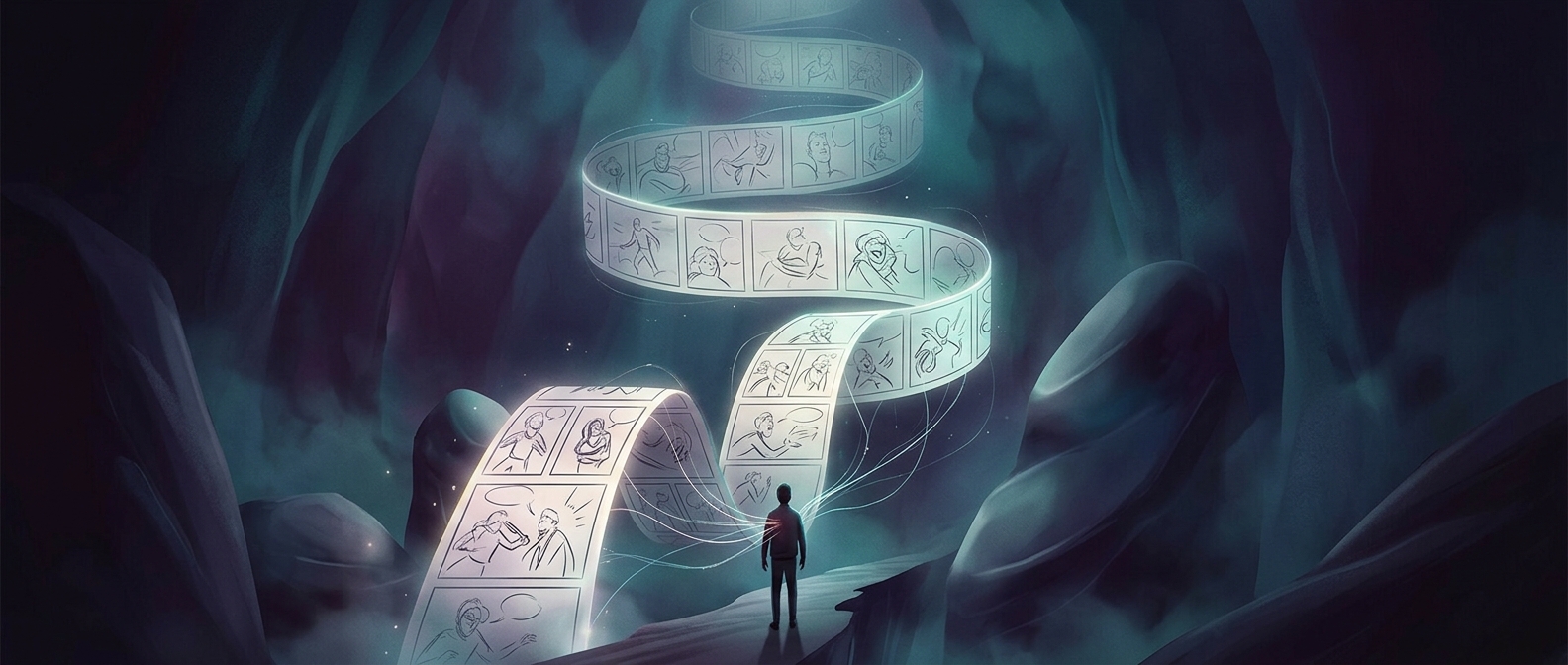
That sequence gives a comic a rhythm beyond the order of its panels. A reader may see a reaction before the larger scene that explains it, or follow dialogue in a controlled left-to-right path. The transition can make a still image feel cinematic because attention is directed from one visual beat to another, much as editing guides the eye between shots.
But the effect depends on decisions about what to show and when. A crop that is too tight can hide a clue, a character’s position, or the relationship between panels. A pause on a detail can heighten suspense; a quick move can make an exchange feel brisk. The artwork stays still, but the order and scale of what the reader sees shape the experience.
What Changes—and What Stays
Guided view adapts page-based artwork to a narrow screen without requiring every image to be redrawn as a tall, phone-native composition. It also changes how readers encounter a spread: the full-page design may be revealed gradually rather than taken in at once. That makes the feature useful for readability, but it can also make the original page layout less immediately visible. A reader moving through guided view is following both the comic’s panels and a digital camera’s route across them.