Why a monitor can flicker on camera
A studio monitor may look steady to someone in the room yet show dark bands in a filmed shot. The camera and screen are both cycling through images, but they do so on separate schedules. If their timing falls out of step, the camera can record part of one screen update and part of the next as it builds a frame.
Many cameras use a rolling shutter: instead of capturing the whole image at one instant, the sensor records it line by line. A monitor also redraws its picture repeatedly. When the camera’s scan crosses the screen while it is changing, the recorded image can contain a horizontal strip of a different brightness or picture—the familiar rolling bar.
Matching the cycles
Refresh rate is how often a monitor redraws its image; camera frame rate is how often the camera records a frame. The camera’s exposure time—the period each part of the sensor gathers light—also affects what it captures. If these cycles are poorly aligned, different rows of the camera’s image may sample different moments in the monitor’s refresh.
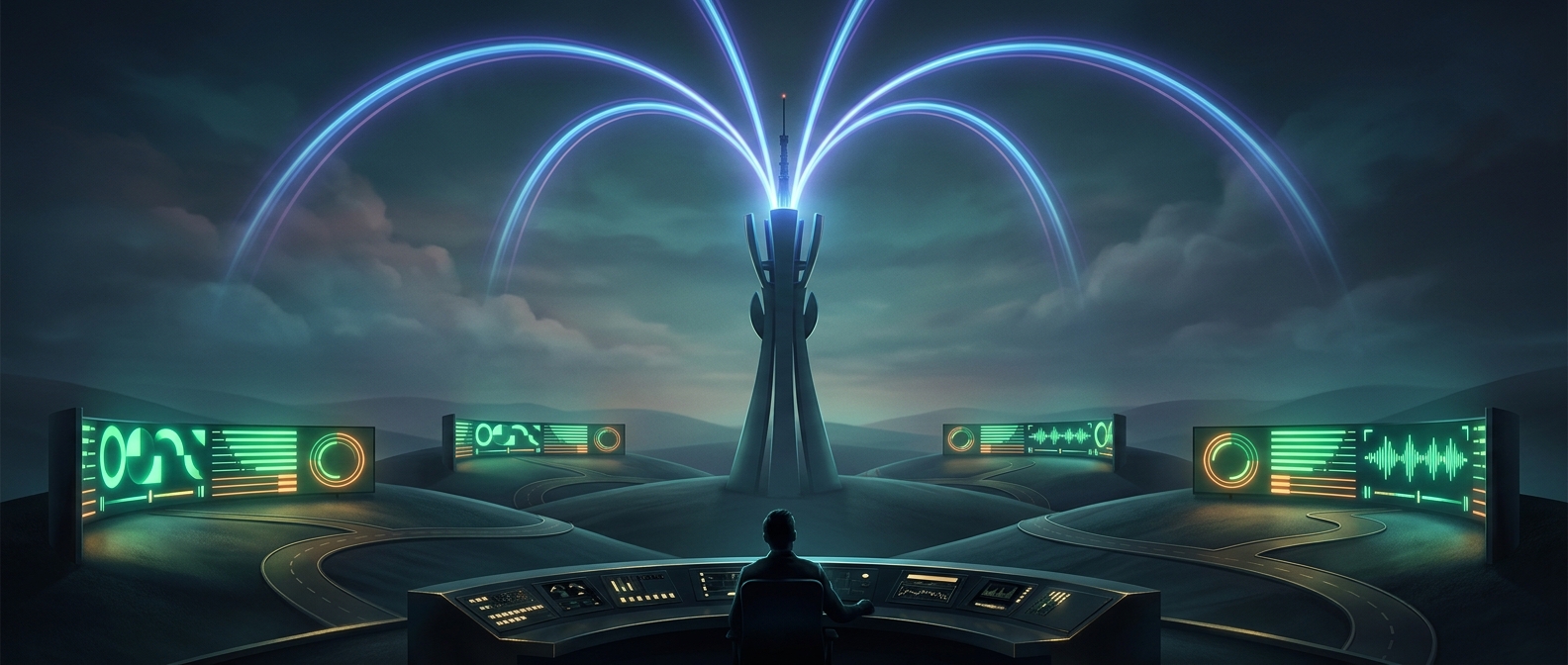
Crew members can adjust the monitor’s refresh setting, the camera’s frame rate or shutter timing, or use synchronization features that make the devices follow a shared timing signal. The goal is not simply to make two numbers look alike: it is to arrange the screen’s redraws and the camera’s exposure so the sensor sees a consistent image across the frame.
That is why a background display may be tuned specifically for the camera filming it. A screen that appears perfectly normal to the studio audience can otherwise acquire a moving black stripe in the broadcast, even though nothing is wrong with the image shown on the monitor.