Why a fast gaming monitor can look less vivid
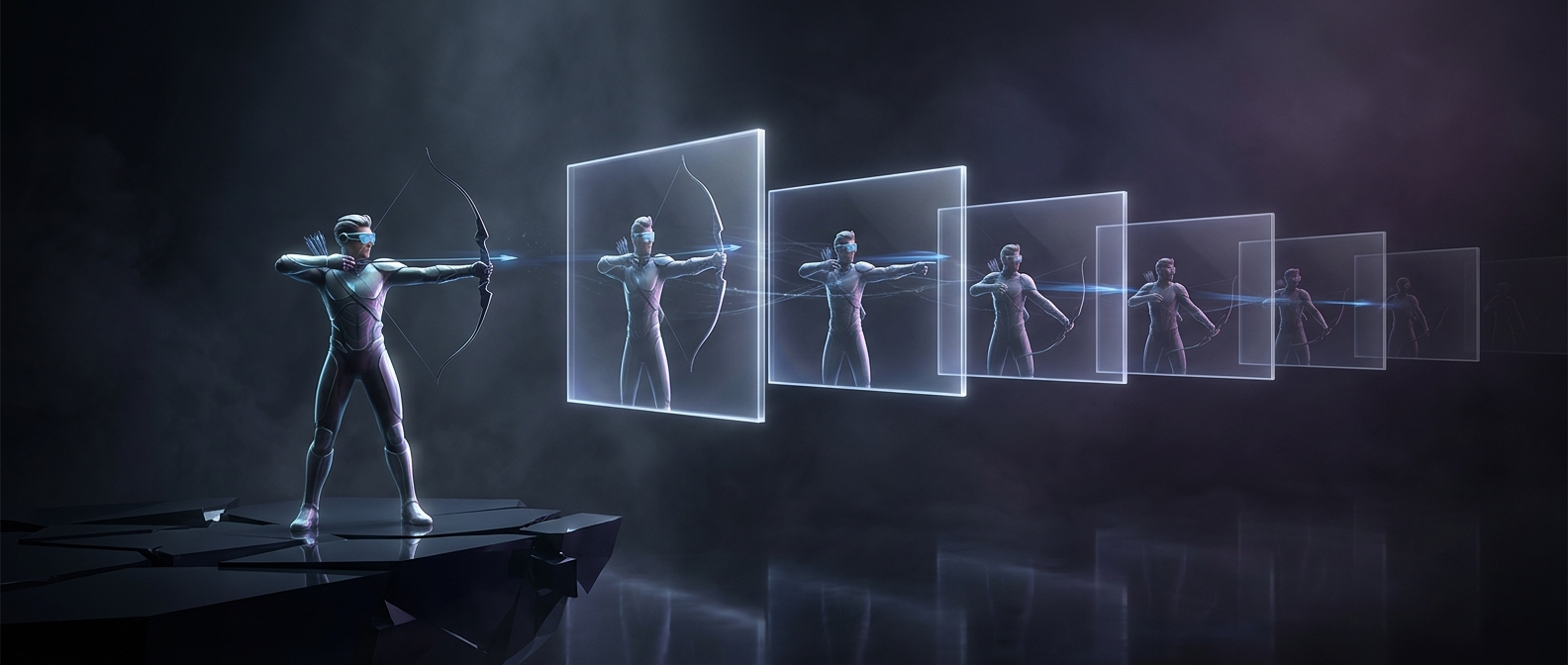
A monitor does not switch each pixel from one color to another instantly. In an LCD, liquid crystals change how much backlight passes through them, and some transitions take longer than others. A slow transition can leave a faint trace of the previous image—a blur called ghosting—that is especially noticeable when a game camera sweeps across a scene.
To reduce that blur, manufacturers tune displays for quick pixel transitions. Some panels built around speed have narrower color ranges or colors that shift more when viewed from an angle. The result can be a picture that looks flatter or washed out beside a monitor designed to reproduce a broader, more accurate range of colors.
The cost of pushing pixels harder
A common speed setting called overdrive briefly pushes pixels beyond their target state so they reach it sooner. Set too aggressively, it can create bright or dark trails instead of ordinary blur. Manufacturers therefore balance how quickly pixels settle against how clean the image looks—and the best setting can vary with the game and the monitor.
The tradeoff is not simply “fast means dull”: panel design, factory tuning, and color settings all matter. But when a display is optimized first to keep motion crisp, the compromise may show up both in its color reproduction and in the artifacts that appear at its most aggressive speed setting. In a fast-moving game, a little less color depth can be the price some players accept for sharper motion.