Why corners look darker in a rendered scene
In a computer-generated image, ambient light stands in for illumination arriving from many directions—not just from a lamp or the sun. A tucked-away corner receives less of that light because nearby surfaces get in the way. Ambient occlusion (AO) approximates this effect, adding subtle darkening where surfaces meet or sit close together.
How the estimate works
The renderer checks a point on a surface and samples directions around it. If nearby geometry blocks many of those directions, the point is treated as more occluded and shaded darker. A point on an open, exposed surface has fewer blocked directions and stays brighter.
This is an estimate, not a full simulation of light bouncing around a room. Many real-time systems use nearby depth and surface information from the rendered image to infer which areas are tucked behind other surfaces. That makes AO relatively inexpensive, though the result can be less accurate than tracing light through the entire scene.
Small shadows, clearer shapes
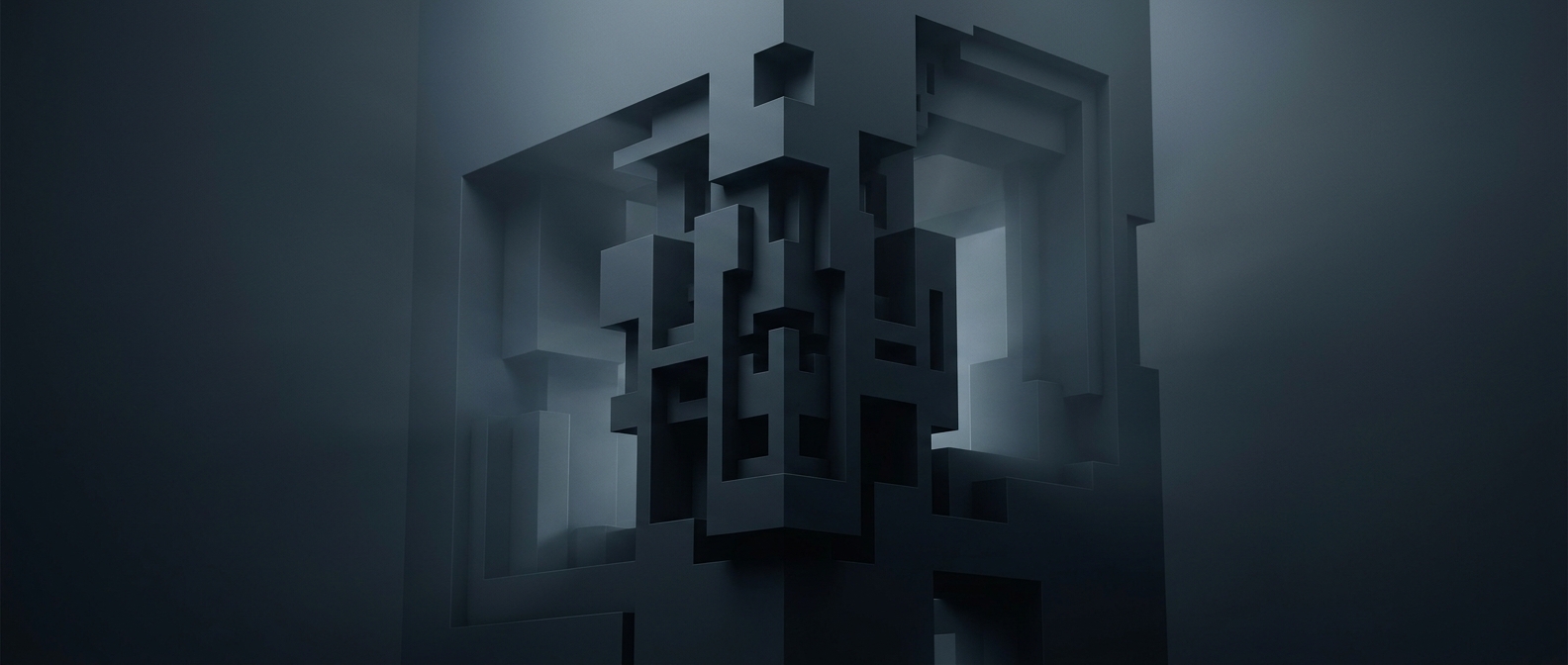
Without AO, two objects can appear to float apart even when they touch, and a shallow recess may look unexpectedly flat. The dark seam at a contact point gives the eye a cue that the surfaces are close and helps reveal the shape of folds, joints, and narrow gaps.
AO does not create the scene’s main cast shadows; it supplies a local shading cue. Used gently, it makes objects feel more grounded. Applied too strongly, it can turn every crevice into a dark outline, making the scene look dirty rather than dimensional.