The Menu Is Already a Live Scene
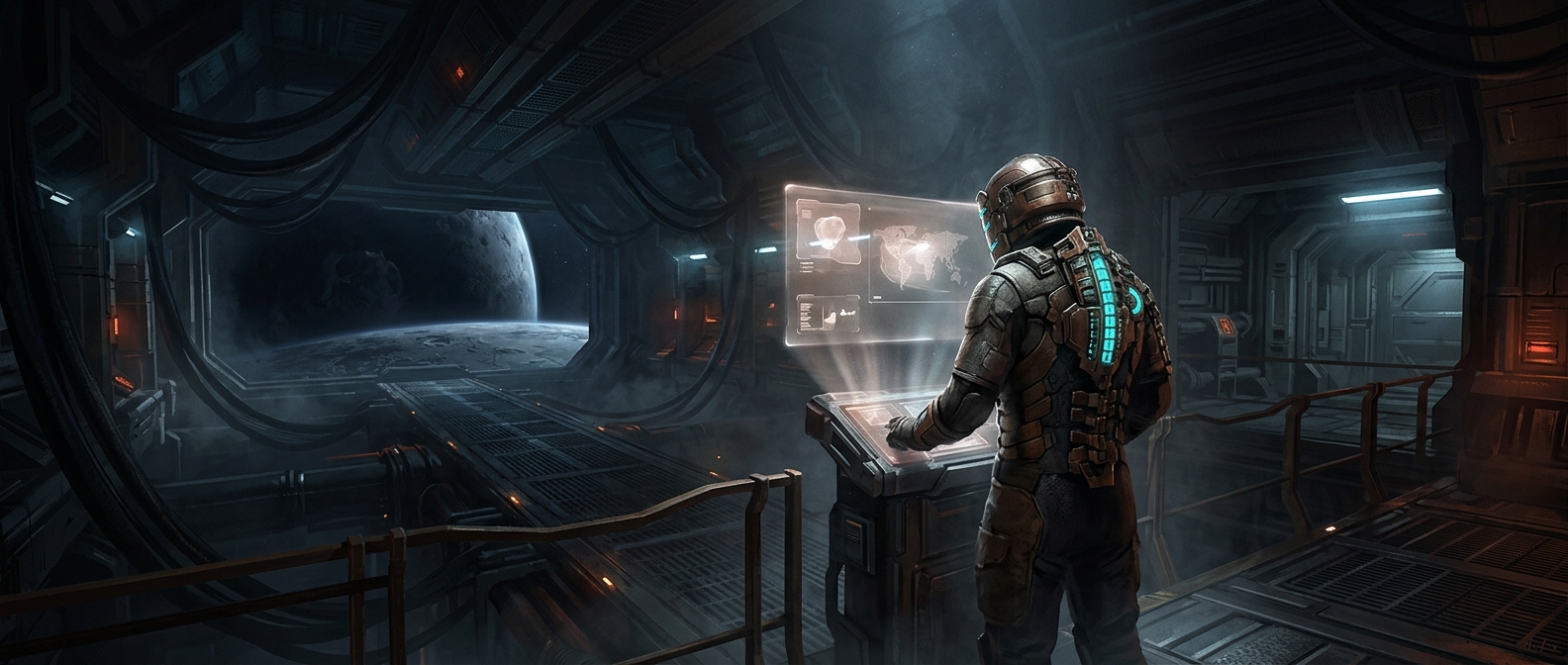
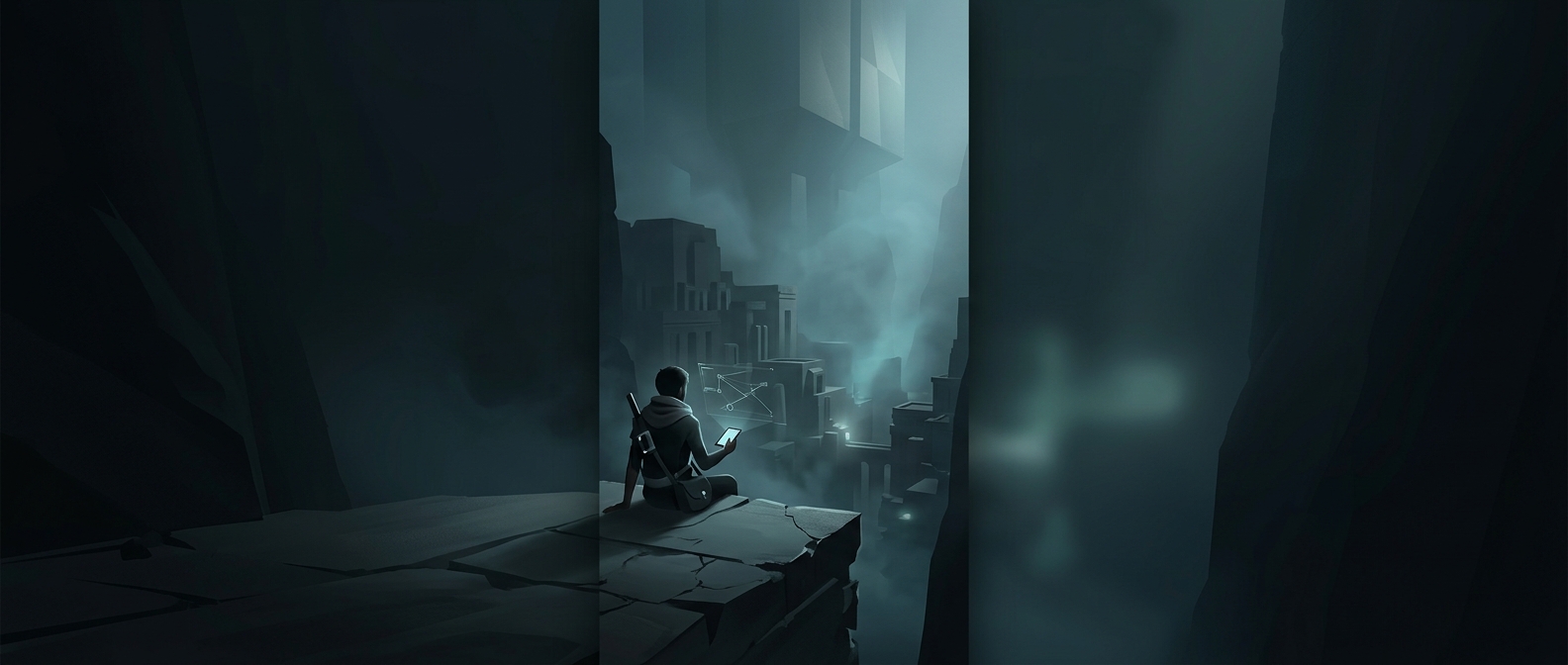
A 3D menu can be more than a picture placed behind a list of buttons. The game may load models, materials, lights, and a camera into a scene, then render that scene repeatedly as the menu stays open. Rendering means calculating what the camera would see—including surfaces, shadows, and lighting—and turning those calculations into the frames on your screen.
That setup lets the camera glide past a character or reveal a corner of the game world in a way a flat image cannot. The scene may use the same kinds of assets and rendering systems as gameplay, though it can be arranged specifically for the menu rather than being a playable area.
Why Spend the Computing Power?
A live scene can make a menu feel connected to the world the player is about to enter. Developers can change the camera, lighting, or featured character without treating every view as a separate illustration. A moving camera can also create depth: nearby objects shift across the screen faster than distant ones, making the space feel three-dimensional.
But every rendered frame uses processing time. The menu therefore has to share the machine’s resources with interface elements, background effects, and—if the game is still loading—other startup work. Developers can limit the scene’s detail, keep the camera pointed at a small area, or use a simpler setup than gameplay. The result can look like a broad world while requiring the game to draw only what the menu camera can see.
So a slow pan across a quiet menu may be doing real graphics work: the game is continuously rebuilding a view of its world, one frame at a time.