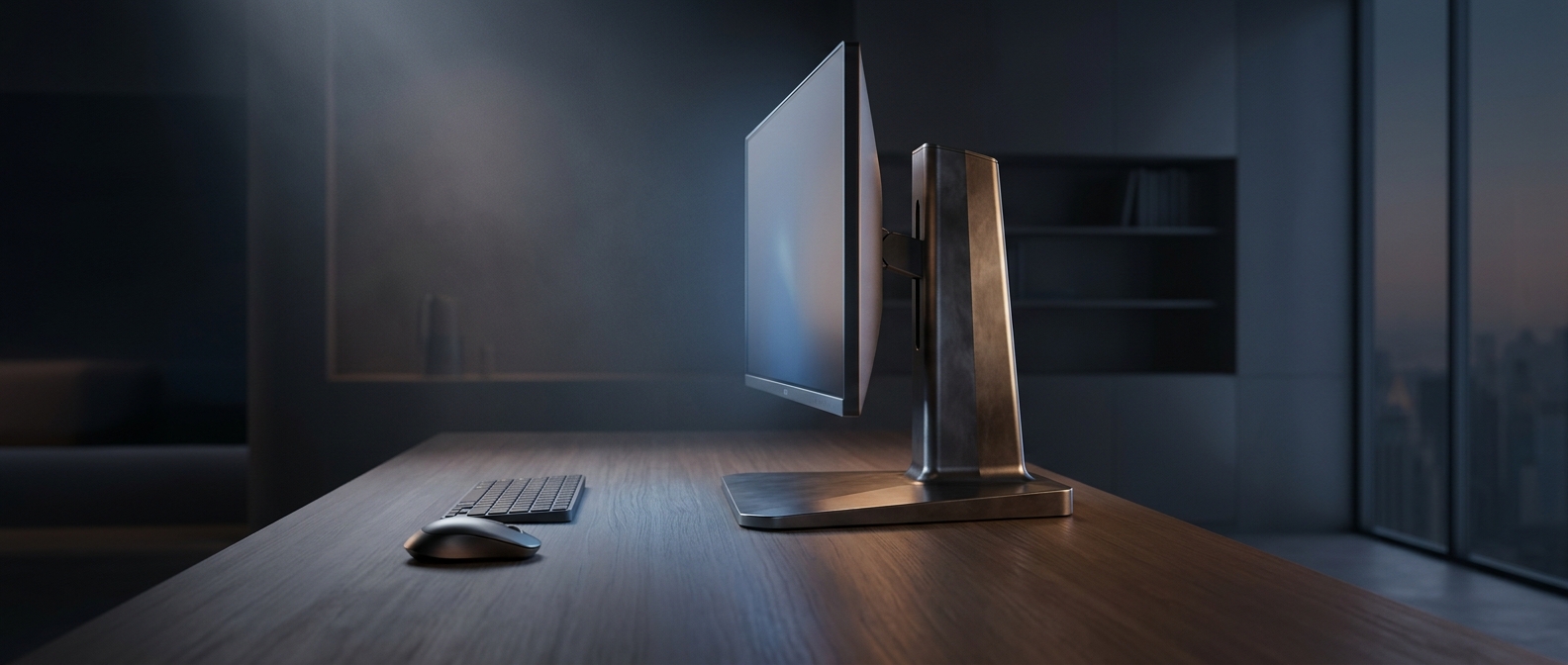
Why a Monitor Stand Reaches Forward
A monitor sits high and carries most of its weight above the desk, so its support must resist tipping as well as hold it upright. A wide base spreads that load across the surface; legs that extend toward the user help keep the screen stable when the desk is bumped or the monitor is adjusted. The result can be a stand that looks compact from the side but claims a surprising amount of usable depth.
That footprint matters because desk depth is shared space. The monitor base occupies the area where a keyboard might otherwise sit, so the keyboard gets pushed closer to the front edge. That can leave less room to rest the hands or move a mouse, especially on a shallow desk.
The Tradeoff Is Stability Versus Clear Space
A stand’s shape is a design compromise: a broad, forward-reaching base can provide support without a separate mounting system, but it uses desk surface that a smaller support might leave open. A central pedestal or an arm clamped to the desk can free space beneath the screen, though each has its own size, compatibility, and setup constraints.
Before choosing a monitor, compare the base’s front-to-back footprint with the depth of the desk—not just the screen’s width. The key question is whether the keyboard can stay far enough from the edge while the monitor remains stable. A few inches of stand can determine whether the desk feels workable or crowded.