Why USB-A Seems to Need Three Tries
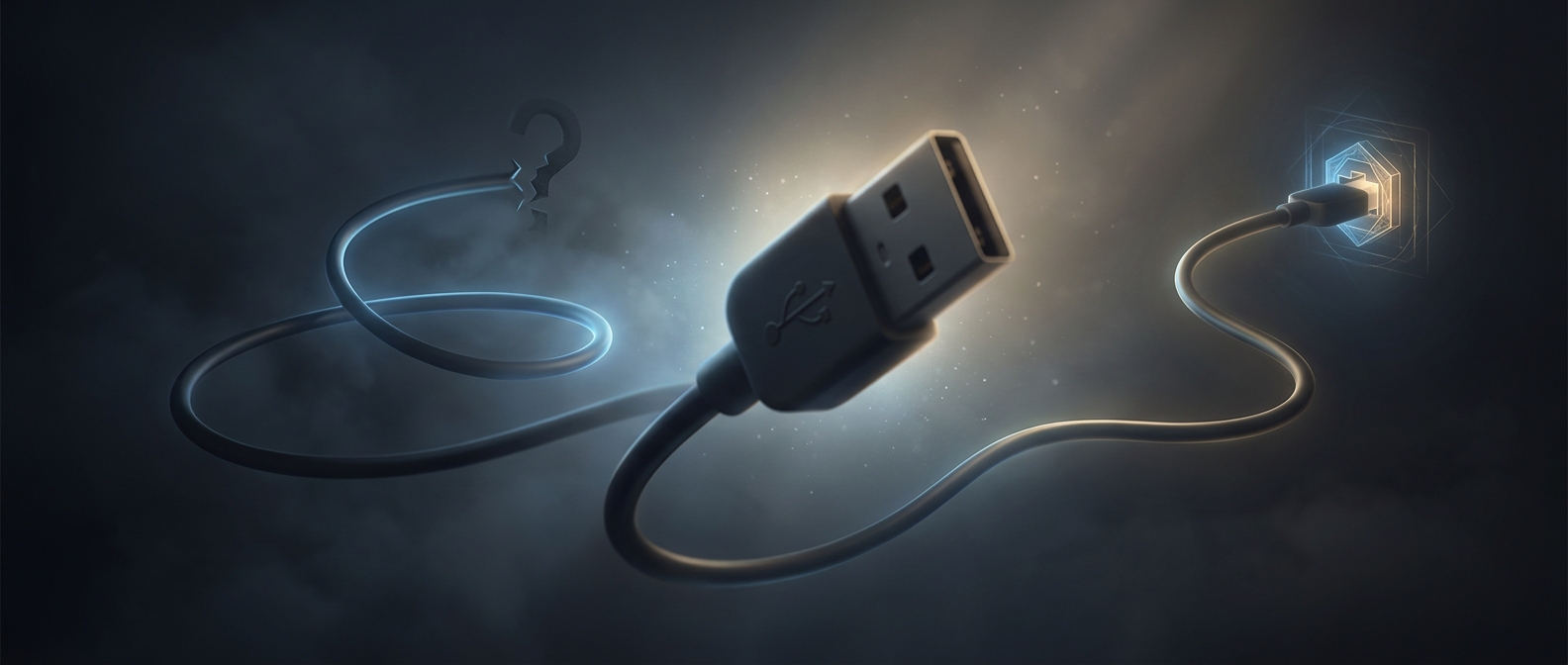
A USB-A plug is a rectangle with a top and a bottom, not a shape that works either way up. Inside the plug, a row of metal contacts must line up with matching contacts inside the port. Turn the plug over, and the plastic shell and contact layout no longer match the opening, so it stops instead of connecting.
The trouble is that the connector is small, often tucked behind a computer or under a desk, and easy to inspect only from an awkward angle. The plug can look nearly symmetrical in dim light, while the port’s interior may give few obvious clues. A person tries one orientation, feels it resist, flips it—and sometimes flips it back before noticing the tiny alignment cue.
A Small Design Tradeoff
USB-A’s fixed orientation helped keep the plug’s contacts aligned in a compact, sturdy connector. But it made insertion depend on seeing or remembering which side was up. Many USB-A ports have a small symbol or colored insert that can help identify the correct side, though placement and visibility vary.
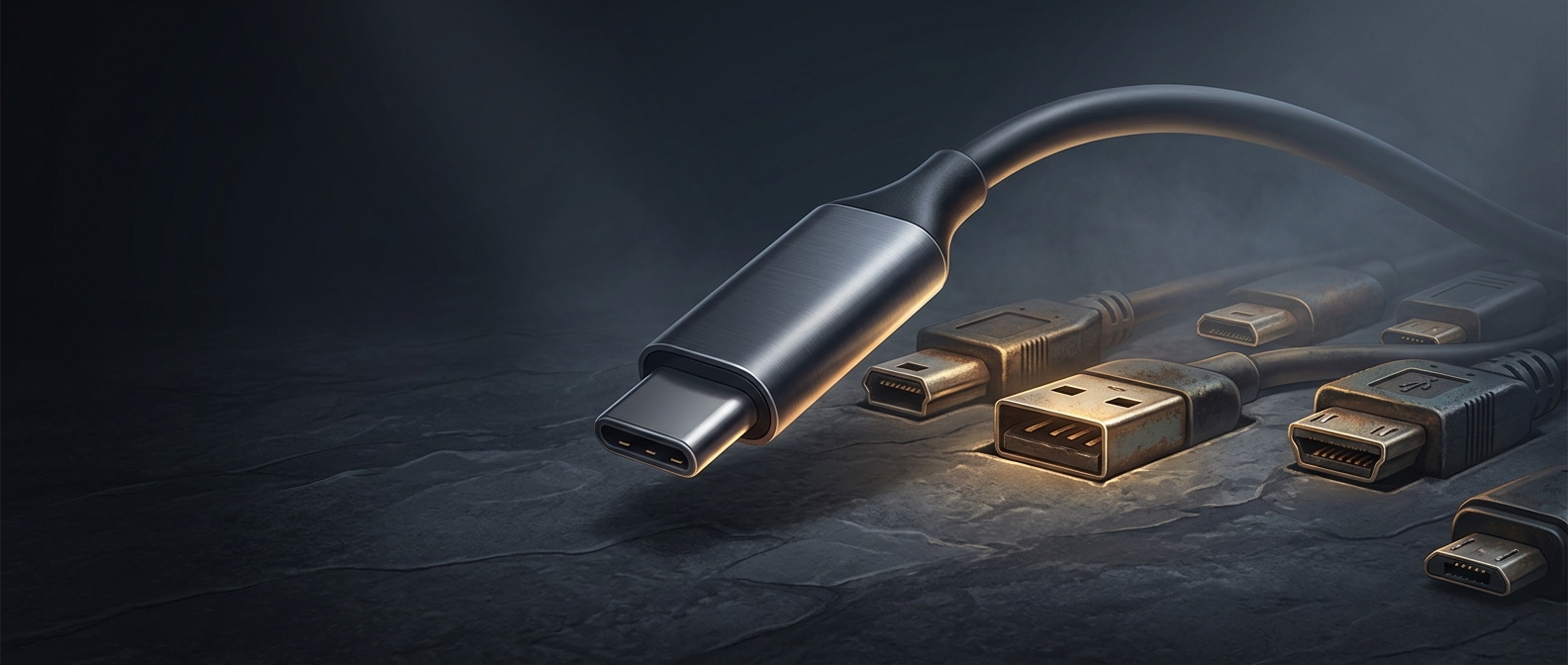
Later USB-C connectors addressed this particular annoyance with a reversible design: their plug can be inserted either way. USB-A remains common, so its familiar ritual persists. The “three tries” are not a property of the electronics—just the human cost of a one-way connector that is hard to see.