Why a Vertical Mouse Changes the Work
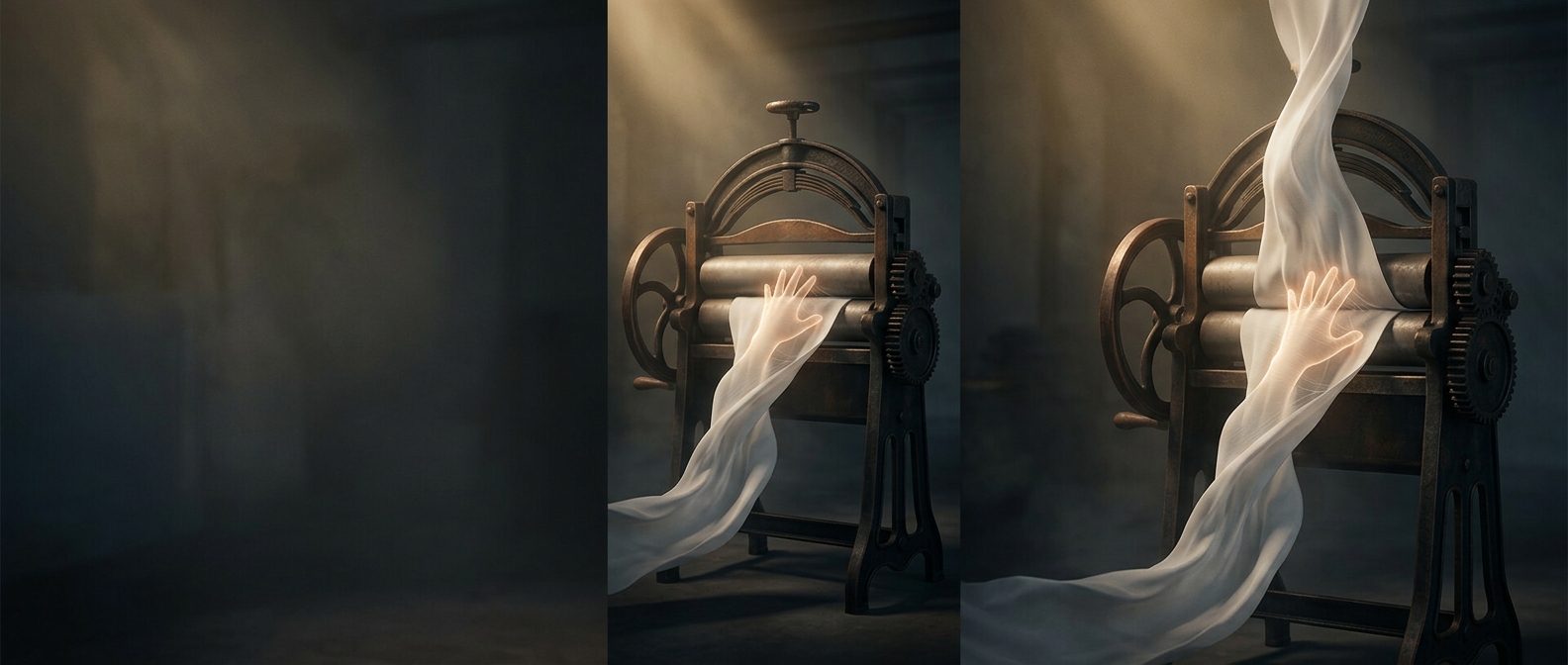
With a conventional mouse, your palm faces down. To hold it there, the radius—the forearm bone on the thumb side—crosses over the ulna, the bone on the little-finger side. That rotation is called pronation. It is a normal movement, but keeping the forearm turned while also making small, repeated mouse movements can feel tiring over a long session.
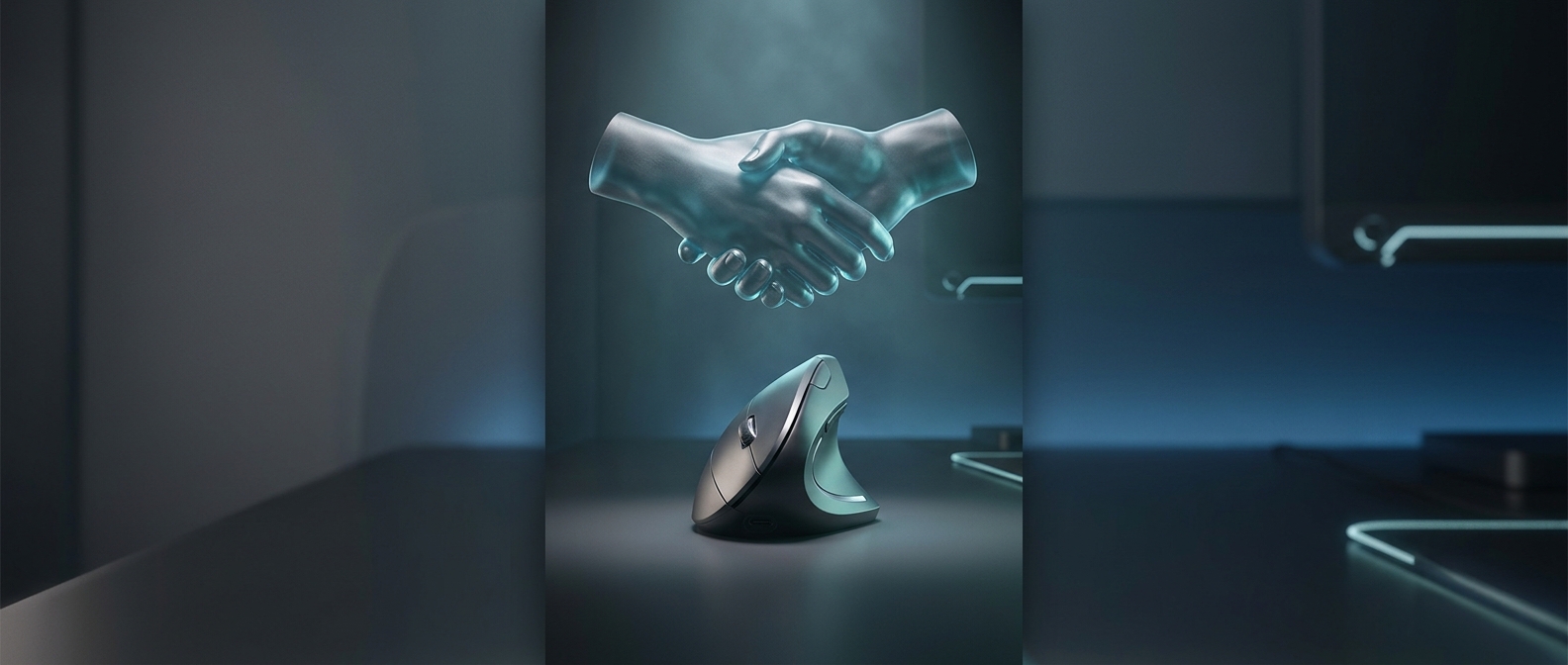
A vertical mouse tilts the buttons and body so your hand rests more on its edge, with the thumb pointing upward. That lets the forearm stay closer to a neutral, unrotated position. The handshake-like grip is not merely a different way to hold the mouse; it changes the posture required to use it.
What the Angle Can—and Can’t—Do
The possible benefit is reduced time spent holding the forearm in a rotated position. That may make mouse use more comfortable for some people, particularly if the palm-down posture bothers them. But a vertical shape does not remove all work: fingers still click, the wrist still guides the device, and the shoulder still helps position the arm. A mouse that is too large, too small, or placed too far away can create other awkward reaches.
Nor does the design guarantee that pain will disappear or prevent an injury. Comfort depends on the fit, the task, how long you use the mouse, and how your arm is positioned at the desk. Switching can also feel clumsy at first because the hand must learn to steer and click from a new angle.
The Practical Test Is Your Whole Setup
A useful trial is whether the grip lets your hand and forearm rest comfortably while your elbow stays near your side and your wrist remains fairly straight. If the mouse makes you reach, squeeze, or bend your wrist, its distinctive shape may not be helping. The handshake position is best understood as one way to reduce a particular twist, not a shortcut around breaks, a well-placed desk setup, or individual fit.