A button press has several small delays to cross
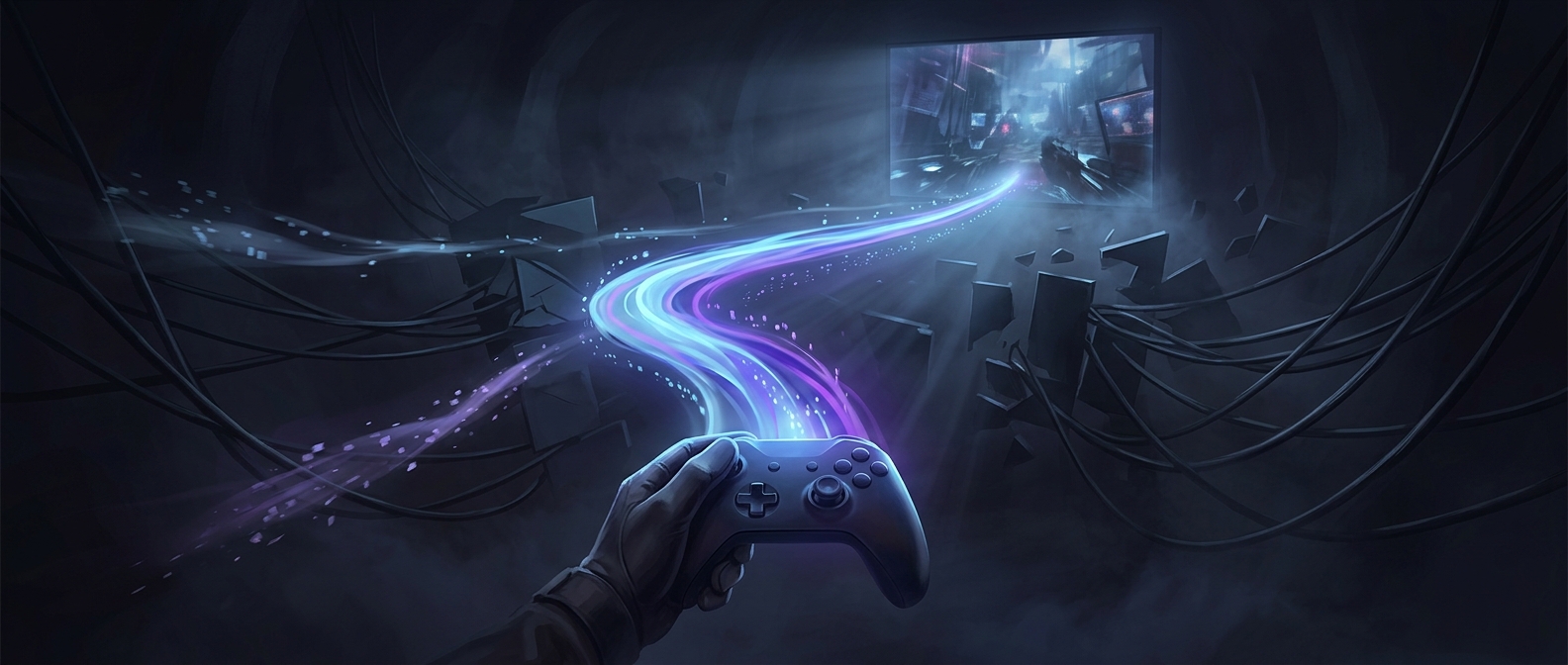
A wireless controller does not send a button press straight into a game. The controller first detects the press, packages the input into a radio message, and sends it to a receiver in the console. The console then has to pass that input to the game, which acts on it during an update. Each step adds a little time.
A custom wireless protocol can be designed to keep those steps short and predictable. For example, the controller and console can agree on how often to exchange input packets and how to handle missed or noisy transmissions. A packet is a small bundle of data—in this case, information such as which buttons are pressed and how far a stick is tilted.
The goal is dependable timing, not just speed
Radio traffic can be delayed by interference or by waiting for a scheduled transmission. A system tuned for gaming can prioritize frequent, compact input updates rather than treating the controller as a general-purpose wireless accessory. That helps the console receive fresh input in time for the game’s next update.
This does not mean every custom signal is automatically faster than every Bluetooth connection. The result depends on the whole system, including the controller’s electronics, the receiver, radio conditions, and the game’s own timing. Designers also have to balance responsiveness with battery life and reliable operation in a crowded room.
Why consoles may favor a dedicated link
A proprietary link gives a console maker more control over both ends of the connection. The tradeoff is less universal compatibility: a controller built for one system may not work with another without additional support. For a player, the benefit is that a press can feel immediate and consistent—even though the signal still has to make a multi-step trip from the controller to the game.