From a held key to a locked state
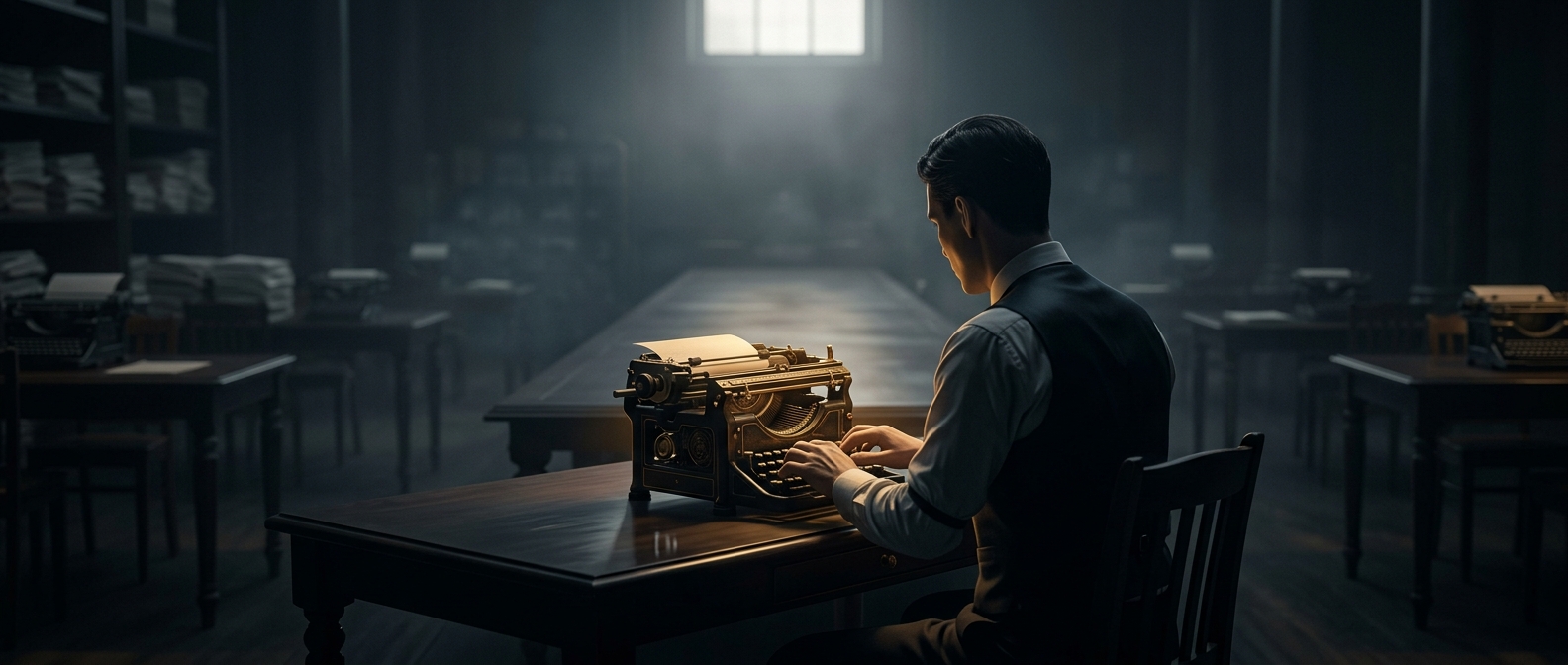
On a typewriter, Shift changed which part of each typebar struck the paper. A typebar carried both a lowercase and an uppercase character; pressing Shift moved the mechanism so the uppercase one lined up with the ribbon and page. Releasing the key returned the machine to lowercase.
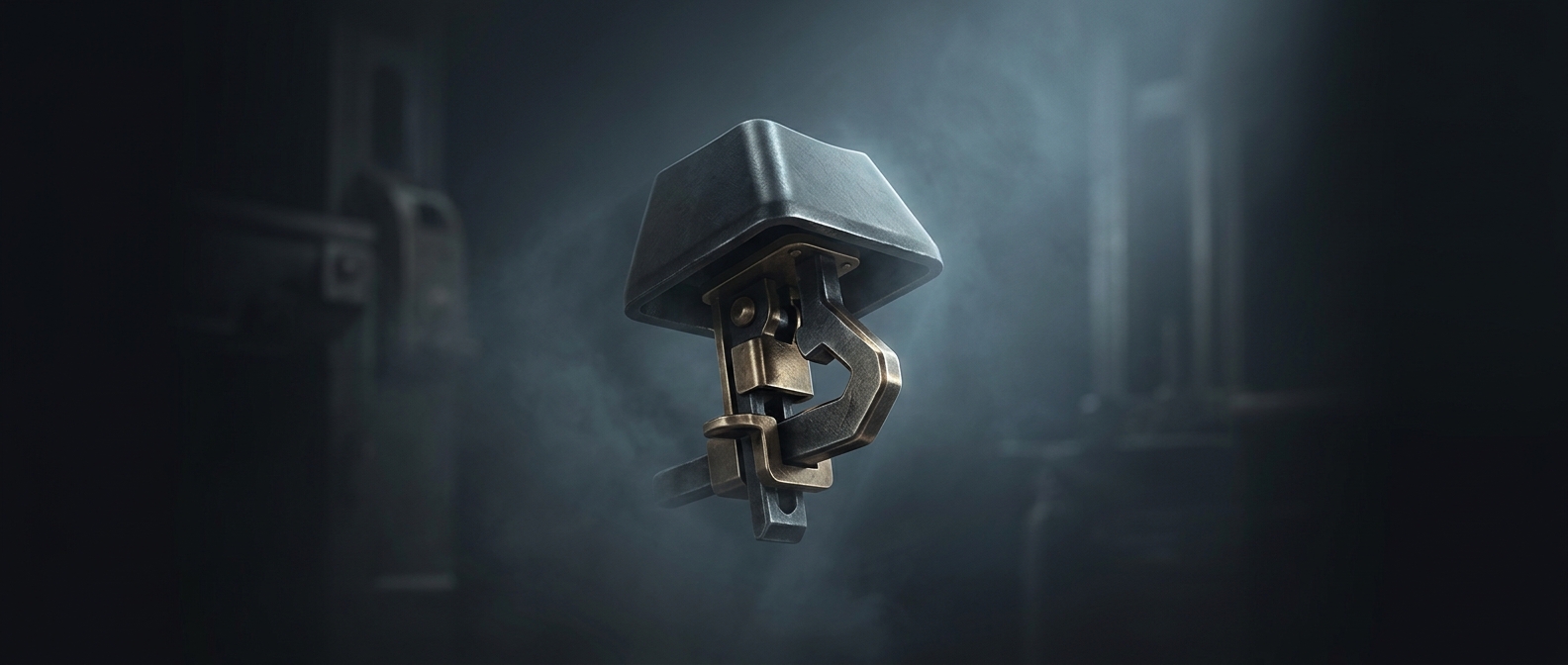
That made a long run of capitals awkward: the typist had to keep the heavy mechanism shifted while also striking other keys. A latch could hold Shift down until the typist released it, turning a temporary action into a sustained setting.
The computer version works differently
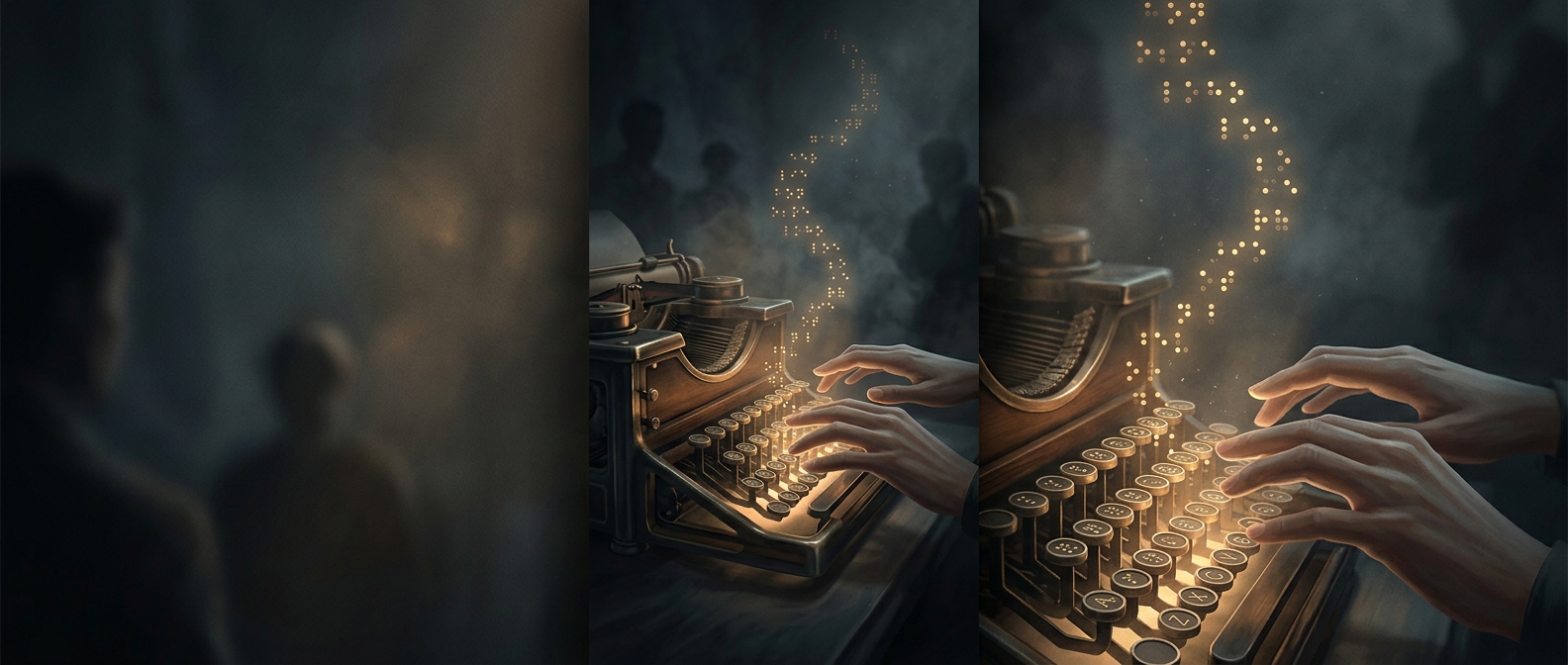
Computer keyboards inherited the name, but Caps Lock is not simply a typewriter’s latch carried over unchanged. A typewriter’s lock physically held part of its mechanism in position. On a computer, pressing Caps Lock changes a stored keyboard state: the system interprets ordinary letter keys as capitals until the key is pressed again. Shift remains the temporary control, producing capitals only while held.
That change reflects a broader shift from machines whose keys directly moved hardware to keyboards that send signals for software to interpret. The old name survived even as the underlying action became electronic.
A small design choice with a long afterlife
The distinction matters in everyday use: Shift is suited to a single capital or a brief combination, while Caps Lock sets a mode for an extended stretch of typing. A mechanical workaround for tiring hands thus became a separate toggle on modern keyboards—and a reminder that familiar computer controls often preserve the logic, and vocabulary, of older machines.