The screen gets wider; the interface has to choose what moves
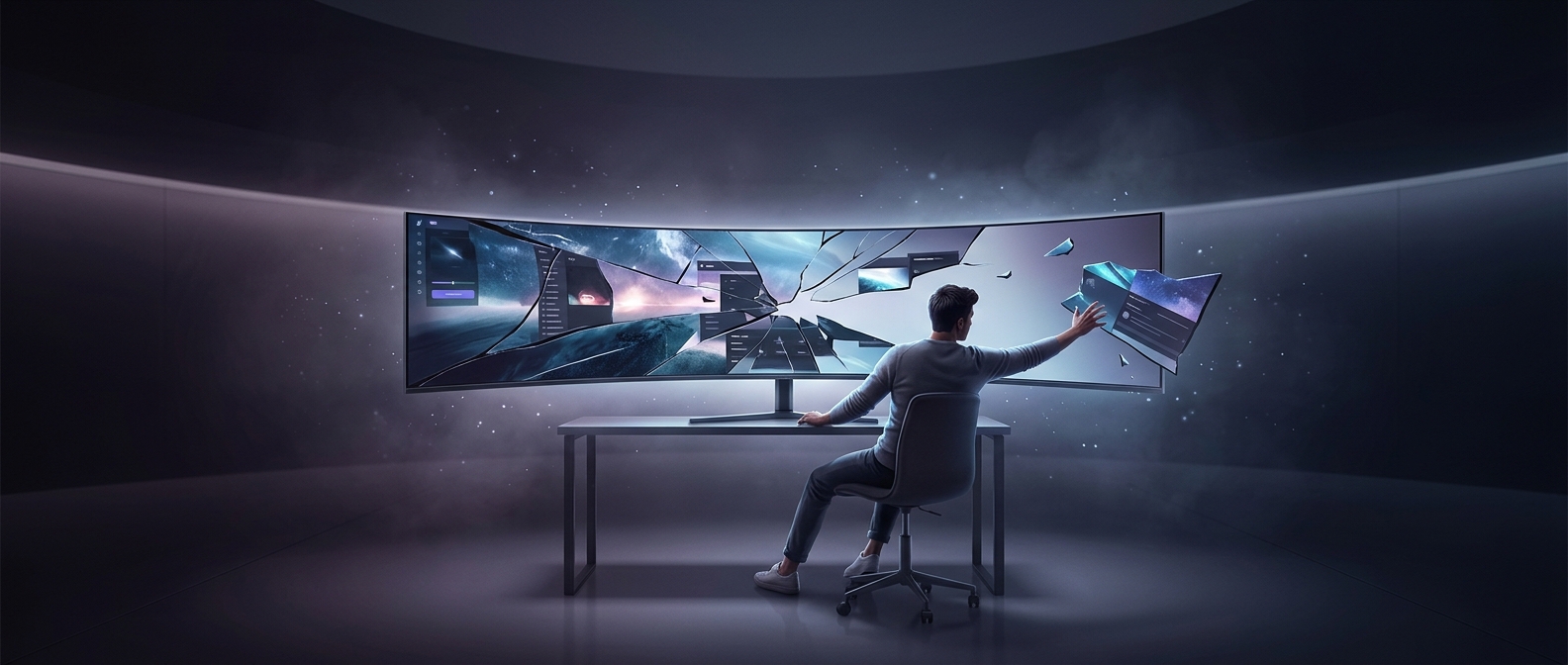
A game’s aspect ratio is the relationship between a screen’s width and height. Many games are laid out around a familiar widescreen shape. An ultrawide display adds room to the left and right, but that does not automatically give the game a sensible place to put every visual element.
The game may handle the extra width in different ways. It can show more of the 3D world, crop the view, or stretch an image made for a narrower screen. Stretching changes the apparent shape of the picture; showing more of the world preserves its shape but expands the player’s view. These are separate decisions from where the game draws its interface.
Why a health bar can end up in the wrong place
Interface elements are often positioned relative to screen edges. A health bar anchored to the left edge stays near that edge as the display grows wider. On a very wide screen, it can feel far from the central action, where the player’s attention usually is. If a game instead scales the whole interface to fit, text and icons may become awkwardly large or small.
That makes ultrawide support more than a matter of making the picture fill the panel. Developers have to decide which parts of the view can expand and which interface elements should stay a comfortable distance from the action. Some games offer a separate interface scale or safe-area setting; others use fixed positions or layouts built for a narrower frame.
The practical result is that a game can render the world correctly and still feel poorly adapted: the player sees more scenery, but has to glance much farther to check a health bar or other essential cue.