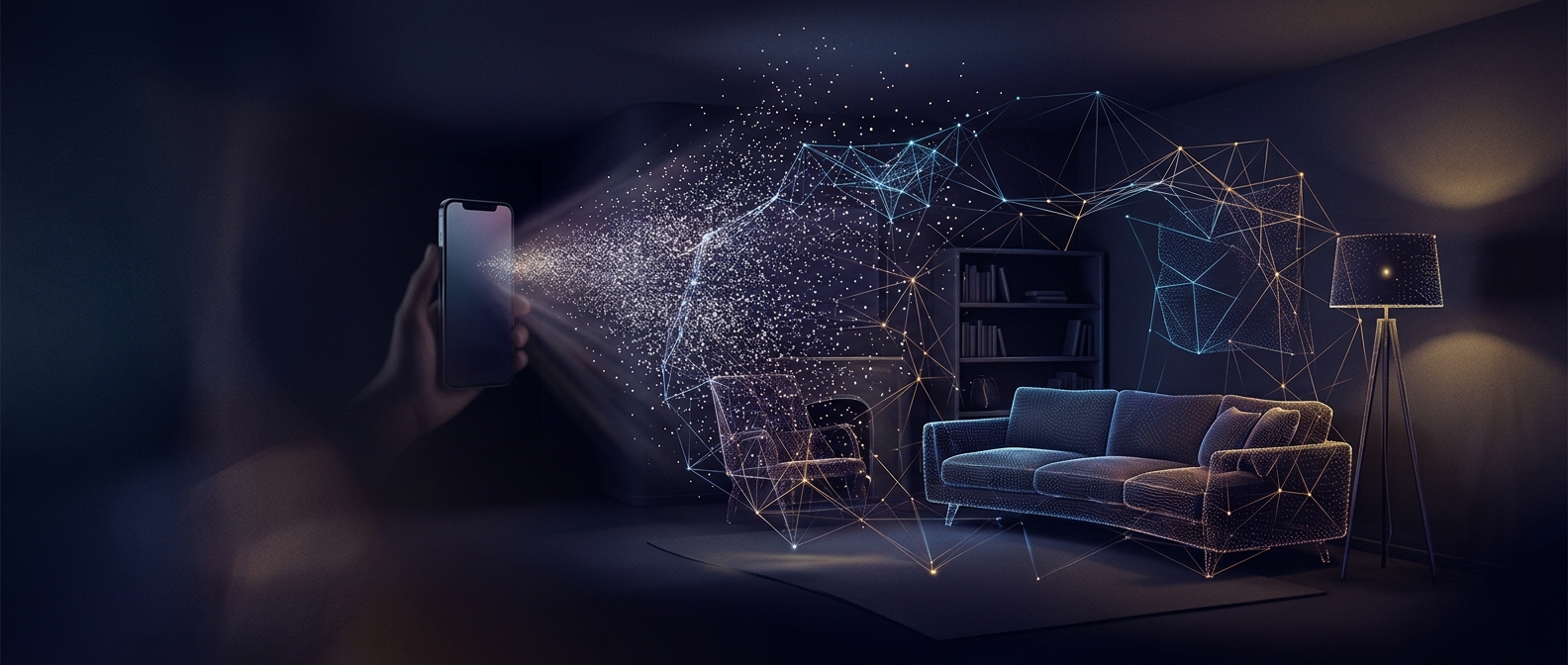
From distance readings to a room-shaped map
A LiDAR sensor does not photograph a room with laser light. It samples distances: for each pulse it can detect, the phone estimates how far away the reflecting surface is from the pulse’s return time. Repeating that across many directions produces a depth map—a grid in which each point represents a distance rather than a color.
That distinction matters. A camera can show that a wall is gray; the depth map tells the phone that the wall is several feet away. Together, those two kinds of information help an app place a virtual object on the floor instead of making it appear to float in front of the camera view.
The phone has to keep track of itself, too
A single scan is only a snapshot from one position. As someone moves the iPhone, its motion sensors and cameras help estimate how the device has shifted and turned. The software can then align new depth readings with earlier ones, gradually building a more complete model of the space.
This is why a room scan improves as the phone is moved around: each new viewpoint can reveal a surface that was hidden or poorly measured before. The resulting model can give an augmented-reality app useful information about floors, walls, and nearby objects, but it is not automatically a flawless architectural plan. Small details, distant surfaces, or materials that reflect little light may be harder to capture.
Why an app cares about the distances
Without depth information, an AR app must infer where surfaces are from camera images alone. LiDAR gives it a direct distance cue, which can help virtual objects appear more convincingly attached to real surfaces and help the app judge whether an object should be in front of or behind something in the room. The practical payoff is not that the phone sees an entire room perfectly at once; it can make a moving camera’s changing views fit together into a usable sense of space.