The handshake inside a Lightning plug
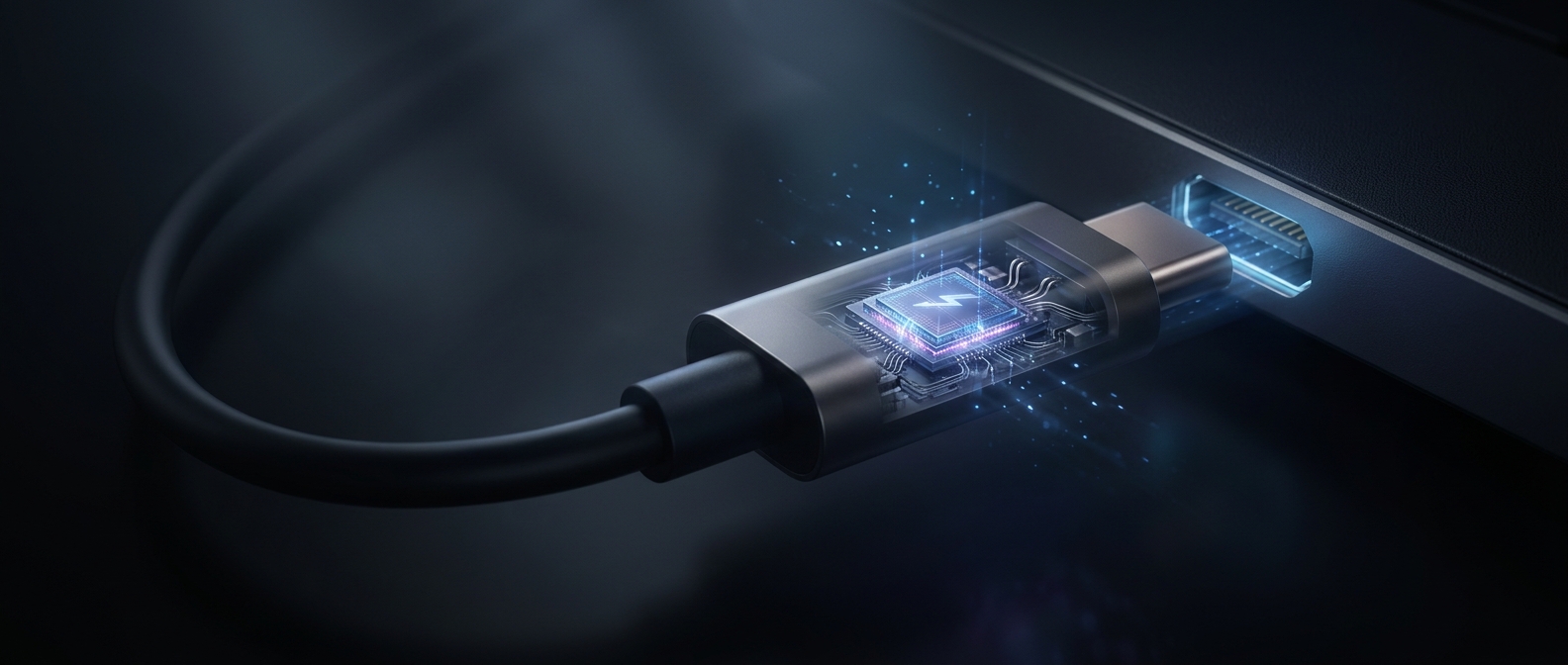
A Lightning connector is more than a set of metal contacts. In many Apple-certified cables and accessories, a small authentication chip helps the device identify the accessory. When you plug it in, the iPhone or iPad can communicate with that chip and check whether the connection is recognized before allowing it to work normally.
That exchange is a form of accessory authentication: the device is checking a credential, not merely sensing that something conductive has been inserted. If the check fails, iOS may refuse the connection or display an alert that the accessory is unsupported. Some unrecognized cables may still work intermittently, but they can also fail to charge or transfer data reliably.
Why put a check in the cable?
A cable carries power, and often data, between a device and another object. Poorly made accessories can create problems ranging from unreliable connections to electrical faults. Authentication gives Apple a way to distinguish approved accessories from ones that have not passed through its certification system, while also helping ensure that devices and accessories follow the expected electrical and communication requirements.
The chip does not make every certified cable indestructible, nor does it guarantee that a cable will never fail. It is one part of the compatibility system—not a substitute for sound construction or careful use.
The practical consequence
A Lightning cable can look exactly right and still be rejected if its authentication or electrical behavior is not accepted by the device. That is why a warning can appear even when the plug fits: the phone is checking what is inside the connection, not just whether the connector goes in.