Why a DisplayPort plug can hold on so tightly
A latched DisplayPort plug does more than sit snugly in its socket. Small spring-loaded catches on the plug engage inside the port, helping keep the cable from slipping out if it is tugged or jostled. That can be useful behind a desk, where cables are often bumped or pulled as equipment is moved.
The catch also changes how the plug should be removed: pulling straight out while it is still engaged makes the latch resist the motion. A release button or tab on the plug retracts the catches so the connector can slide free.
How a cable pull can become a port repair
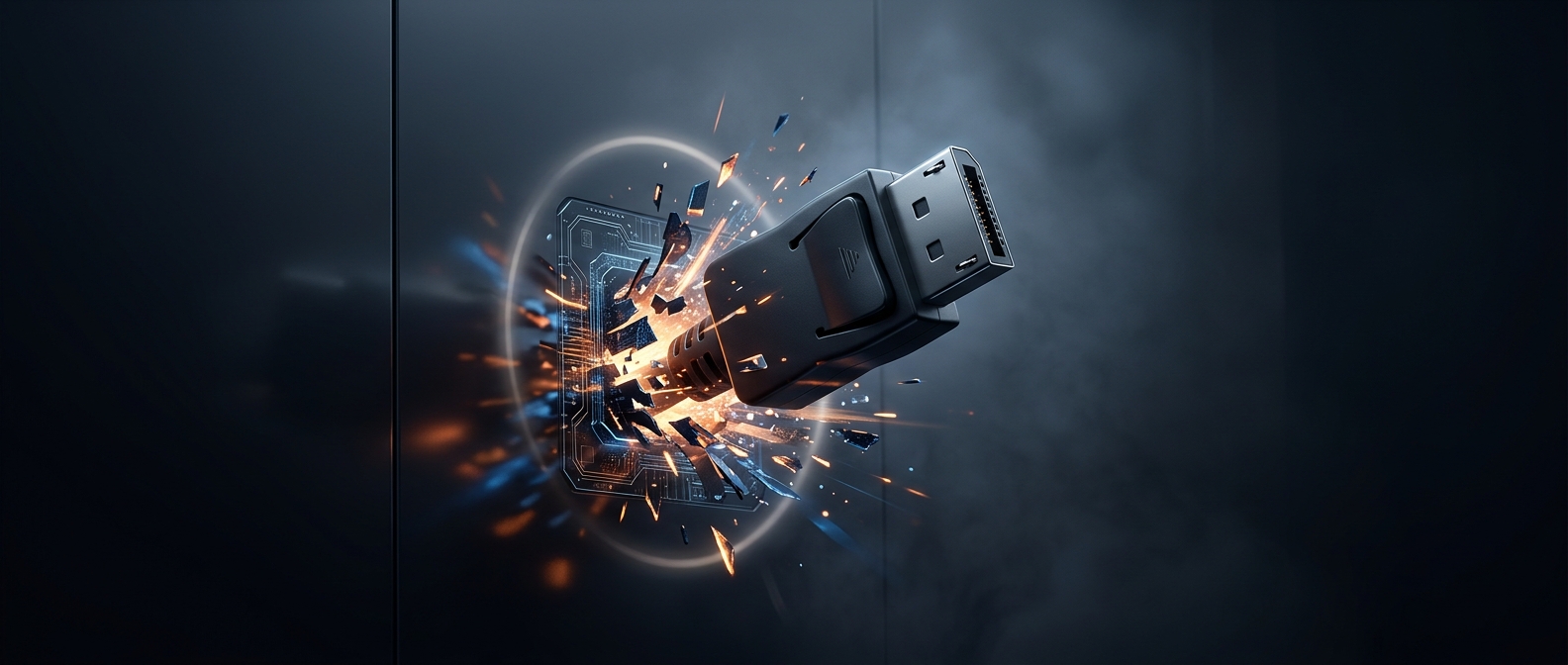
The port is mounted to the graphics card’s circuit board. If a latched plug is yanked hard, the force has to go somewhere: it can strain the connector’s internal contacts and its attachment to the board. A sideways pull adds leverage, because the cable acts like a handle twisting the plug against the socket. In a bad case, the port can loosen or break rather than the cable simply coming free.
Before disconnecting, look for the release on the cable’s plug and press it while pulling the connector straight out. If it does not move, stop and check that the latch has actually disengaged instead of increasing the force. That small pause can spare the graphics card a repair—and helps explain why a connector designed to stay put can be unexpectedly troublesome when it is time to unplug it.