Why the Same Letterform Needs to Change Size
When type gets smaller, its details do not simply become miniature versions of themselves. Thin strokes can fade, tight gaps can close, and the open spaces inside letters—called counters, as in the middle of an “o”—can become hard to distinguish. A typeface tuned for a large headline may therefore look cramped or fragile in a footnote.
Optical sizing addresses that change in how letters appear at different scales. Instead of reducing every part evenly, a designer adjusts the shapes so their important features survive at the size people will actually read.
What Changes in Small Text
Small-size designs often use sturdier strokes and more open letterforms. Counters and gaps may be widened, while details that would blur at reduced size are simplified. Spacing can also be adjusted so neighboring letters do not run together. These changes help preserve the distinction between shapes—for example, keeping a small “e” from looking like a nearly closed loop.
The goal is not to make every letter larger. It is to make the type look clear and balanced when viewed at its intended size. A small-text version may seem slightly heavier or more open when enlarged on screen, but those qualities can feel normal once the type is reduced.
From Separate Drawings to Responsive Fonts
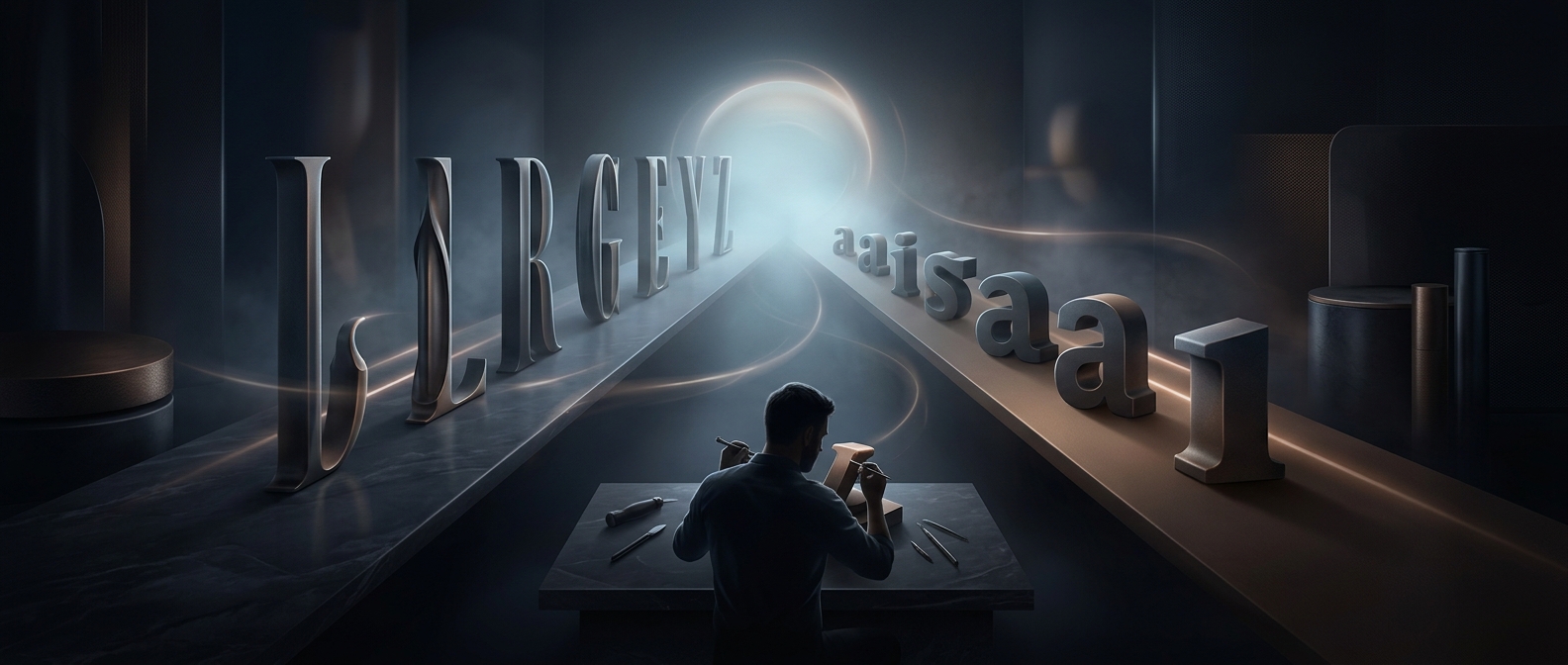
Traditionally, a type family might include separately drawn versions for text and display use. In variable fonts, an optical-size axis can let software or a designer move between those treatments, changing letter shapes as the selected size changes. The axis is a design adjustment, not just a scaling control: it can alter proportions and spacing as well as weight.
That matters in practical settings such as captions, labels, and interface text, where a few pixels can determine whether a letter’s opening remains visible. Optical sizing lets typography adapt to the reading conditions rather than asking readers to make sense of a headline’s delicate details after they have been shrunk.