Solitaire Made Mouse Practice Feel Like Play
When Microsoft Solitaire arrived with Windows 3.0 in 1990, it gave people a reason to move a mouse before they had much reason to use one. Many office workers were accustomed to typewriters, while early computer users might navigate by typing commands. A mouse introduced a different kind of control: point at something on the screen, press a button, and move it.
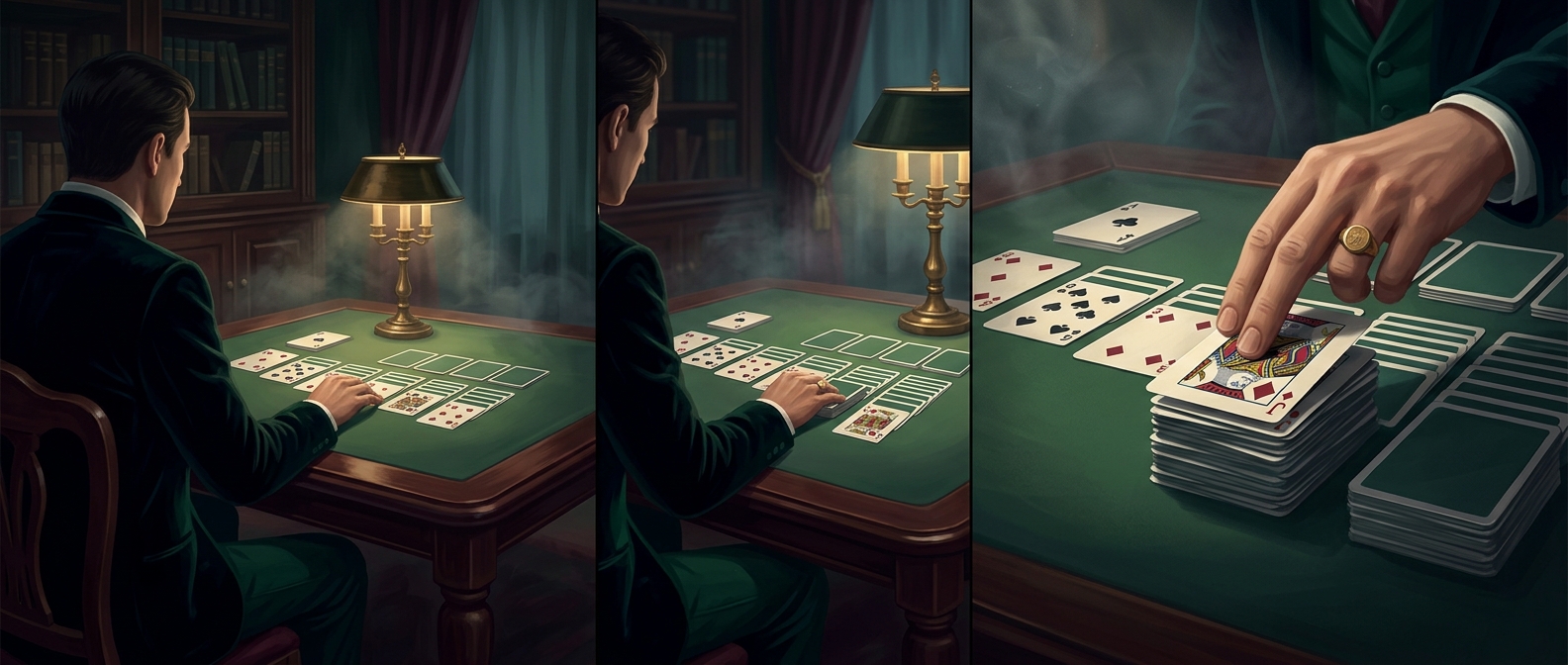
Solitaire turned those unfamiliar actions into familiar card-game moves. To shift a card, players clicked it and dragged it to a new spot; to reveal or organize cards, they clicked specific targets. The game made those motions purposeful and repeatable, without asking users to study a manual or practice on an abstract demo.
A Game That Doubled as a Tutorial
The design worked because the rules of solitaire were already recognizable. Players could focus on learning the interface while concentrating on the game: the mouse pointer showed where they were aiming, and the cards made the result of each action easy to see. A misclick was usually harmless, so experimentation carried little risk.
That is the essence of the game’s training role. Solitaire let people build mouse skills through ordinary play, especially clicking and dragging, rather than through a formal lesson. It did not teach every part of using Windows, but it made a central interaction feel less strange.
Why That Mattered at Work
A mouse is useful only when people feel comfortable reaching for it. By putting a simple, repeatable exercise on a computer many people already used, Solitaire helped make pointing and dragging part of everyday computer use. The surprising legacy of the card game is that a few moves across a screen could ease the transition from keyboards and command prompts to the graphical desktop.